
What Crestron Home is, and how it differs from older Crestron systems
George Feldstein started Crestron in 1972 in a room above a delicatessen in Cresskill, New Jersey, and the company moved its headquarters to Rockleigh, New Jersey in 1997. It equips boardrooms, lecture theatres and stadiums as well as homes, so the residential side borrows a lot from professional AV.
For a new owner the useful point is that a "Crestron house" can mean three quite different things:
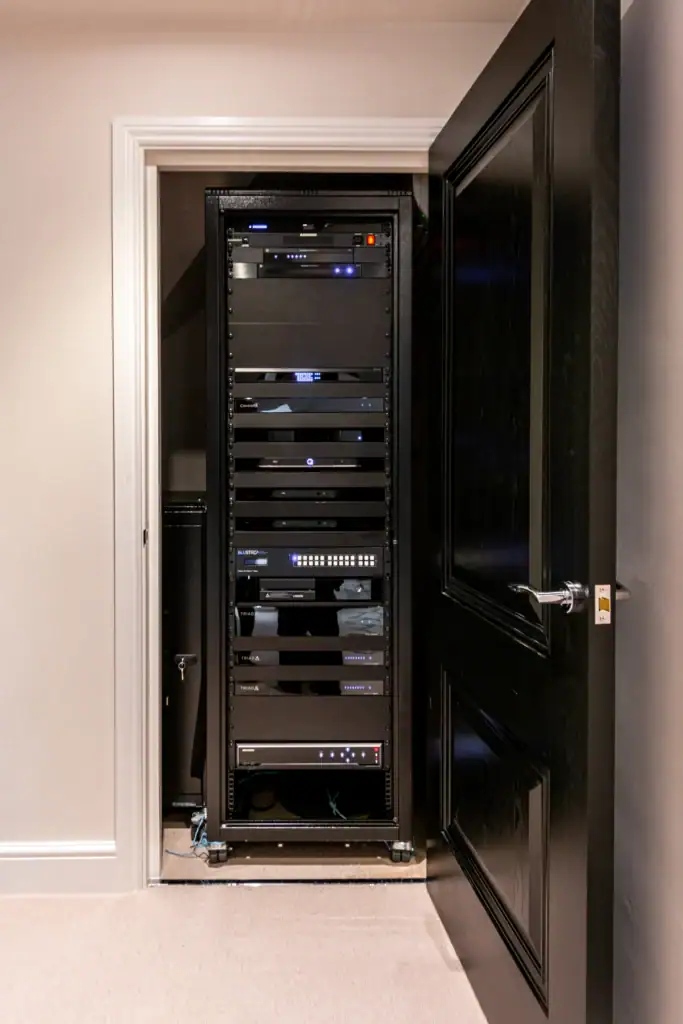
- Crestron Home. The current residential platform, set up with configuration software rather than written as code. Crestron lists four processors for it: the rack-mounted CP4-R for larger homes, the compact MC4-R for smaller ones, the PC-based PC4-R and the DIN-rail DIN-AP4-R.
- Crestron Pyng. The earlier residential platform, running on a PYNG-HUB (Pyng OS 1) or a CP3-R (Pyng OS 2). Crestron describes upgrade paths from both: the MC4-R replaces a PYNG-HUB in a smaller system, and a CP4-R still on Pyng OS 2 can move to Crestron Home with a firmware upgrade.
- Custom-programmed systems. Many larger Crestron houses run a bespoke program written by the original integrator in Crestron's SIMPL Windows software. These can do almost anything, but the program file and the knowledge behind it sit with whoever wrote it.
Why owners choose Crestron home automation for a large house
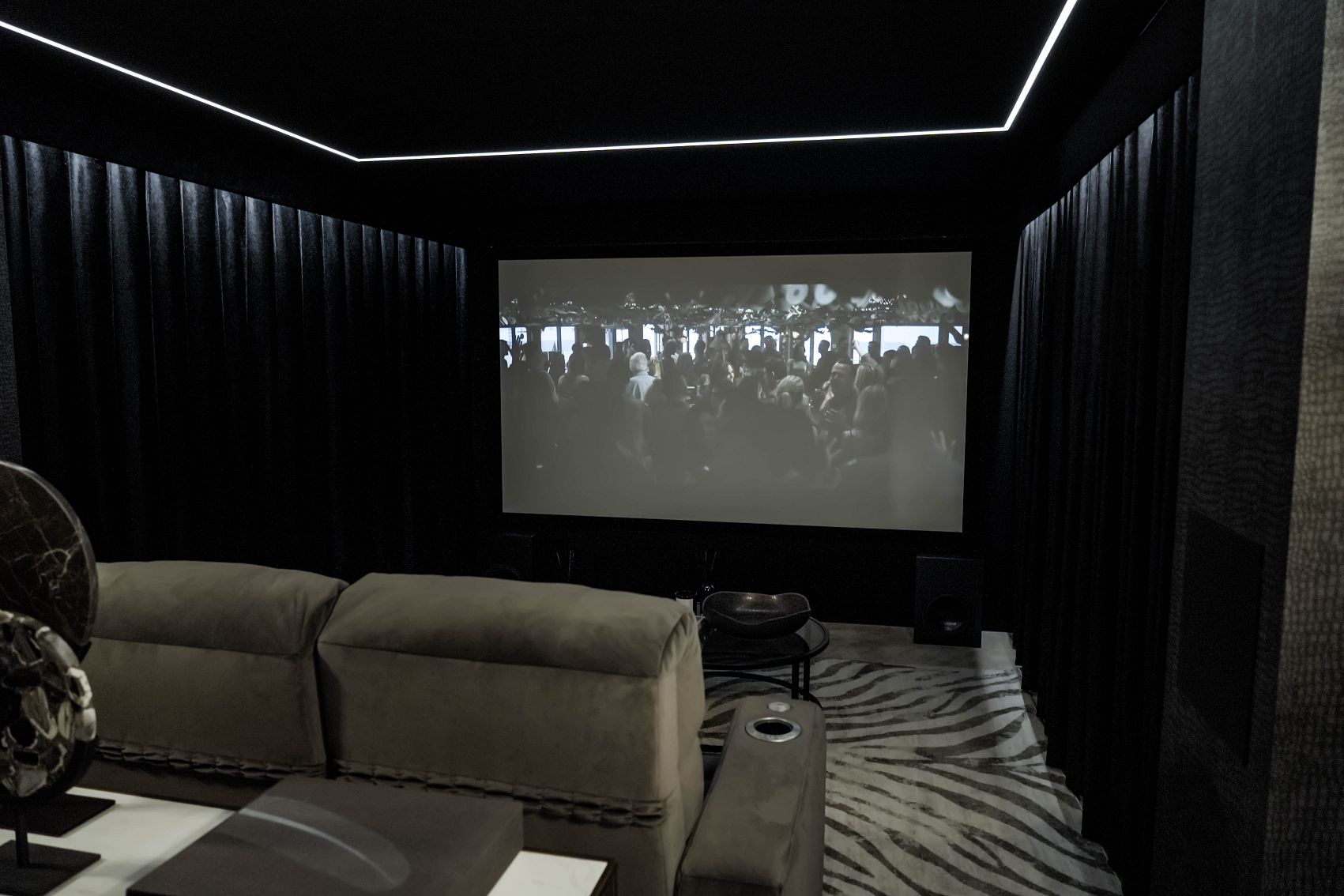
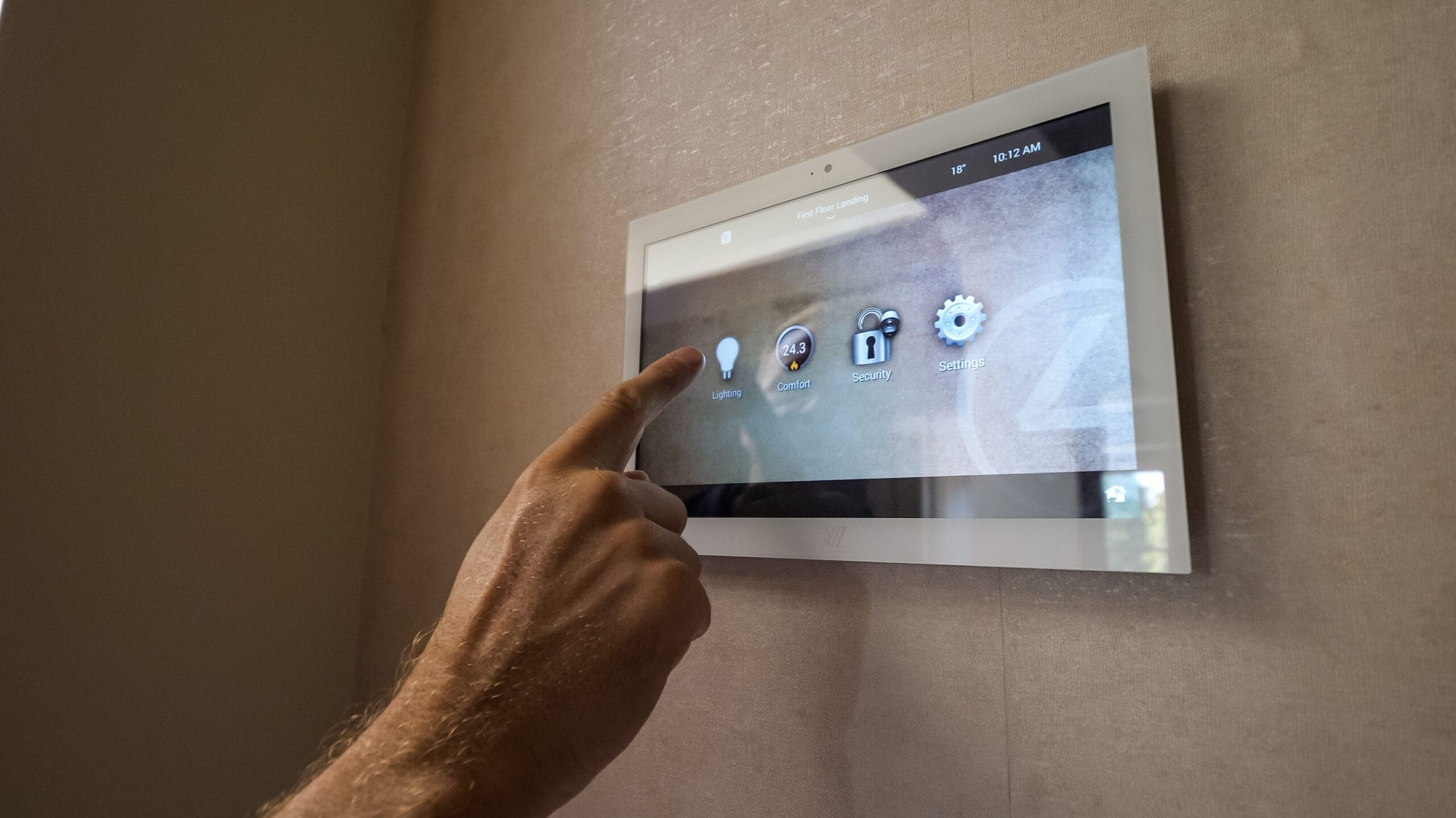
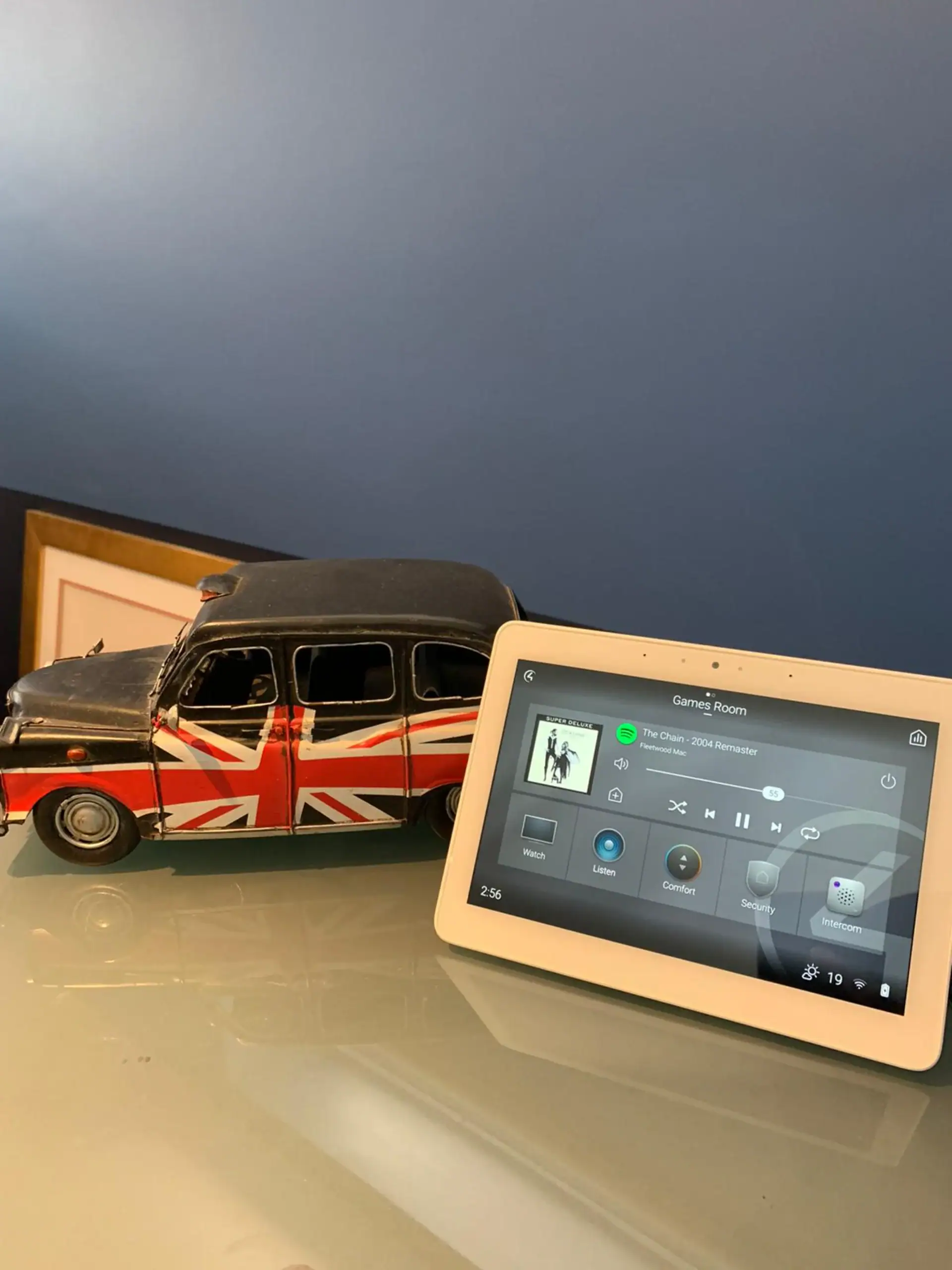
Crestron's appeal is breadth. Crestron Home brings lighting, shades, climate, music, door stations, cameras and pool equipment into one interface, and Crestron's DM NVX range sends video sources around a house over the network, including several on one screen at once. The CP4-R is aimed squarely at large homes, home cinemas and multi-room video.
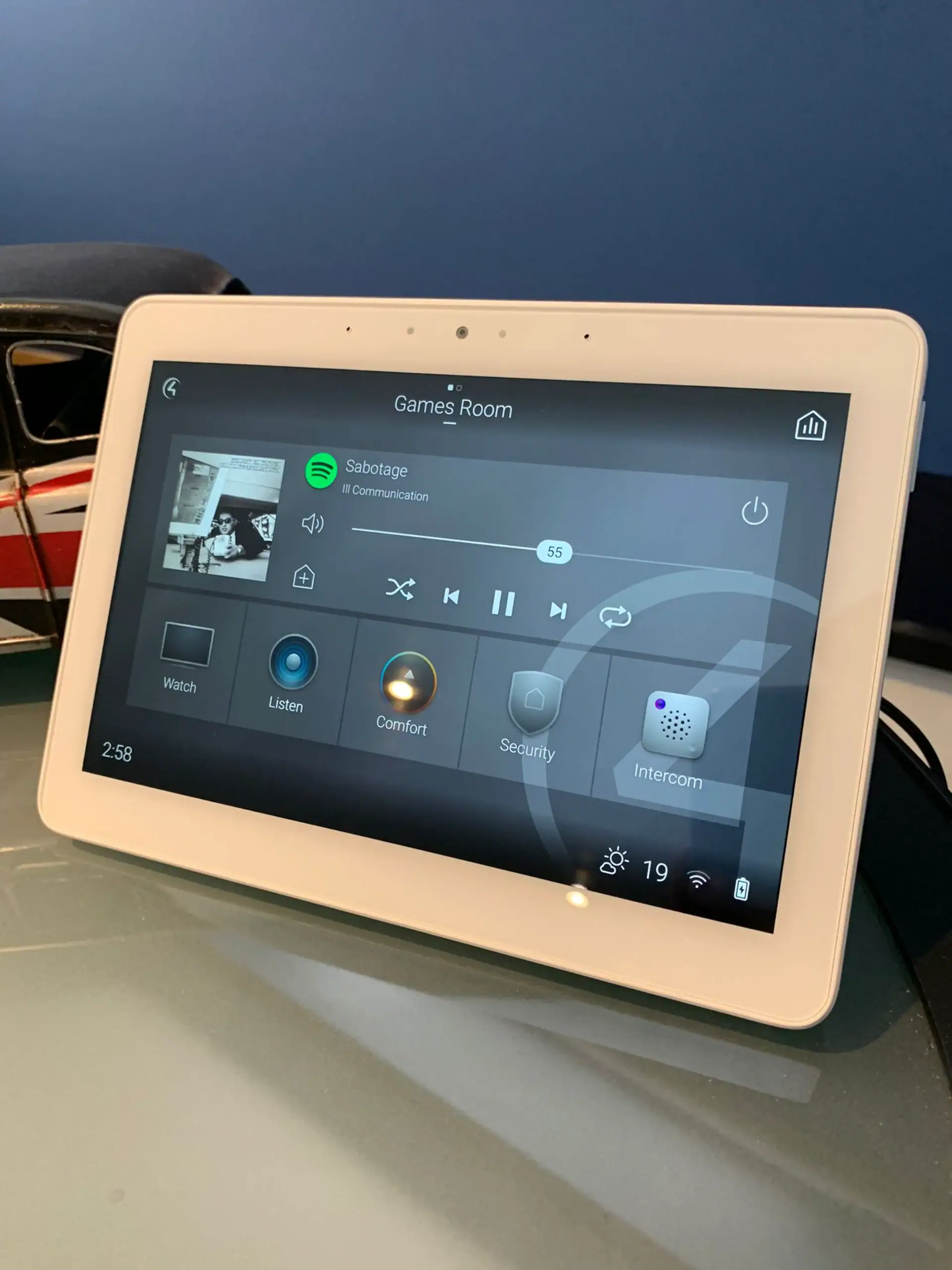
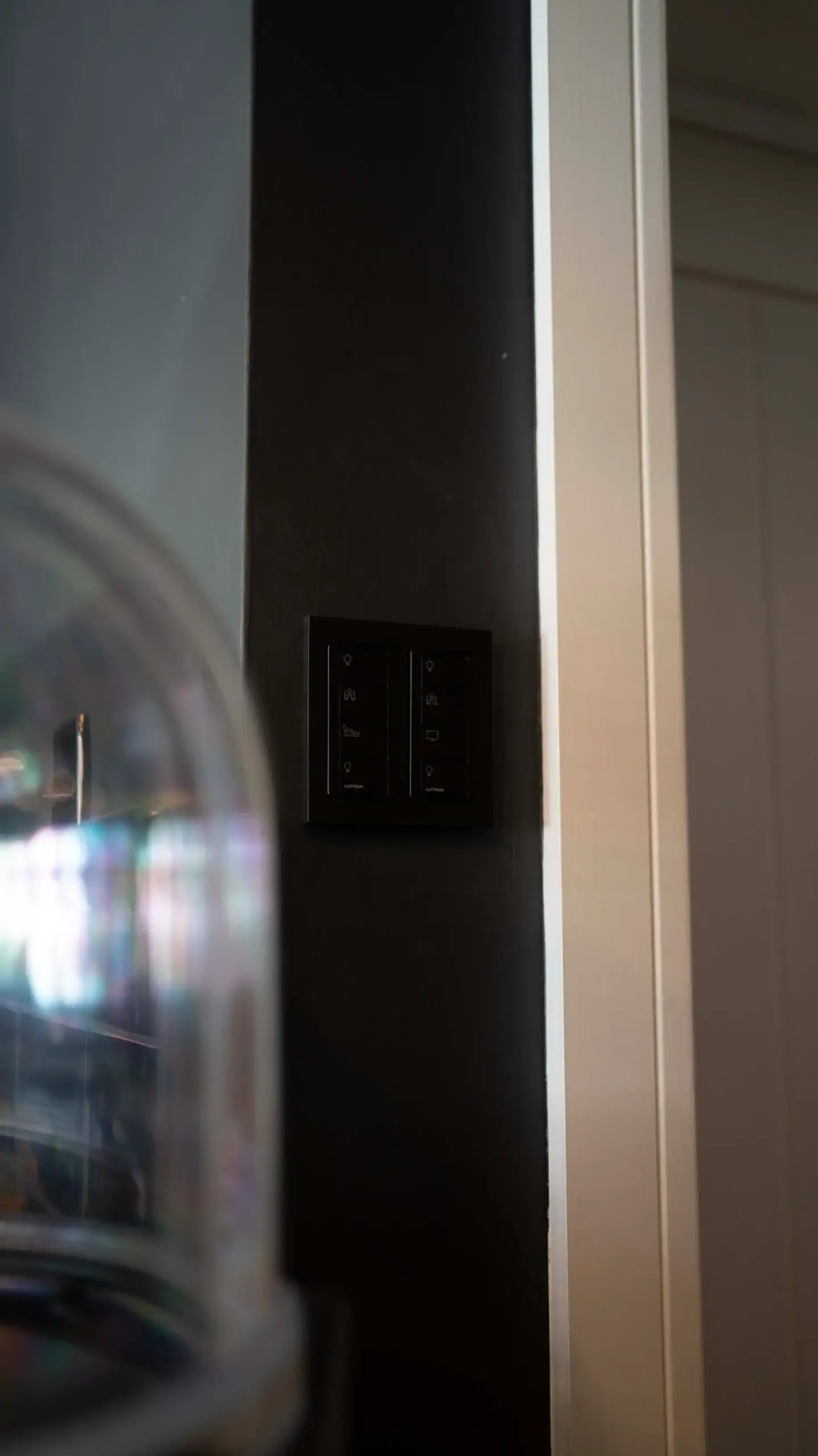
The control surfaces are a second reason. Horizon and Cameo 2 keypads and the 80 Series touch screens are made for the platform, and the Cevo Mini handheld remote adds voice control. Crestron also keeps adding to the software: Crestron Home OS 4 arrived in March 2024 with a redesigned interface, and later releases added Philips Hue and PhaseX lighting, and Crestron Home's manual now covers DoorBird door stations.
Keep Crestron or move to Control4? What decides it
- Which platform you have. Crestron Home on current 4-Series hardware is configured rather than programmed, which makes it easier for another Crestron integrator to pick up than a custom SIMPL program with no source file.
- The age of the processor. Crestron says Crestron Home 4.07 was the final feature update for its Version 1 hardware, and its 4.10 documentation explains how to check whether a CP4-R or MC4-R is Version 1. An early unit can still work well, but it will not gain new features.
- What the previous installer can hand over. Owners edit scenes and schedules through an advanced user login whose password the original installer sets. Crestron's monitoring portal is open to Crestron residential installers only, and it has a Release Ownership step so a processor can be added to another account.
- How much else is changing. If you are rewiring, refitting a cinema or replacing lighting anyway, moving the control layer at the same time means one period of disruption rather than two.
- How you want to live with it. Some owners value Crestron's depth; others want a simpler app and an installer nearby. Neither is wrong.
Still buying? Our guide on whether home automation adds value to a house covers what to ask the seller before exchange.