

Control4 is a smart home control system that ties your lighting, heating, audio, video, blinds, cameras and door entry into one system. You run it from wall keypads, touchscreens, a remote, the Control4 app or your voice. A small computer called a controller does the thinking, and an accredited dealer designs, installs and programmes it for your home.
Last reviewed: 27/09/2026
That last part matters more than most people expect. Control4 is not a gadget you buy and plug in. It is a platform that a dealer builds around the way your family lives, then supports for years afterwards. We are a Platinum Control4 dealer and have held Control4’s Circle of Excellence award for 2023, 2024 and 2025, so this guide is written from the installer’s side of the fence.
Who makes Control4?
Control4’s parent company, Snap One, was bought by Resideo in June 2024 and folded into Resideo’s ADI Global Distribution business (Resideo). In August 2026 Resideo completed the spin-off of ADI as a separate company listed on the New York Stock Exchange (Resideo press release), and ADI named Control4, OvrC, Araknis Networks and WattBox among the exclusive brands moving with it (ADI). For you, the practical point is simple: Control4 is still designed, sold and supported through a network of certified dealers.
What can a Control4 system control?
In the homes we automate, a single Control4 system typically runs:
- Lighting, including dimming and scenes that set a whole room or floor at once
- Heating and cooling, with schedules and remote adjustment
- TVs, projectors, AV receivers and streaming boxes in every room
- Multi-room music
- Blinds, curtains and shading
- CCTV cameras, door entry and locks
- Alerts to your phone when something happens at home
Control4 says its platform is compatible with more than 25,000 third-party devices (Control4). That breadth is the reason people choose it: you are not limited to one manufacturer’s speakers, lights or cameras.
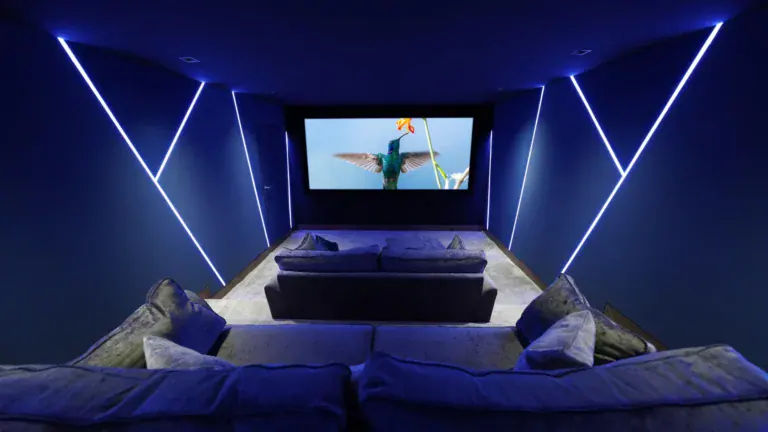
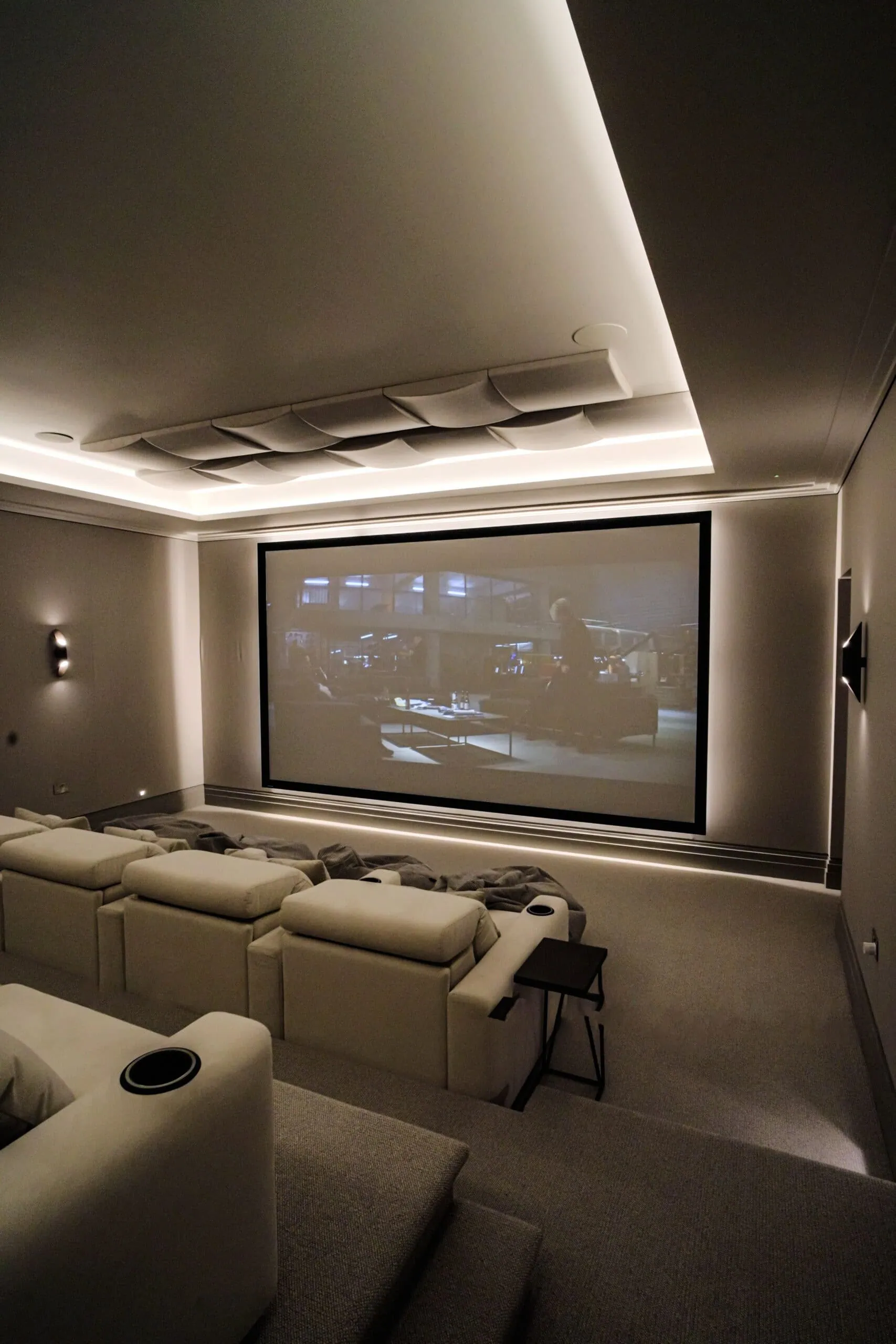
A real example: in our Walton-on-Thames media room renovation the family had separate remotes for the projector, amplifier and video sources, and “Where’s the remote?” was a frequent cry. We installed Control4 so the AV equipment, lighting and temperature now run from a single remote or the mobile app.

What is in a Control4 system?
A Control4 system is a set of parts that a dealer designs around your home. Six kinds of part do the work:
- A controller. The brain of the system, usually hidden in a rack or behind a TV. It holds the programming and talks to everything else. Control4’s CORE controllers come in sizes matched to the home, which we explain below.
- Keypads. Engraved wall keypads replace rows of light switches. Control4’s Contemporary and Lux ranges offer custom backlit engraving on each button, and a single keypad can run lights, scenes, music and security.
- Touchscreens. When we checked Control4’s touchscreen page on 27 September 2026, it listed the T4 in 8 and 10 inch sizes, for tabletop or in-wall use, and the T5 in 8 and 10 inch sizes, in-wall only. Both show security cameras and video doorbells, and both handle intercom from room to room or to your phone.
- Remotes. Handheld remotes such as the Halo and Halo Touch run the TV, music and lighting in a room.
- The Control4 app. The app runs on iPhone, iPad and Android. Using it away from home needs the optional Control4 Connect service, which also adds voice control and notifications.
- The network. Keypads, touchscreens, the app and much of your AV equipment talk over your home network, so the system is only as reliable as the network under it. Control4’s sister brand Araknis makes routers, switches and Wi-Fi access points for professional installs, and Control4’s CORE controllers come with OvrC Pro built in, which lets your dealer monitor and troubleshoot devices remotely (Snap One).
Around those parts sit the things being controlled: the lights, heating, speakers, TVs, blinds and cameras listed above. That is why no two Control4 systems have the same parts list, and why we choose the controller and interfaces after surveying your home. Control4’s product pages cover all markets, so we also confirm UK availability of each model at that stage.
The network deserves its own plan. Our guide to why a Control4 smart home depends on its network explains what to budget for, and our data and Wi-Fi network service covers how we install it.
How does Control4 work?
Every system is built around a controller, usually hidden in a rack or behind a TV. The controller talks to your equipment in several ways: infrared and RS-232 serial for AV kit, IP control over your home network for devices such as Apple TV and AV receivers, and two low-power wireless radio systems, Zigbee and Z-Wave, for lights, thermostats and locks (Control4 CORE 3 guide). A radio mesh like Zigbee is a separate wireless network in which each device passes messages to the next, so it does not rely on your Wi-Fi.
Control4’s current controllers are the CORE series (Control4 controllers):
- CORE 1: recommended for small systems, with two independent zones of high-resolution audio streaming
- CORE 3: recommended for medium systems, with four zones
- CORE 5: recommended for large systems, with seven zones
- CORE lite: a single-room bundle with a choice of remote
- CA-10: built for extra-large systems with hundreds or thousands of devices, with redundant parts for reliability
Control4’s product pages are written for all markets, so we confirm UK availability of each model when we specify your system.
Around the controller sit the things you actually touch: engraved wall keypads, in-wall or tabletop touchscreens such as the 8 and 10 inch T4 series (Control4 T4 data sheet), handheld remotes such as the Halo and Halo Touch (Control4 remotes), and the Control4 app on iPhone and Android. Favourites you save sync across the app, touchscreens and TV menus (Control4 OS 3 release notes), so the system feels like one thing wherever you pick it up.

What is Control4 X4?
X4 is the current Control4 operating system, OS 4. It launched on 15 April 2025 with a new Home Screen, customisable widgets, Routines (ready-made automations such as lights on at sunset) and in-app setup for Apple Home and Siri (Control4 X4 release notes). At the time of writing, the latest version listed on Control4’s release notes page is OS 4.2.1 (Control4 release notes). If your system is older, our guide to upgrading an older Control4 system explains what can be updated and what needs replacing.
Do you need a subscription?
Control4 says its systems work locally without a subscription. Its Control4 Connect service adds remote access from anywhere, mobile notifications, voice control through Alexa, Google Assistant and Siri, Intercom Anywhere, When >> Then personalisation, system backups and access to software updates (Control4 services). Homes installed before 23 April 2024 may still be on the older 4Sight service, which Connect replaces for later systems (Control4 4Sight). In practice, most families want remote access and voice, so we discuss Connect at the design stage rather than after handover.
Why is Control4 installed by a dealer?
Control4 controllers are configured with Composer Pro, Control4’s dealer software (Control4 CORE 3 guide). That is why Control4 installation is not a DIY project: the value is in the design and programming, not the boxes. When we install a system you get a 12 month installation warranty covering Control4 programming errors, plus a 2 year manufacturer’s warranty on Control4 equipment. We also give you a proper introduction to the system, so you feel confident using it rather than being left with a setup guide.
The network matters too. Control4 requires an Ethernet connection to set up a controller and recommends Ethernet over Wi-Fi for the best connectivity (Control4 CORE 3 guide). We explain why in why a Control4 smart home depends on its network.
One of our professional partners put it this way in a Google review: “From the initial design through to client handover and ongoing support, their attention to detail and level of service has been outstanding.” (Amanda Hollis)

Can you start with one room?
Yes. Plenty of our clients start with a cinema room or media room and extend later. Our Oxshott cinema uses Control4 room automation so the owner can switch between movie and sports modes with one touch, while a whole-house system can take in the entire house, inside and out. For the full picture of what we install, see our Control4 smart home installation page.
The best way to understand Control4 is to use it. Our Walton-on-Thames showroom has a Control4 multi-room system you can try from the touchscreen, running heating, lighting, audio, security and intercom. Book a showroom visit.
Frequently asked questions
Is Control4 the same as Alexa or Google Home?
No. Control4 is a professionally installed control system with its own controller, keypads and touchscreens, while Alexa and Google Home are voice assistants and apps you set up yourself. Control4 works with Alexa, Google Assistant and Siri, so you can keep using your voice on top of it.
Does Control4 work without the internet?
Yes, for control inside your home. Control4 says its systems work locally without a subscription, but remote access, voice assistants, notifications and software updates rely on an internet connection and the Control4 Connect service.
Can I install Control4 myself?
No. Control4 controllers are configured with Composer Pro, dealer software, and the system is designed to be installed and programmed by a certified dealer who can also support it afterwards.
Which Control4 controller do I need?
It depends on the size of the system. Control4 recommends the CORE 1 for small systems, the CORE 3 for medium systems, the CORE 5 for large systems and the CA-10 for extra-large projects, and we choose the right one after surveying your home.
Does Control4 work with iPhone and Android?
Yes. The Control4 app runs on iPhone, iPad and Android devices, and favourites you save sync across the app and your touchscreens.
What does a Control4 system include?
A controller, which runs the system, plus the controls you use every day: engraved wall keypads, touchscreens, handheld remotes such as the Halo, and the Control4 app. All of it runs over your home network, so the network is designed as part of the system.
Does Control4 need a good home network?
Yes. Control4 requires an Ethernet connection to set up a controller and recommends Ethernet over Wi-Fi for the best connectivity, and the keypads, touchscreens and app all rely on the network to work smoothly.