
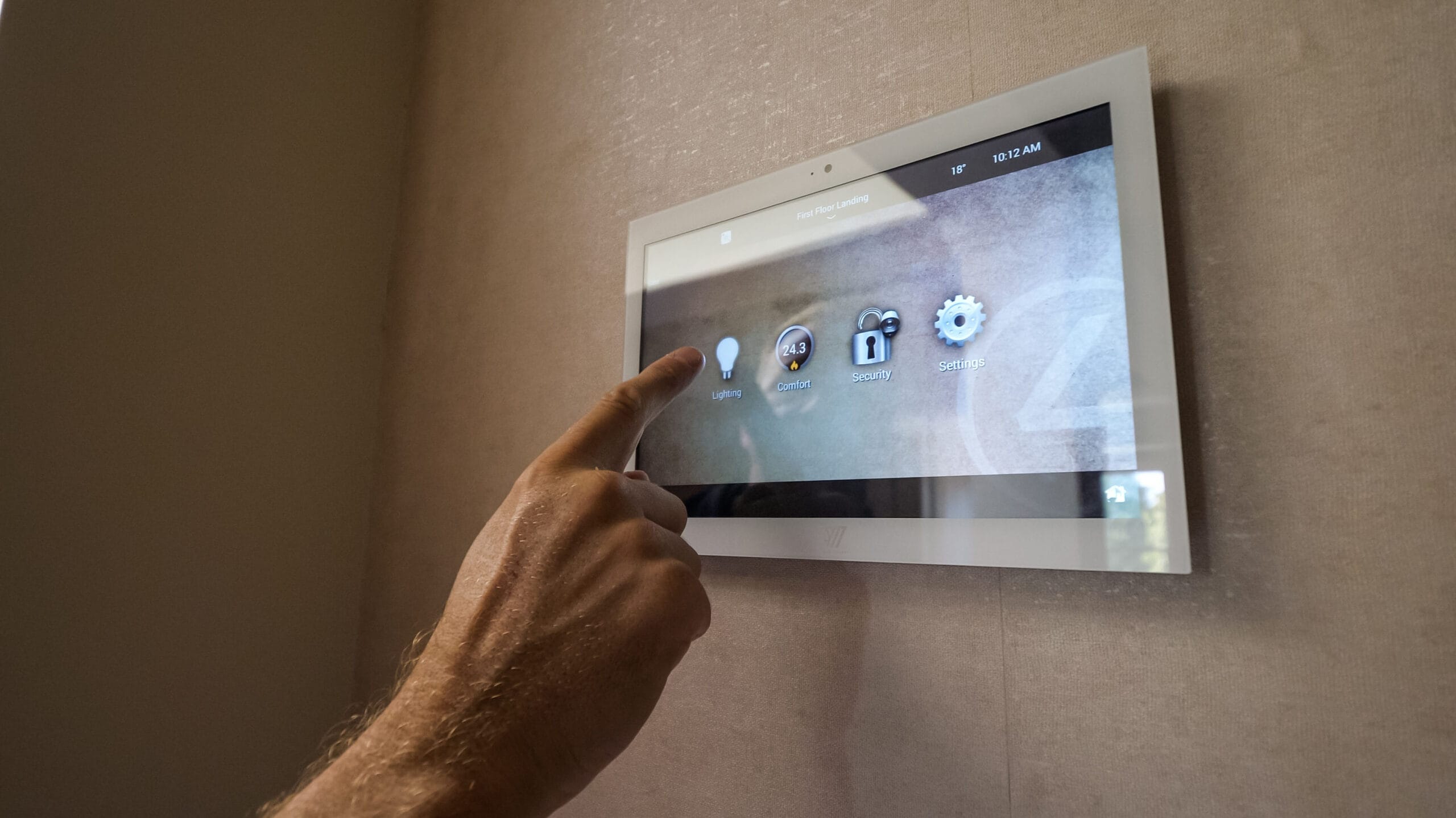
Control4 heating control lets you run your heating from the same app, touchscreens and keypads as your lighting, music and security. It does not replace your boiler, heat pump or underfloor heating. Instead it talks to compatible thermostats through drivers, so you can set room temperatures, schedules and presets, and link heating to the rest of the house.
What does Control4 heating control actually do?
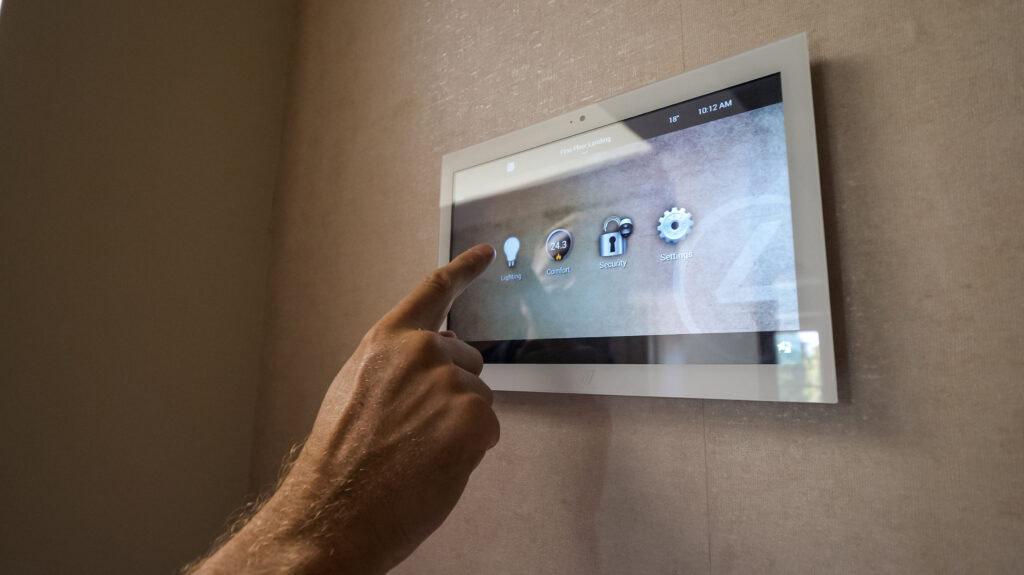
Control4 calls this part of the system Comfort. In the Control4 app, each room with a connected thermostat gets a Comfort screen where you can see the current temperature, change the set point and switch modes. According to Control4’s user guide, you can also save presets, which store a complete climate setting so it can be recalled with one tap, and build schedules, which Control4 describes as “a range of times associated with a climate preset”. A schedule can be copied from one day to others, and across several thermostats once the same presets exist on each.
The bigger benefit is that heating stops being a separate system. Control4’s climate and comfort page describes temperature being set by schedule, automation or occupancy, routines that open blinds, adjust the temperature and warm floors in one sequence, and zoned control of radiant floor heating. In practice, that means a “Good morning” button can bring up the lights, open the blinds and nudge the bathroom floor heating, rather than each system having its own controller on the wall.
Does Control4 work with UK boilers, heat pumps and underfloor heating?
Usually, yes, but how it connects matters. Control4’s own Wireless Thermostat, developed with Aprilaire, lists compatibility with systems such as forced air, geothermal and dual fuel. If your home has wet radiators or underfloor heating run from a boiler or heat pump, the usual route is to use heating controls made for that kind of system and connect them to Control4 with a driver.
A driver is the piece of software that lets Control4 talk to another manufacturer’s product. As one documented example, the Warmup 4iE driver manual describes integration with Control4 that allows “control of setpoint, heating mode, presets and scheduling”, with one driver instance for each heating zone. The same manual shows that this driver signs in to Warmup’s online service, which is worth knowing: some integrations work locally on your network, and others rely on the manufacturer’s cloud and an internet connection.
So the questions to ask before you choose heating controls are:
- Is there a current, supported Control4 driver for this thermostat or heating hub?
- Does it work locally, or does it depend on the manufacturer’s cloud service?
- Which functions does the driver expose: set point only, or modes, presets, schedules and holiday settings too?
- Who maintains the driver, and is it updated for current Control4 software?
Check these with your installer before anything is ordered, because a thermostat that looks smart on its own can still be a poor fit for an integrated home.
How should heating be zoned in a smart home?
If you are building new or replacing a boiler in England, zoning is not just a comfort choice. Approved Document L (2021 edition, paragraph 5.20) says that for heating systems in new dwellings, or when a heat generator such as a boiler is replaced in an existing dwelling, “each room should be provided with thermostatic room controls”. Paragraph 5.21 allows a zone instead of individual rooms in limited cases, such as two adjacent rooms with a similar function, like a kitchen and utility room. Paragraph 5.22 lists acceptable ways to meet this, including a thermostat for each room or zone, or “an individual networked heat emitter control for each emitter”. The 2026 edition of the same document, which takes effect on 24 March 2027 for most building work, keeps the same room-by-room requirement.
That fits well with a smart home. If every room or zone already needs its own thermostatic control, choosing controls that integrate with Control4 means each of those rooms can appear in the app, follow a schedule and join scenes. When you plan zones, think about how rooms are used rather than how the pipework happens to run:
- Bedrooms often want to be cooler overnight than living spaces.
- Home offices and gyms are used at different times from the rest of the house.
- A cinema or media room is used in long sessions, often in the evening, so it benefits from its own control.
- Guest suites can sit at a lower temperature until visitors are due.

Which heating automations are worth setting up?
The best heating automations are simple and quietly useful. Good places to start include:
- Away and holiday presets. One press sets the whole house to a lower temperature while you are away, and a schedule or a tap in the app brings it back before you return.
- Scenes that include heating. A “Goodnight” button can turn off the lights, lock the doors and drop the bedroom temperatures in one go. Our guide to Control4 scenes and everyday automations covers how to plan these.
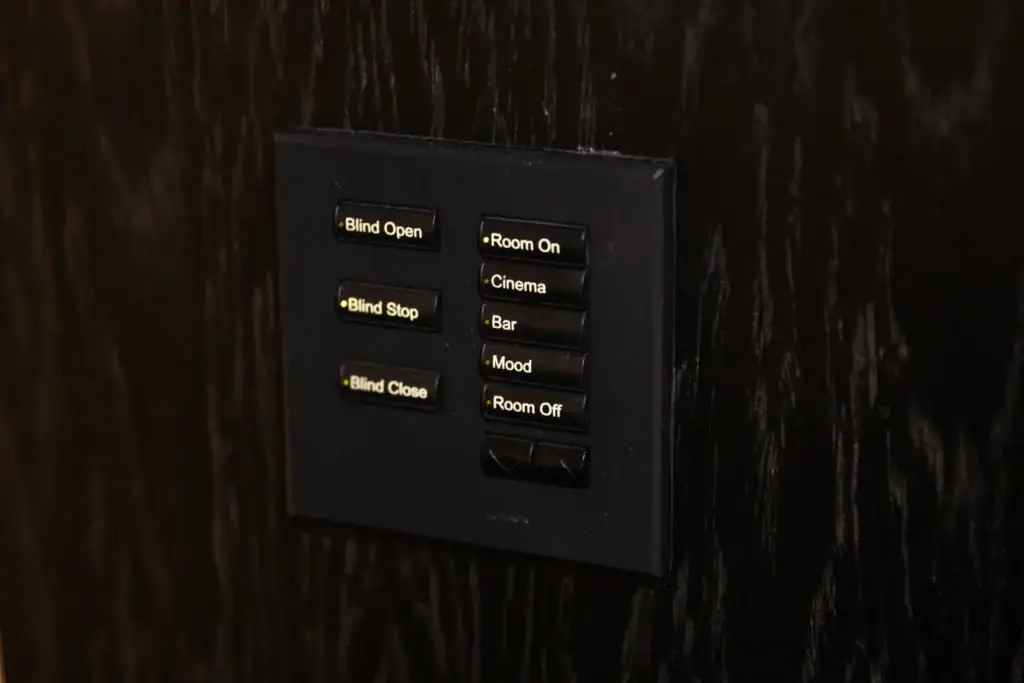
- Blinds working with heating. Motorised blinds and curtains can close at dusk to help keep heat in, and Control4 notes that blinds can close automatically when the TV turns on to cut glare. See our smart lighting and shading service for how shading is designed alongside lighting.
- Occupancy-led rooms. Control4 describes occupancy sensors adjusting individual room temperatures, which suits rooms that are used occasionally.
Underfloor heating needs particular care. Heating manufacturer Grant UK explains that “the floor screed takes time to heat up” and that its underfloor systems are most efficient when they are not frequently switched off and on. Instead, it recommends setback control, which holds rooms at a lower temperature when they are not in use. In a Control4 home, that means scenes and schedules should move underfloor zones between comfort and setback temperatures, rather than switching them off and on like a light.
What should you plan before installing Control4 heating control?
The easiest time to get this right is before the heating engineer and the smart home installer start work, ideally with both in the same conversation. A few things to settle early:
- Choose integration-friendly heating controls. Agree the thermostat or heating hub with your smart home installer before the plumber orders it.
- Decide the zones. Map rooms to zones based on how you live, and check this against the Approved Document L requirements above.
- Plan the network. Heating hubs and thermostats depend on reliable Wi-Fi or wired connections. Our guide on why a Control4 smart home depends on its network explains why, and our data and Wi-Fi networks service covers how we design them.
- Agree who looks after what. The heating engineer services the boiler or heat pump; the integrator looks after the drivers and programming. Our in-house maintenance team handles the Control4 side, and our takeover and maintenance service also covers systems another company installed.
Heating is one part of a full Control4 smart home installation, and it works best when it is designed with the lighting, shading and network rather than added at the end. Our full home automation and multi-room AV project in Cobham shows the kind of whole-house system heating control sits within.
Art of Integration has designed and installed smart homes since 2012, and we have won the Control4 Circle of Excellence award in 2023, 2024 and 2025. If you would like to see a Control4 system in action, visit our showroom in Walton-on-Thames or call us on 020 3397 9888.
Frequently asked questions about Control4 heating control
Can Control4 control my existing thermostats?
Only if there is a Control4 driver for them. Many heating brands have drivers, but support varies by model and age, and some rely on the manufacturer’s cloud service. An installer can check your exact thermostats before you decide whether to keep or replace them.
Does Control4 replace my boiler or heat pump controls?
No. Your boiler or heat pump keeps its own safety and operating controls. Control4 sits above the room thermostats, setting temperatures, schedules and presets and linking heating to scenes elsewhere in the house.
Can I control my heating when I am away from home?
Yes, through Control4’s subscription cloud services. Snap One says remote access is provided with 4Sight for systems installed before 23 April 2024, and that Connect is the required service that replaces 4Sight for systems installed after that date. With it, you can change presets from your phone, for example to warm the house before you return from holiday.
Do I need a thermostat in every room?
For new homes, and when a boiler is replaced in an existing home in England, Approved Document L says each heated room should have thermostatic room controls, with zones allowed in some cases. That can be a room thermostat, a networked radiator control or similar, so it does not always mean a wall thermostat in every room.