

To wire a house for a smart home, run a dedicated network cable from every key location back to one central cabinet, add spare cables where you might want them later, and do it while walls and ceilings are open. Cat6a is the safest choice for permanent runs. Wireless is useful, but cable is what makes a system dependable.
Why does wiring matter more than the devices?
Devices change every few years. Cables inside walls do not, because reaching them later means opening up finished decoration. A good smart home is built on a wired backbone: screens, speakers, access points, cameras and the control system itself are all more reliable on a cable than on Wi-Fi.
This is also the cheapest moment to get it right. A building trade supplier, Cable Monkey, makes the same point about renovations: cabling is easiest while walls are open, and revisiting it later is far more disruptive. As a supplier it has an interest in the answer, but the logic holds on every job we see.

What should be cabled back to a central point?
Think in terms of a star: every cable starts at the cabinet and ends at one location, with nothing daisy-chained. As a starting list:
- Living spaces and the TV position: more than one cable, so a TV, streamer and games console are each wired.
- Ceiling points for Wi-Fi access points: positioned before plastering, usually in the hall, landing and main rooms.
- Bedrooms, study and kitchen: at least one data point each, placed where you would put a power socket.
- Cameras, door entry and gates: outside and at entrances, so security does not rely on Wi-Fi.
- Garage, garden room or outbuilding: a data link, ideally fibre for longer or outdoor runs.
- The loft and under-floor voids: spare cables left coiled for the things nobody has thought of yet.
Which cable should you use?
For permanent runs, Cat6a is the sensible choice. Cable Monkey notes that it supports 10 Gigabit speeds over the full 100 metre channel and suggests fibre for longer runs, outdoor installations or areas affected by electrical interference. Cat6 will suit many homes, but the price difference at first fix is small compared with the cost of opening walls again.
Speaker cable, HDMI routing and low-voltage lighting control cable are separate from data. Which of these you need depends on the rooms. A cinema or media room has far more AV cabling than a bedroom, and it is much better planned with the room’s layout than after it.
Where should the central cabinet go?
Pick a cool, ventilated, accessible spot with mains power and a route for the broadband line. Under the stairs or in a utility room works in many UK homes. Avoid anywhere damp or hot, such as a loft in summer. Leave room for growth: a cabinet that looks generous on day one fills quickly once you add a network switch, an amplifier and lighting control equipment.
Whichever spot you choose, mark the cabinet, the cable routes and the ceiling positions on the plans, so every trade works to the same drawing.
How is this different in a renovation and a new build?
In a new build, routes and conduit can be agreed with the architect or builder before first fix. In a renovation, you often have to work with what exists: lifting floorboards, using voids and carefully chosen trunking. Where plaster is coming off anyway, that is the moment to run everything.
The same principle applies to lighting. Lutron systems can be wired or wireless, and our Lutron lighting control page explains the options, and the lighting and shading service page covers how it ties into blinds and curtains.
What does it look like in a real house?
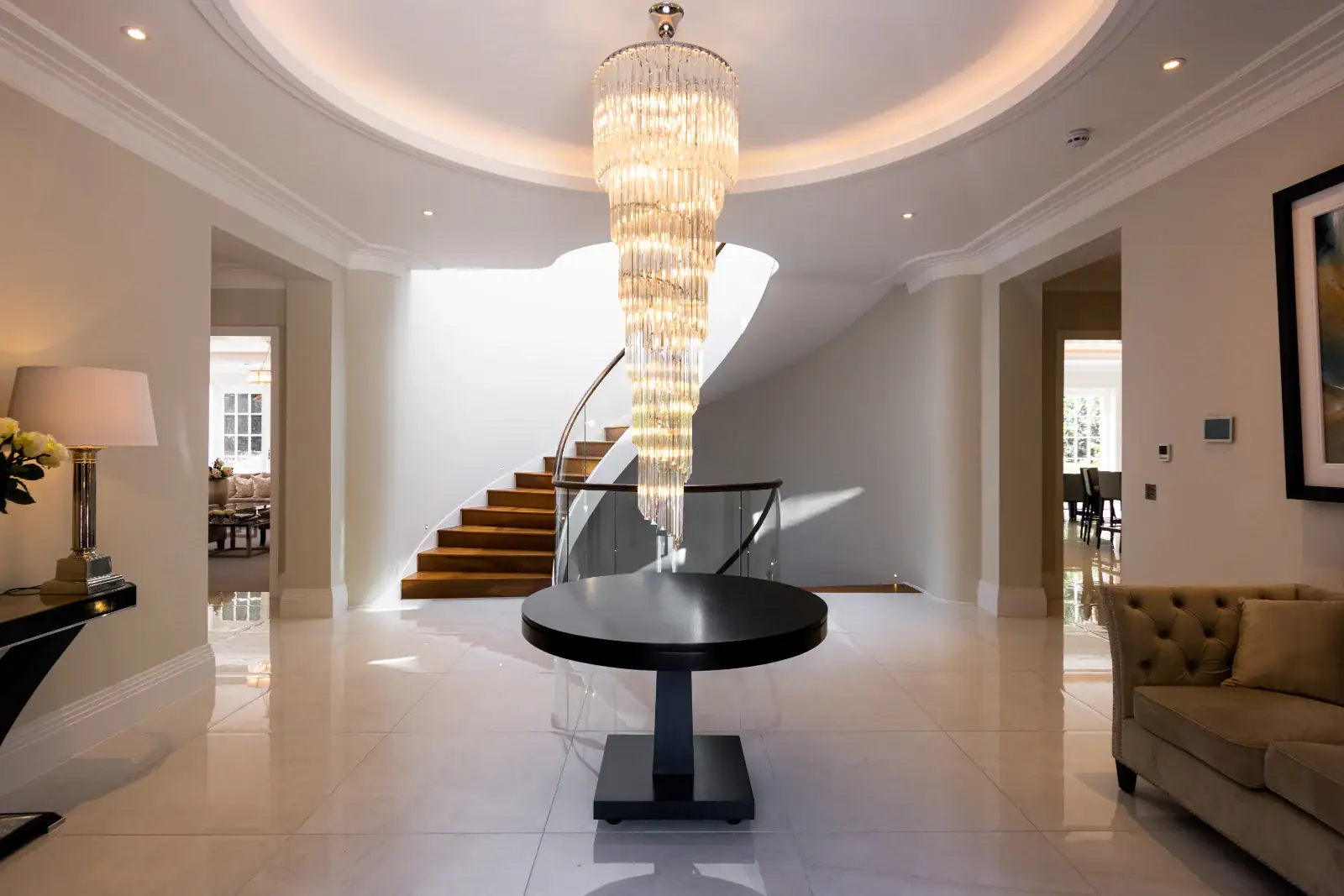
Our Cobham project is a large property that needed a full home automation system and multi-room AV connecting every area of the house. That kind of project only works when the backbone is planned first. A system on this scale also depends heavily on its network, which we cover in why a Control4 smart home depends on its network.
If you are planning a Control4 smart home, we are a Platinum Control4 dealer and can talk through what the cabling needs to support before your electrician or builder starts. Mains electrical work in homes is a separate matter covered by Approved Document P, so use a qualified electrician for that.
Frequently asked questions
Is Wi-Fi enough for a smart home?
For a few simple devices, yes. For a whole house, no. Access points still need cables, and anything fixed, such as TVs, cameras and the control system, is more reliable wired.
Cat6 or Cat6a?
Cat6a is the better choice for permanent runs because it supports 10 Gigabit speeds over the full distance. Cat6 is adequate in many homes, but the saving is small.
Can I add cabling after the house is finished?
Often, yes, using voids, lofts and trunking. It is more disruptive and costly than doing it at first fix, and some routes will not be possible.
Who should do the cabling?
Whoever designs the system should specify it, with your electrician or builder installing to that plan. Labelling and testing each run before walls close saves a great deal of trouble.
Planning a build or renovation?
We would be glad to look at your plans. You can call us on 020 3397 9888, get in touch, or visit our showroom in Walton-on-Thames to see a finished system.