

Control4 is less a rival to Alexa, Google Home and Apple Home than the system that sits underneath them. Alexa, Google and Apple are apps and voice assistants you set up yourself. Control4 is a professionally designed and programmed control system with its own controller, keypads and touchscreens, and it works with all three for voice control.
So the real question is rarely “Control4 or Alexa?” It is whether your home needs a dedicated control system at all, or whether a few smart devices and a voice assistant will do. We install Control4 as a Platinum dealer, and we will happily tell you when you do not need it.
What is the difference between Control4 and a voice assistant?
The difference is where the intelligence lives and who looks after it.
- Set-up: Alexa, Google Home and Apple Home are set up by you in an app. Control4 is designed, installed and programmed by a certified dealer.
- The brain: consumer platforms usually link each device through its maker’s own app or skill, plus a speaker or hub. Control4 uses a dedicated controller in your home that runs the programming locally.
- What it can drive: Control4 controllers can operate equipment by infrared, RS-232 serial, IP control, Zigbee and Z-Wave (Control4 CORE 3 guide). That covers much of the AV kit in a cinema or media room, not just devices sold as smart.
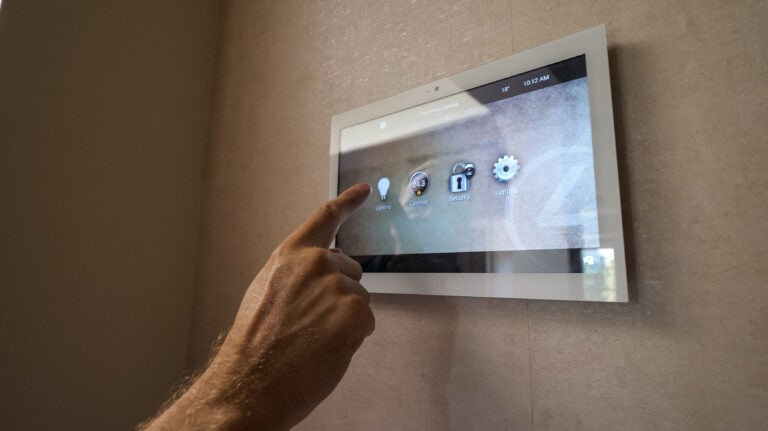
- Controls on the wall: Control4 gives you engraved keypads and touchscreens as well as the app, so guests, children and grandparents can use the house without a phone.
- Breadth: Control4 says it is compatible with more than 25,000 third-party devices (Control4).
None of this makes the consumer platforms bad. They are clever, cheap to start and constantly improving. They are simply built for a different job.

Does Control4 work with Alexa, Google and Siri?
Yes. Control4’s voice integration works with Amazon Alexa, Google Assistant and Apple HomeKit, so you can turn on lights, start a scene or adjust the heating by voice (Control4 voice control). Voice control is one of the features of Control4 Connect, Control4’s subscription service, alongside remote access and notifications (Control4 services).
Each assistant links a little differently:
- Alexa: Control4’s user guide says Alexa can control lighting, comfort and smart home scenes throughout your home, including multi-device scenes such as a “Cooking” scene (Control4 Alexa guide).
- Apple Home and Siri: since X4, the current Control4 operating system, you can connect Control4 to Apple Home from inside the Control4 app on an iPhone. Devices sync into the Home app with their rooms, and you then use Siri on iPhone, HomePod, Apple Watch, CarPlay and Apple TV (Control4 X4 release notes).
- Google: Control4 lists Google Assistant among its supported assistants (Control4 voice control).
The Apple link has sensible limits. Control4 lists supported device types as lights (including colour and tunable white), lighting scenes, native Control4 thermostats, blinds and shades, fans, contact sensors, smoke detectors and voice scenes created by your dealer. You also choose which devices to share, which helps you stay under Apple’s 135-device limit (Control4 X4 release notes).
Our advice is to use voice for simple, frequent things (“goodnight”, “film time”, “kitchen lights off”) and let keypads and automations handle the rest.
When is Alexa, Google Home or Apple Home enough?
For a flat or a small house with a handful of smart bulbs, plugs, a thermostat and a video doorbell, a consumer platform is often the right answer. You can build Alexa routines in the Alexa app by choosing an event and then the actions it triggers (Amazon). Google Home automations use starters such as a time, sunrise or sunset, a device changing state or someone arriving home (Google). Apple Home needs a home hub, which is a HomePod, HomePod mini or Apple TV, for remote control and automations (Apple).
The limit shows as the home grows. Individual smart gadgets each come with their own app and rarely talk to each other properly. Someone in the family becomes the unpaid IT department. And when something stops working, there is nobody to call.
When does Control4 make more sense?
Control4 earns its place when you have several systems that need to work together, or rooms where the experience has to be right every time:
- A whole house of lighting, heating, blinds, music and security that should behave as one
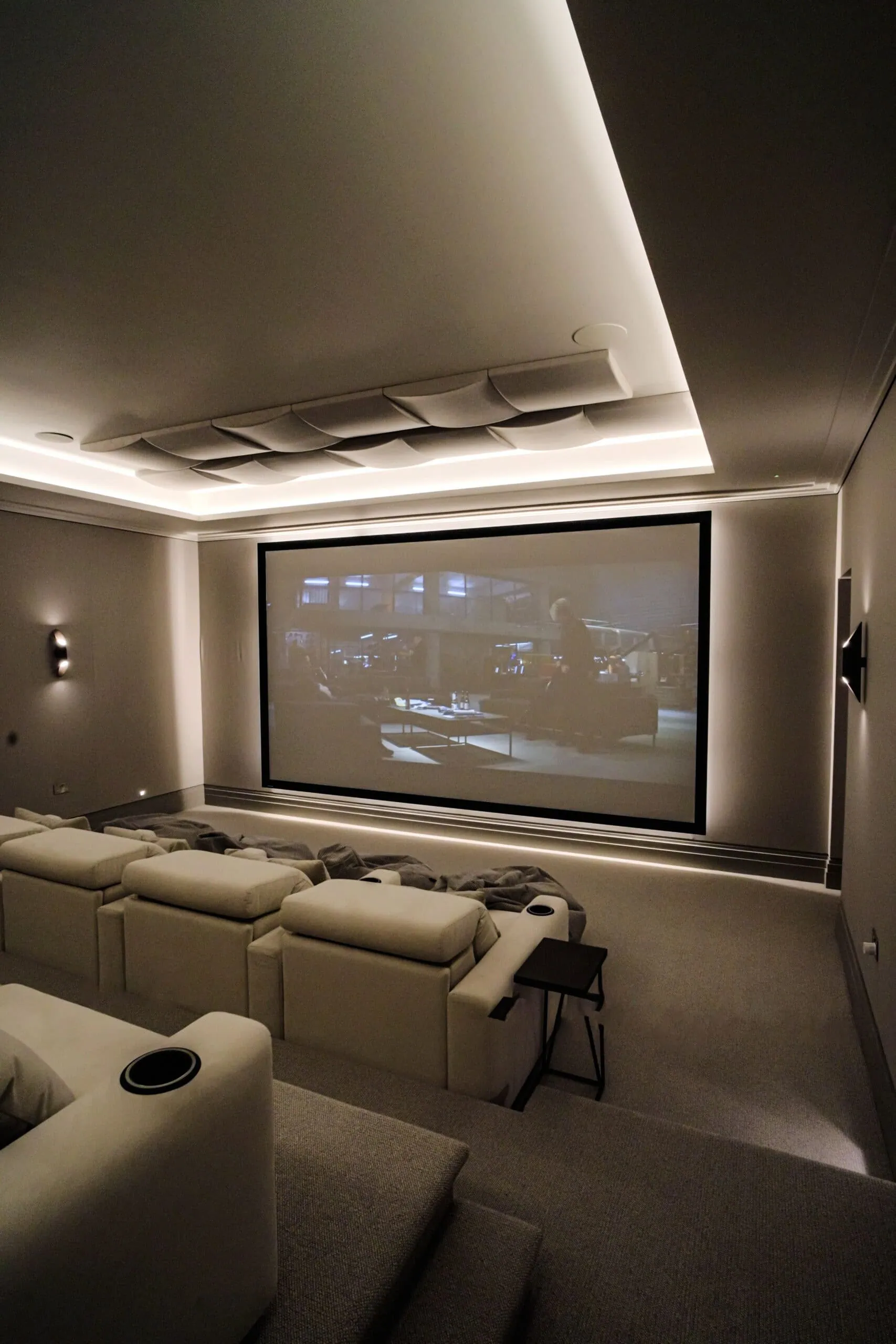
- A cinema room or media room with a projector, AV receiver and several sources on one remote
- A family where not everyone wants to use a phone to turn the lights on
- Homes where reliability matters more than tinkering
Reliability is often the reason people come to us. The owners of our Fetcham cinema and games room had a home automation system and cinema in their previous house that “never worked consistently”. For their new home we installed a Control4 system, and it did. The Guildford family behind the Google review below chose Control4 with Lutron lighting control for a new build:
“The finished system is intuitive and easy to use, with lighting scenes and automation that work perfectly for family life.” (Turning Left For Less, Google review)
Lighting is a good example of how the pieces fit. Most of our projects pair Lutron lighting control with Control4: Lutron runs the lighting and shading, Control4 ties it to your audio, video, heating and security. If you are weighing up premium platforms rather than consumer ones, our Savant smart home page explains how we choose between Savant and Control4.

Can you keep your Echo, Nest or HomePod speakers?
Usually, yes. Because Control4 works with all three assistants, your existing speakers become another way into the system rather than a separate one. The difference is that the scenes they trigger are the same ones on your keypads, touchscreens and remote, programmed once and kept consistent. For ideas on what those scenes should be, see Control4 scenes: everyday automations worth setting up, and for the basics of the platform read what Control4 is and how it works.
If you are not sure which approach suits your home, that is exactly what a first conversation is for. Visit our Control4 smart home installation page for more on how we design these systems, or book a free design consultation.
Frequently asked questions
Is Control4 better than Alexa?
They do different jobs. Alexa is a voice assistant and app you set up yourself, while Control4 is a professionally programmed control system for the whole home, and Control4 works with Alexa so you can have both.
Do I need a subscription to use voice control with Control4?
Yes. Control4 lists voice control through Alexa, Google Assistant and Siri as a feature of its Control4 Connect subscription, alongside remote access and notifications.
Can Siri control a Control4 system?
Yes. With Control4 X4 you can connect your system to Apple Home from the Control4 app on an iPhone, then use Siri on iPhone, HomePod, Apple Watch, CarPlay and Apple TV.
Will my Google Nest or Amazon Echo speakers still work?
Yes, in most homes. Control4 supports Google Assistant and Amazon Alexa, so existing speakers can trigger the same scenes as your keypads and touchscreens.
When should I choose Alexa or Google Home instead of Control4?
Choose a consumer platform when you only have a handful of smart devices and are happy to set them up yourself. Control4 makes more sense when several systems need to work together reliably across the whole home.