

For a UK home, the choice is between Lutron HomeWorks, RadioRA 3 (often called Lutron RA3) and RA2 Select for smaller projects. HomeWorks is the flagship, wireless or wired, with Lutron’s full catalogue of keypads. RadioRA 3 is wireless, handles up to 400 devices and suits most renovations. Caseta is a North American system outside Lutron’s UK range.
Last reviewed: 14 October 2026
The rest of this guide explains what separates them, where each one fits, and what we look at before recommending one. Lutron product details below were checked on lutron.com on 14 October 2026.
Which Lutron systems are sold in the UK?
Lutron’s UK residential systems page lists three systems: RA2 Select, RadioRA 3 and HomeWorks. Caseta is not on it.
That matters because much of the Lutron advice online is American. Lutron’s own Caseta website is set up for the USA, Canada, Puerto Rico and the US Virgin Islands, and the Caseta in-wall dimmer specification gives an operating voltage of 120 V. UK homes run on 230 V mains, so treat Caseta reviews as background reading, not a shopping list.
Two other names cause confusion:
- myRoom is Lutron’s guestroom system for hotels, not a system for homes. Lutron’s myRoom page says it has evolved into myRoom XC.
- RadioRA 2 is the previous generation, replaced by RadioRA 3. The upgrade route is covered further down.
How do RA2 Select, RadioRA 3 and HomeWorks compare?
This table summarises Lutron’s UK systems comparison, checked on 14 October 2026. The keypad, blind and lighting rows come from each system’s own UK page.
| RA2 Select | RadioRA 3 (RA3) | HomeWorks | |
|---|---|---|---|
| Size | Up to 100 devices | Up to 400 devices, with paired processors | “Practically limitless”: over 4,500 square metres and up to 10,000 zones |
| Communication | Wireless (Clear Connect RF, not Wi-Fi) | Wireless (Clear Connect RF, not Wi-Fi) | Wireless (Clear Connect RF), wired (QS), or both |
| Set-up | Programmed in the Lutron app | PC programming by qualified installers | Advanced PC programming by qualified installers |
| Wall controls | Pico remotes and Pico scene keypads | Vierti keypads and Pico remotes | Palladiom, Alisse, Aviena, Signature Series and Vierti keypads |
| Control finishes | Polymer and metal, 5 colours | Polymer and metal, 10+ colours | Metal, glass and polymer, 50+ colours |
| Blinds and shading | Triathlon | Triathlon and Sivoia | Sivoia QS and Palladiom shading |
| Lighting | Control at the switch for virtually any dimmable bulb | Orluna tape light and Intelligent Lighting tunable white | Ketra and Orluna |
A zone, by the way, is a group of lights that dim together, such as the downlights in a kitchen. One small discrepancy: the systems comparison says RadioRA 3 controls come in 10+ colours, while the RadioRA 3 page itself says over 20 colours with gloss and satin finishes.
What is Lutron RA3?
Lutron RA3 is the shorthand most people use for RadioRA 3, Lutron’s professionally installed wireless lighting control system. It replaced RadioRA 2 and sits between RA2 Select and HomeWorks.
On Lutron’s UK RadioRA 3 page (checked 14 October 2026):
- It is built for finished homes. RadioRA 3 is designed for wireless retrofits, so keypads, blinds and lighting can be added without opening walls or pulling new wires. You can start in one room and add more over time.
- It scales to a whole house. Lutron says it handles up to 400 devices with paired processors, across multiple floors. The processor is an all-in-one PoE unit, and the system is cloud-connected and programmed on a PC.
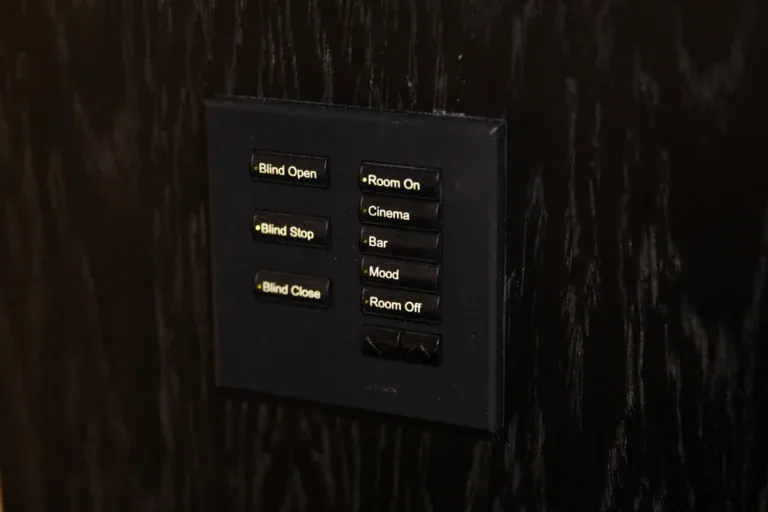
- Keypads are Vierti, plus Pico remotes. Vierti is a wireless keypad in solid brass or polymer, with large raised buttons and LED indicators.
- Blinds join the same system. The page lists Triathlon wire-free roller and honeycomb blinds and Sivoia roller blinds, plus curtains, Roman and slat blinds.
- It opens the door to tunable white. Lutron describes RadioRA 3 as the simplest way to add tunable white through its Intelligent Lighting, and lists Orluna tape light for the system.
- It integrates widely. The page shows logos for Control4, Crestron, Savant, RTI, URC, AMX, Sonos, Bang & Olufsen, Apple Home, Google Home, Alexa, Ring, Alarm.com and Nice.
RadioRA 3 is the natural fit for a finished, decorated home, and for most renovations where walls cannot be opened everywhere. The trade-off is keypad choice. If your heart is set on Palladiom glass, Alisse metal or Aviena toggles, that points to HomeWorks, because those keypads are listed on the HomeWorks page.
What is Lutron HomeWorks?
HomeWorks is Lutron’s top residential system. Lutron’s UK HomeWorks page calls it the only residential control system built to work natively with its full catalogue of lighting, window treatments and keypads (checked 14 October 2026).
What sets it apart:
- Size. Its Clear Connect wireless network can expand to over 4,500 square metres and support up to 10,000 zones.
- Wiring. HomeWorks can be wireless, wired or both. Lutron recommends its QS wiring for the thickest walls and densest materials, and lists a wired processor for hardwired installations.
- Keypads. The page lists Palladiom keypads with architectural finishes, Alisse round-button keypads in hand-crafted metal, Aviena toggle keypads in solid brass, Signature Series keypads and, now, Vierti. Our guide to Lutron keypads shows the ranges.
- Shading and light. Sivoia QS and Palladiom blinds and curtains, plus Ketra, Lutron’s full-spectrum tunable lighting. Our guide to Lutron Ketra explains it.
- Integration. The page lists Control4, Crestron, Savant, RTI and URC, Sonos, Sonance, Bluesound and Bang & Olufsen, Kaleidescape for home cinema, Amazon Alexa and Apple Siri for voice, and Ring, Alarm.com and Honeywell for security.
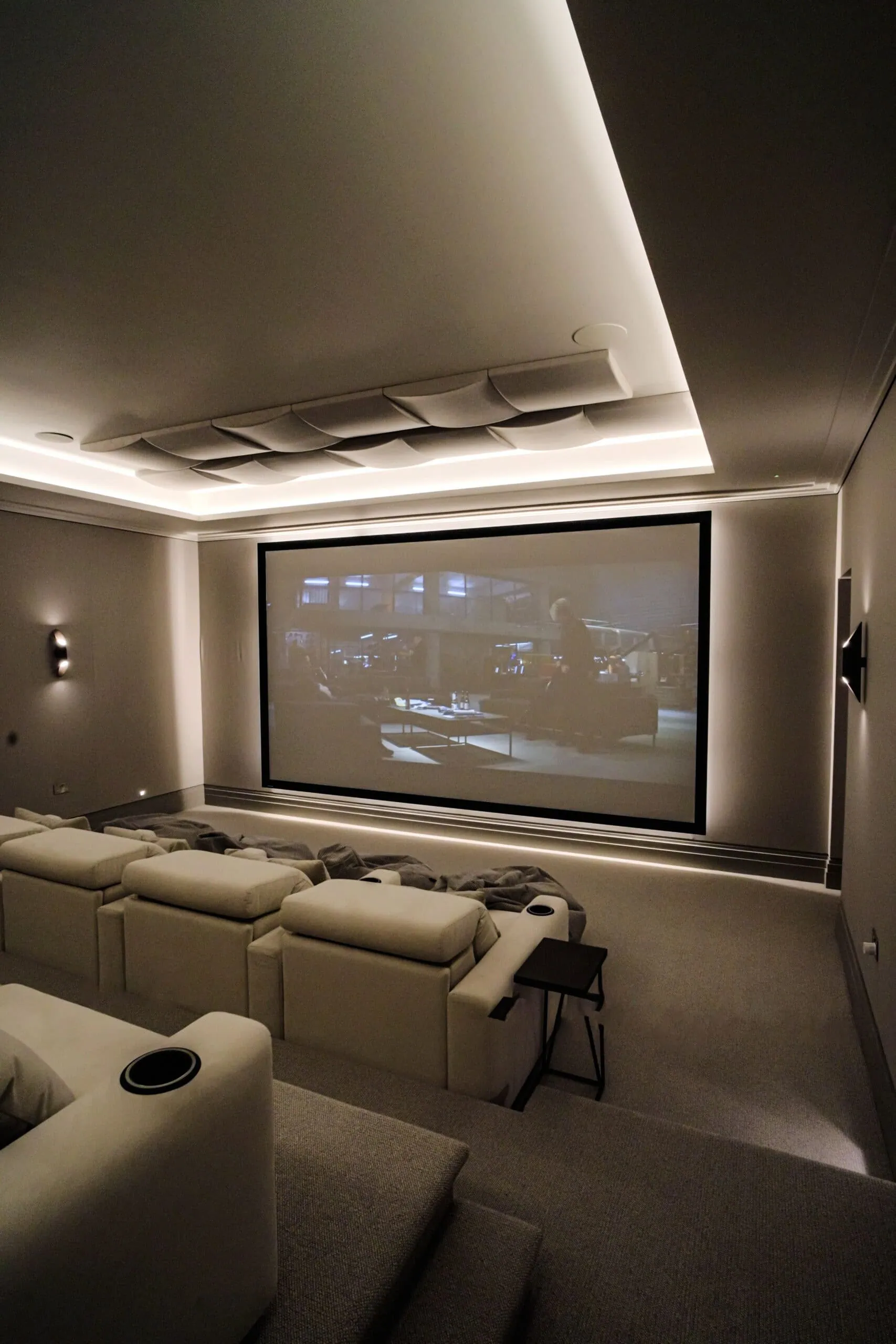
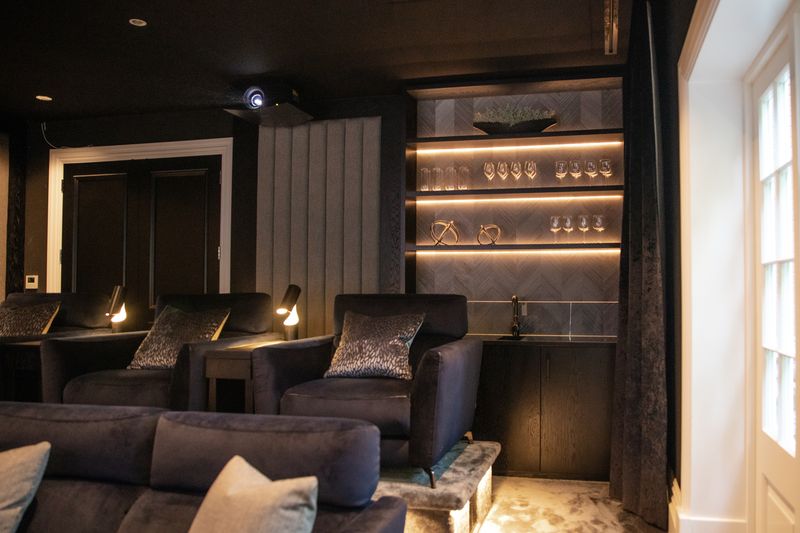
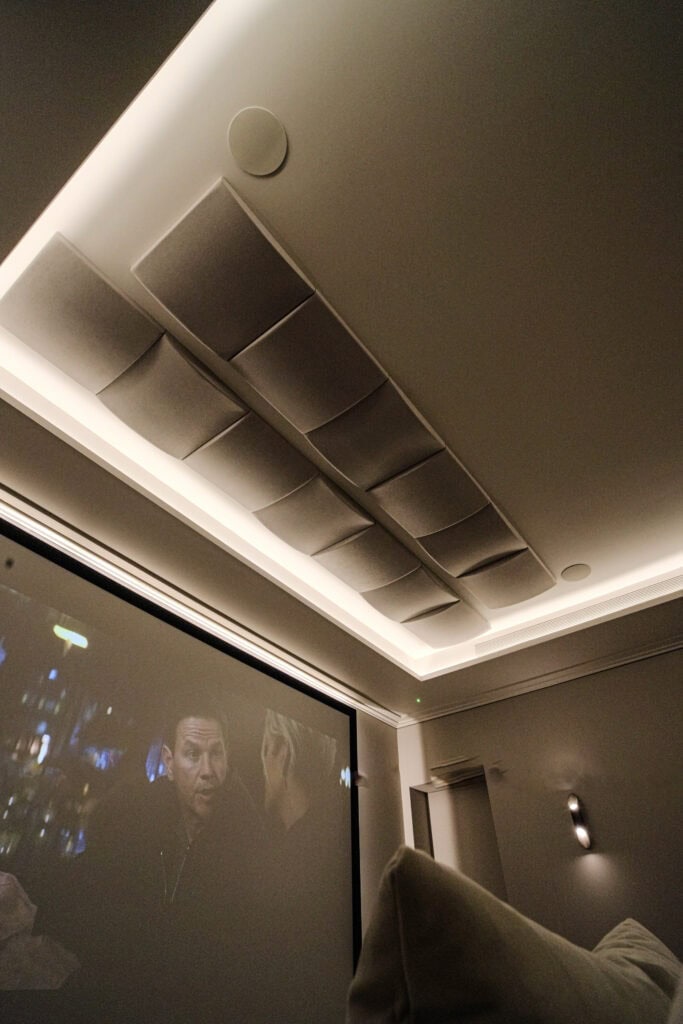
HomeWorks makes sense for larger homes, new builds and full renovations, and for anyone who wants the widest choice of keypads, blinds and lighting. We consider the wired option where cables can be run, and for rooms such as basements where you want the certainty of a cable rather than radio. Our Walton-on-Thames media room renovation pairs Lutron HomeWorks lighting with Silent Gliss blackout blinds and Control4, and our Roehampton Gate basement cinema runs a Lutron lighting system alongside Control4.
If you would rather have a different keypad on the wall, Basalte keypads with Lutron HomeWorks are one alternative. Basalte lists its Sentido and Fibonacci keypads as KNX, Crestron and Lutron compatible (checked 14 October 2026). Its Lutron route works with HomeWorks QS and QSX processors, not RadioRA 3, and Basalte does not list Control4.
What is Clear Connect, and why does it matter?
All three systems talk over Clear Connect, Lutron’s own radio technology. The RadioRA 3 page puts it plainly: the system communicates over Clear Connect, “not Wi-Fi”. The practical result is that your keypads and dimmers keep working when the broadband drops or the router is restarted. Remote access through the app still needs your internet connection, but the lights on the wall do not.
This is one of the main reasons we design lighting around a dedicated system rather than app-controlled bulbs, which we cover in more depth on our Lutron lighting control page.
When does RA2 Select make sense?
RA2 Select suits a flat, a smaller house, or one defined area such as a kitchen and family room. Lutron’s RA2 Select page lists Pico remotes and Pico scene remotes, in-line dimmers and switches, plug-in switches, motion sensors and Triathlon blinds. You can schedule lights by the clock or have them follow sunrise and sunset, and the page shows logos for Control4, Crestron, Savant, Sonos, Alexa, Google, Apple Home and Ring, among others.
Its limits are the 100-device ceiling and the controls. There are no designer keypads, so it rarely suits a whole large house.
What about Lutron Caseta and Lutron RA2?
Lutron Caseta is Lutron’s smart lighting range for North America. Caseta is not on Lutron’s UK residential systems page, and its in-wall dimmers are specified for 120 V, so imported Caseta dimmers are not suitable for UK wiring (both checked 14 October 2026). The nearest equivalent in Lutron’s UK range is RA2 Select: like Caseta, it is set up in the Lutron app and built around Pico wire-free remotes.
Lutron RA2 can mean two different things. Usually it means RA2 Select, the current entry-level system. Sometimes it means RadioRA 2, the previous generation of RadioRA, which RadioRA 3 has replaced and which no longer appears on Lutron’s UK systems page. We have worked with that generation too: our Epsom media room and sports bar uses a Lutron RA2 lighting solution with QMotion blackout blinds and Control4.
If you already have either one, you do not have to start again. Lutron’s RadioRA 3 support page says the system is backwards compatible with RadioRA 2 and RA2 Select (checked 14 October 2026). The main repeater and Connect Bridge are replaced with a RadioRA 3 processor, the RadioRA 2 project file is converted, and installed legacy devices stay in place, with some exclusions such as GRAFIK Eye QS Wireless control units. If another installer set up your system, our takeover and maintenance service starts by surveying what is there.
What if Lutron is not the right fit?
Lutron is not the only good answer. Rako lighting control is a wireless, wired or combined system from Rochester in Kent, and Rako says it is proud to manufacture its products in the UK (checked 14 October 2026). We used Rako at Oasis Bar and Terrace in Canary Wharf, where staff switch between Day, Sunset and Night scenes with a single touch.
How do we choose between them?
As specialists in Lutron lighting, we start with four questions:
- How many rooms and lighting zones, roughly? That tells us whether RA2 Select is big enough, or whether RadioRA 3’s 400 devices will do.
- Is the building open for wiring, or finished and decorated? Finished homes lean towards RadioRA 3; new builds and full renovations open up wired HomeWorks.
- Which keypad do you want to look at every day? Palladiom, Alisse and Aviena point to HomeWorks.
- Will the lighting join a whole-home system? Most of our projects pair Lutron with Control4 home automation, so Lutron runs lighting and shading and Control4 ties it to audio, video, heating and security.

That pairing is exactly what we installed throughout a house in Hampstead, with the Lutron lighting integrated into Control4. One Guildford family chose the same combination. In their Google review, Turning Left For Less wrote: “We engaged Art of Integration for our Control4 home automation and Lutron lighting control system at our new build family home in Guildford, and the experience was excellent from start to finish.”
Where can you see Lutron lighting working?
Reading specifications only gets you so far. Book a showroom visit and see lighting scenes working in a real room at our Walton-on-Thames showroom, then we can talk through which system fits your home.
Frequently asked questions
What is Lutron RA3?
Lutron RA3 is RadioRA 3, Lutron’s professionally installed wireless lighting control system. It communicates over Clear Connect radio rather than Wi-Fi, handles up to 400 devices with paired processors, uses Vierti keypads and Pico remotes, and is designed for retrofits without opening walls.
What is the difference between RadioRA 3 and HomeWorks?
HomeWorks is the bigger, more flexible system. It can be wired or wireless, covers over 4,500 square metres and up to 10,000 zones according to Lutron, and lists the full keypad range, including Palladiom, Alisse and Aviena. RadioRA 3 is wireless only and handles up to 400 devices.
Is Lutron HomeWorks worth it?
For a large house, a new build or a full renovation, usually yes, because it offers wired control, the widest keypad choice and Ketra lighting. For a finished home of ordinary size, RadioRA 3 often does everything you need with less disruption.
Is Lutron Caseta available in the UK?
Not as part of Lutron’s UK range. Lutron’s UK residential systems page lists RA2 Select, RadioRA 3 and HomeWorks, and Caseta’s in-wall dimmers are specified for 120 V rather than UK 230 V mains.
Can RadioRA 2 or RA2 Select be upgraded to RadioRA 3?
Yes. Lutron says RadioRA 3 is backwards compatible with both. The main repeater is replaced with a RadioRA 3 processor, the project file is converted, and installed devices stay in place, with some exclusions.
Does Lutron need Wi-Fi to work?
No. Lutron systems communicate over Clear Connect, Lutron’s own radio technology, so keypads and dimmers keep working if your Wi-Fi goes down. Remote access through the app still needs your internet connection.
Does Lutron work with Control4?
Yes. Control4 appears among the integrations on Lutron’s UK pages for RA2 Select, RadioRA 3 and HomeWorks, and most of our projects pair Lutron lighting with Control4 automation.