
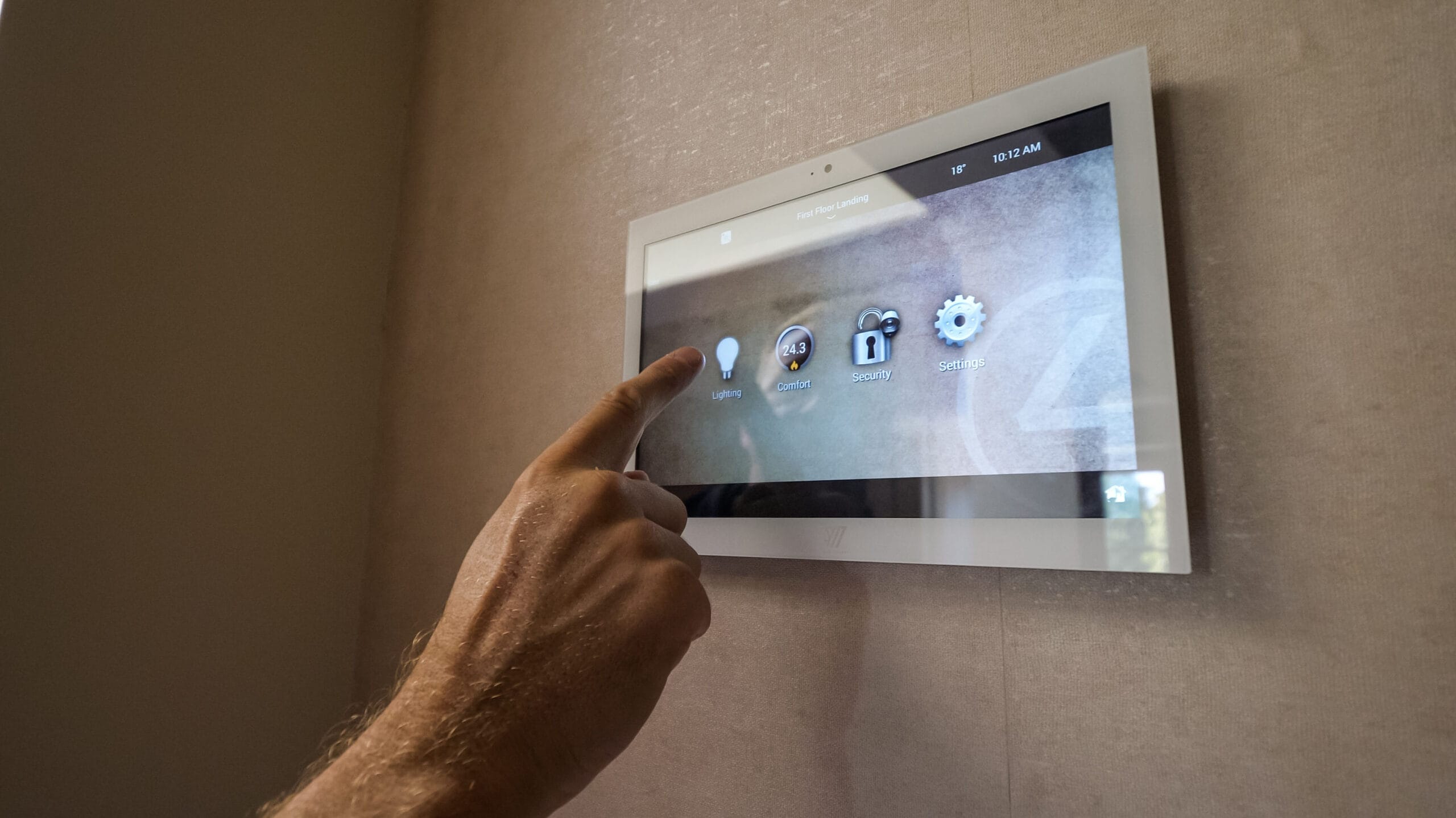
Most older Control4 systems can be upgraded, but how far depends on the controller. Control4’s current software, X4 (OS 4), runs on CORE, CA and EA series controllers. An HC-250 cannot run OS 3 and an HC-800 stops at OS 3.3.0, so those homes need a new controller first. Systems still on OS 2 are also losing Control4’s cloud services.
The good news is that an upgrade rarely means starting again. The cabling, much of the equipment and the thinking behind your scenes can usually be kept. What changes is the controller, some of the older touchscreens and keypads, and the software that ties it all together.
Which version of Control4 is my system on?
Control4 homes broadly fall into three generations:
- OS 2: the older software. Snap One’s dealer notice set 4 August 2026 as the date OS 2 cloud services retire, and advised customers to update to OS 3 or X4 with Control4 Connect to keep them (Snap One).
- OS 3: released in May 2019; the last OS 3 release in Control4’s version history is OS 3.4.3, from November 2024 (Control4 X4 release notes).
- X4 (OS 4): released on 15 April 2025. The latest version listed on Control4’s release notes page is OS 4.2.1 (Control4 release notes).
If you have lost touch with the company that installed your system, we can identify the version, the controller and the devices for you as part of a takeover and maintenance visit.
What changed with OS 3?
OS 3 was a full redesign. Control4 described it as a release with over 1,000 new features, and it brought a new Room Screen, favourites that sync across the app, touchscreens and TV menus, and lighting scene editing in the iPhone and Android apps (Control4 OS 3 release notes).
It also introduced a stricter end-of-life policy. To move to OS 3 a system had to be on OS 2.9.0 or higher, and some hardware blocked the upgrade until it was removed, including the HC-250 controller, several older touchscreens, older door stations and legacy drivers (Control4 OS 3 release notes). The HC-800 controller could run OS 3 without its on-screen TV menu, but OS 3.3.0 is the last version it supports (Control4 OS 3.3.1 release notes).
What does X4 add, and what does it leave behind?
X4 brings a new Home Screen, customisable widgets, Routines and in-app setup for Apple Home and Siri. Its requirements are a CORE, CA or EA series controller and the new Control4 mobile app, and a system must be on OS 3.4.1 or higher before it can move to X4 (Control4 X4 release notes).
X4 is also the end of the road for some older devices. With OS 4.1 in September 2025, Control4 ended support for T3 touchscreens (in-wall and tabletop, 7 and 10 inch), Control4 dimmers, switches and keypads from the first and second generations, and the on-screen display on EA-1, EA-3 and EA-5 controllers. Those devices will no longer receive software updates or technical assistance, though the EA controllers themselves remain supported (Control4 OS 4.1 release notes).
Do you need 4Sight or Control4 Connect?
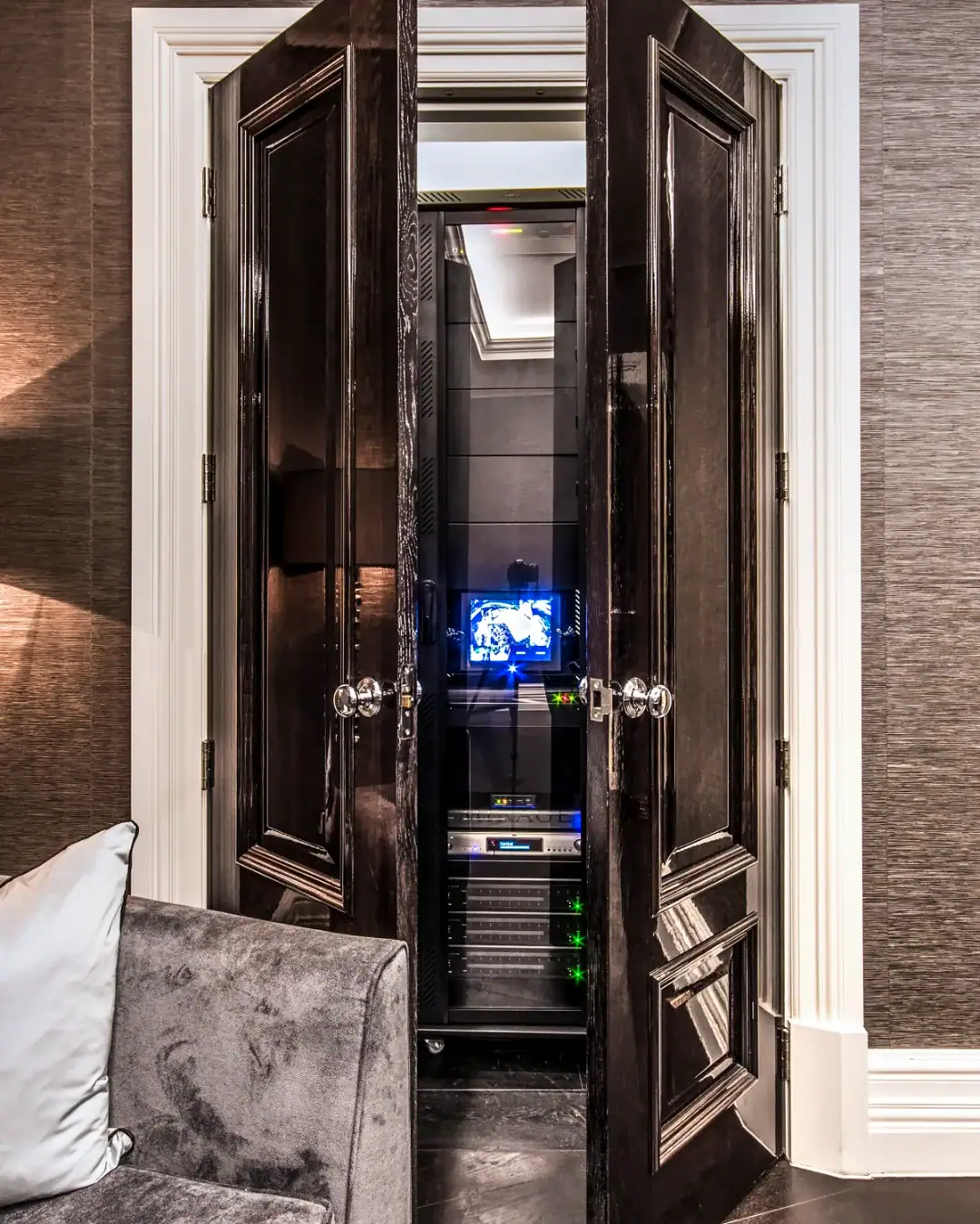
4Sight was Control4’s original subscription for remote access, voice control and When >> Then. It is only available for systems installed before 23 April 2024; later systems use Control4 Connect instead (Control4 4Sight). Connect adds remote access, notifications, voice control, backups and access to software updates, and Control4 says its systems work locally without a subscription (Control4 services).
The rules have moved during the X4 rollout. Control4’s X4 release notes list an active Connect subscription in the upgrade path, while Snap One’s current X4 page says X4 systems do not require Connect (Snap One X4). We check what your particular system needs before we quote, so there are no surprises.
What does upgrading an older Control4 system involve?
Every house is different, but a typical upgrade follows the same steps:
- Survey and document. We record every device, driver and piece of programming, and check the network.
- Replace the controller if needed. An HC-series controller is swapped for a current CORE model sized to the house (Control4 controllers).
- Swap retired touchscreens. Control4’s data sheet says the in-wall T4 touchscreen is a direct replacement for the T3 and fits the T3 wall box, which keeps the job tidy (Control4 T4 data sheet).
- Deal with older lighting. First and second generation Control4 keypads and dimmers need replacing to stay supported. That can mean current Control4 lighting, where the model is available in the UK, or a move to Lutron lighting control, which we install alongside Control4 on most projects.
- Update and test. Drivers are updated, the system is moved through the required software versions and every scene is tested room by room.
- Hand over properly. We show the whole family the new app and Home Screen, because the X4 interface looks very different from OS 2 or OS 3.
The network deserves special attention. Control4 says a controller needs a network connection to use all of its features (Control4 CORE 3 guide), and X4 relies on it for the app, cameras, music and remote access, so an upgrade is the right moment to check it. We explain why in why a Control4 smart home depends on its network, and our data and Wi-Fi networks service covers the work itself.
Should you upgrade or start again?
In most homes, upgrading is the better value, because the expensive, disruptive part of a smart home (the cabling and the design) is already done. Starting again makes sense when a system was badly designed from the outset, when most of its hardware is on the retired list, or when you are renovating anyway.
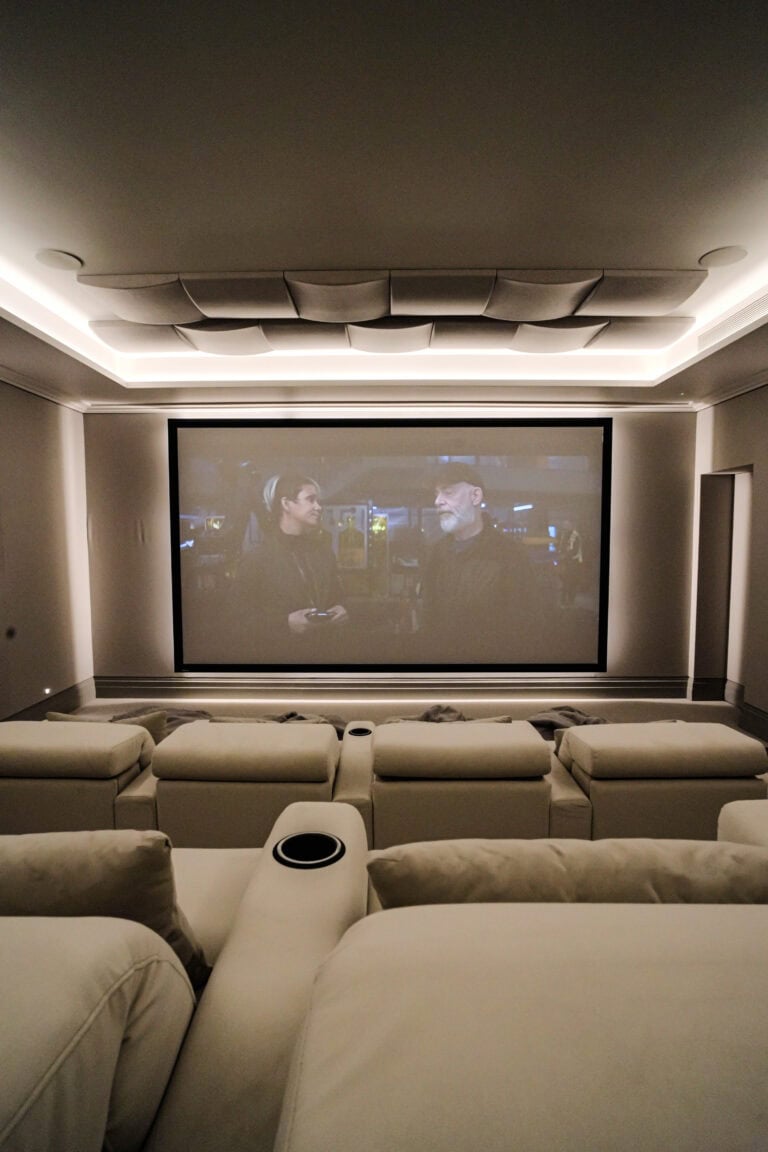
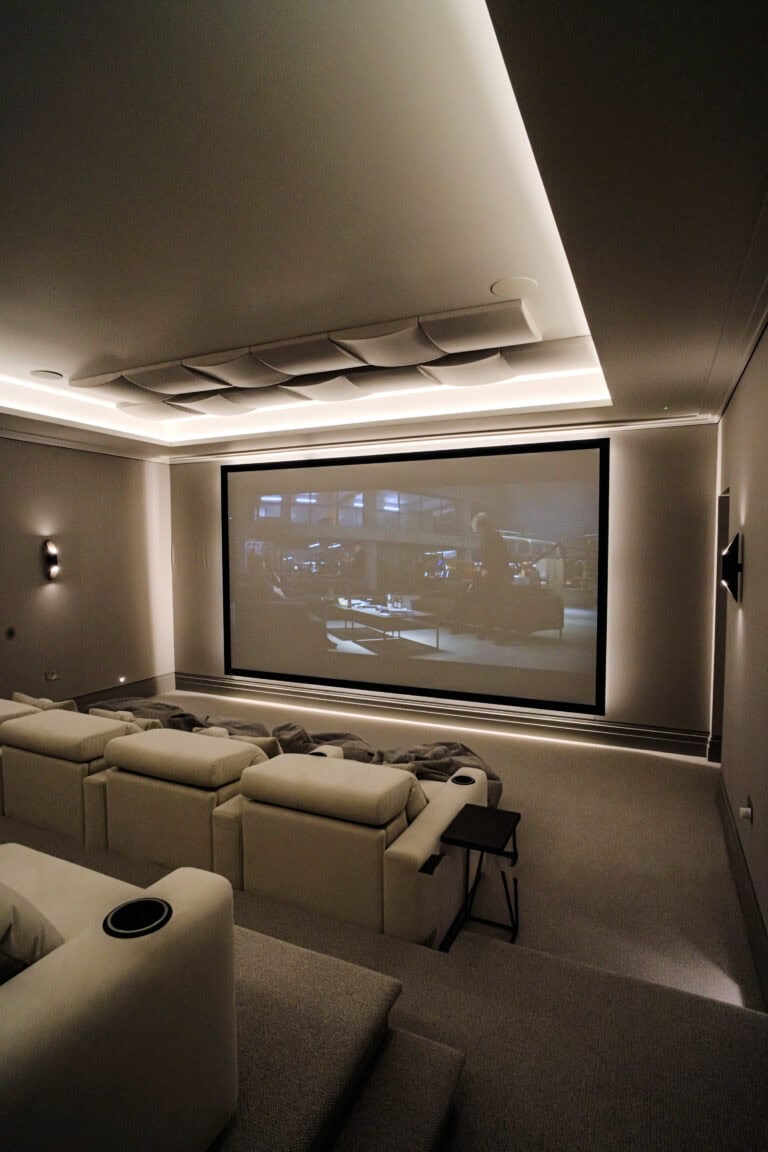
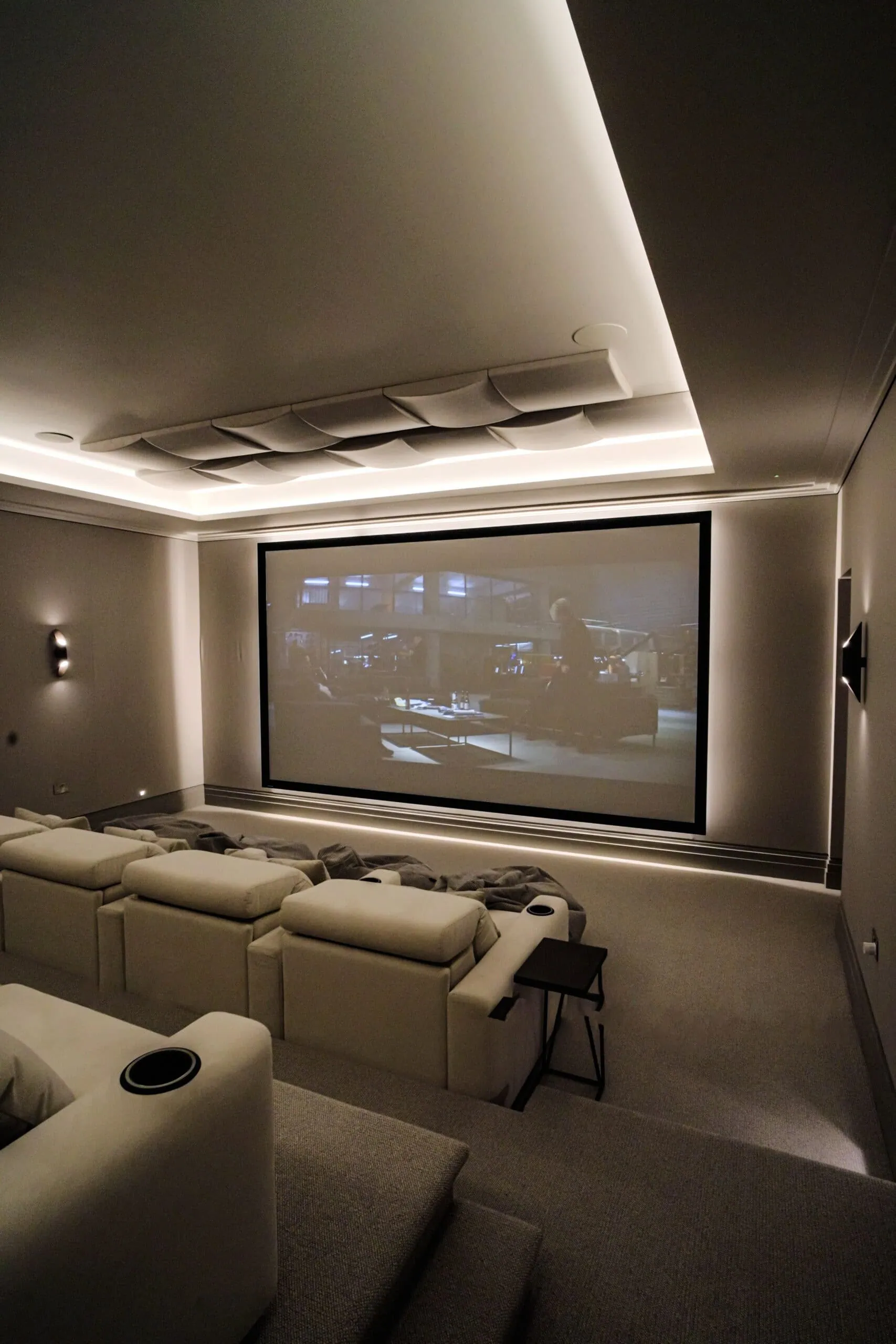
The owners of our Fetcham cinema and games room came to us after a previous home automation system that “never worked consistently”. Our first job was rebuilding their confidence, and the Control4 system we installed in their new home worked consistently. That is the standard an upgrade should be held to as well.
Our maintenance and support team is led by Nick Dunning, our Technical Services Director, who has more than 22 years in residential AV. As a Platinum Control4 dealer with the Circle of Excellence award for 2023, 2024 and 2025, we take over systems installed by other companies as a matter of course: we document what is there, fix what is not working and support it going forward.

For background on the platform itself, read what Control4 is and how it works, or see our main Control4 smart home installation page. If your system is showing its age, book a free design consultation and we will tell you honestly what can be kept.
Frequently asked questions
Can an HC-800 controller run Control4 X4?
No. X4 needs a CORE, CA or EA series controller, and OS 3.3.0 is the last version the HC-800 supports, so an HC-800 system needs a new controller to move to X4.
Will my old Control4 keypads work with X4?
Not for long. First and second generation Control4 dimmers, switches and keypads could update to the first X4 release, but Control4 ended support for them with OS 4.1 in September 2025, so they need replacing to stay current.
What happens to an OS 2 system when cloud services end?
Remote access and Control4’s cloud services stop for OS 2 systems, and Snap One advised updating to OS 3 or X4 with Control4 Connect to keep them. Control4 says its systems work locally without a subscription, but you should plan an upgrade rather than rely on an unsupported system.
Do I have to go back to my original installer to upgrade?
No. Taking over systems installed by other companies is a core part of our work: we document what is there, fix what is not working and upgrade or support it from that point on.
Can I upgrade straight from OS 2 to X4?
Not in one step. Control4 required OS 2.9.0 or higher to move to OS 3, and OS 3.4.1 or higher to move to X4, so your dealer updates the system through those versions after replacing any unsupported hardware.