



What a Sonos installer does that a shop cannot
Sonos is designed so anyone can put a speaker on a shelf and have it playing in minutes. The jobs that need an installer are the ones inside the fabric of the house: cutting speakers into ceilings and walls, finding a home for the amplifiers, running cable between floors and building a network that holds up when every room is playing at once.
For built-in audio, the current Sonos range is short and clear:
- Sonos Amp: a two-channel streaming amplifier rated at 125 watts per channel into 8 ohms, with HDMI eARC for a TV, line-in, a subwoofer output and Ethernet. Sonos says one Amp can drive up to three pairs of its architectural speakers.
- Amp Multi: an eight-channel, 2U amplifier built for professional installation, with outputs assignable to up to four zones and Wi-Fi 6.
- In-Ceiling, In-Wall and Outdoor speakers by Sonos and Sonance: passive speakers designed and tuned with Sonance. The in-ceiling grilles are flush, bezel-less and paintable, and powering them from an Amp unlocks Trueplay tuning with a supported iPhone or iPad.
Why families choose Sonos ceiling speakers
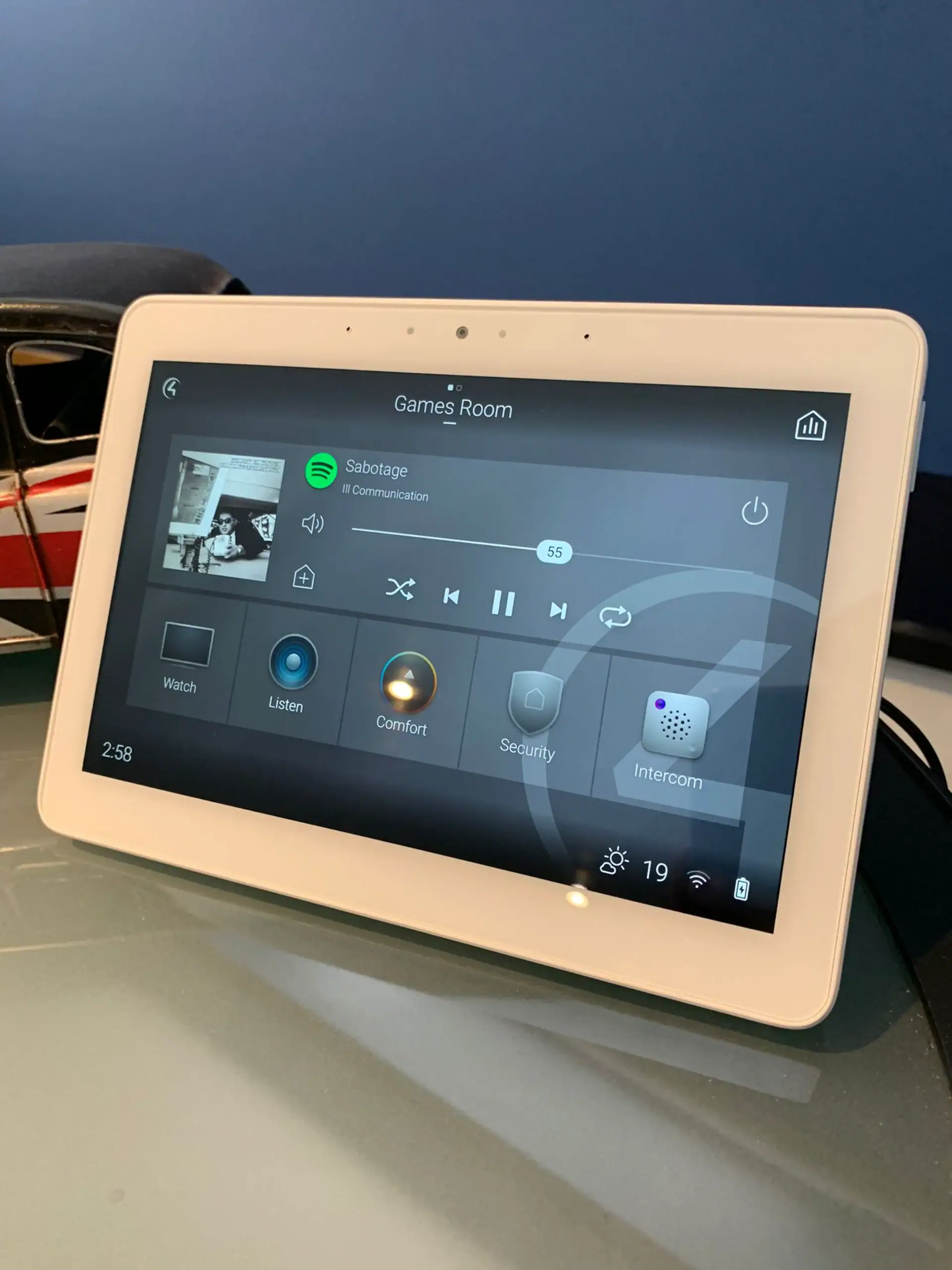
The reason is usually the app. For many households Sonos is already on every phone, and children and guests know how to use it, so a house that works the same way in every room needs no explanation. Sonos ceiling speakers keep that familiar control while clearing speakers off the shelves, and an Amp gives each room the same streaming services, grouping and AirPlay 2 as a standalone Sonos speaker.
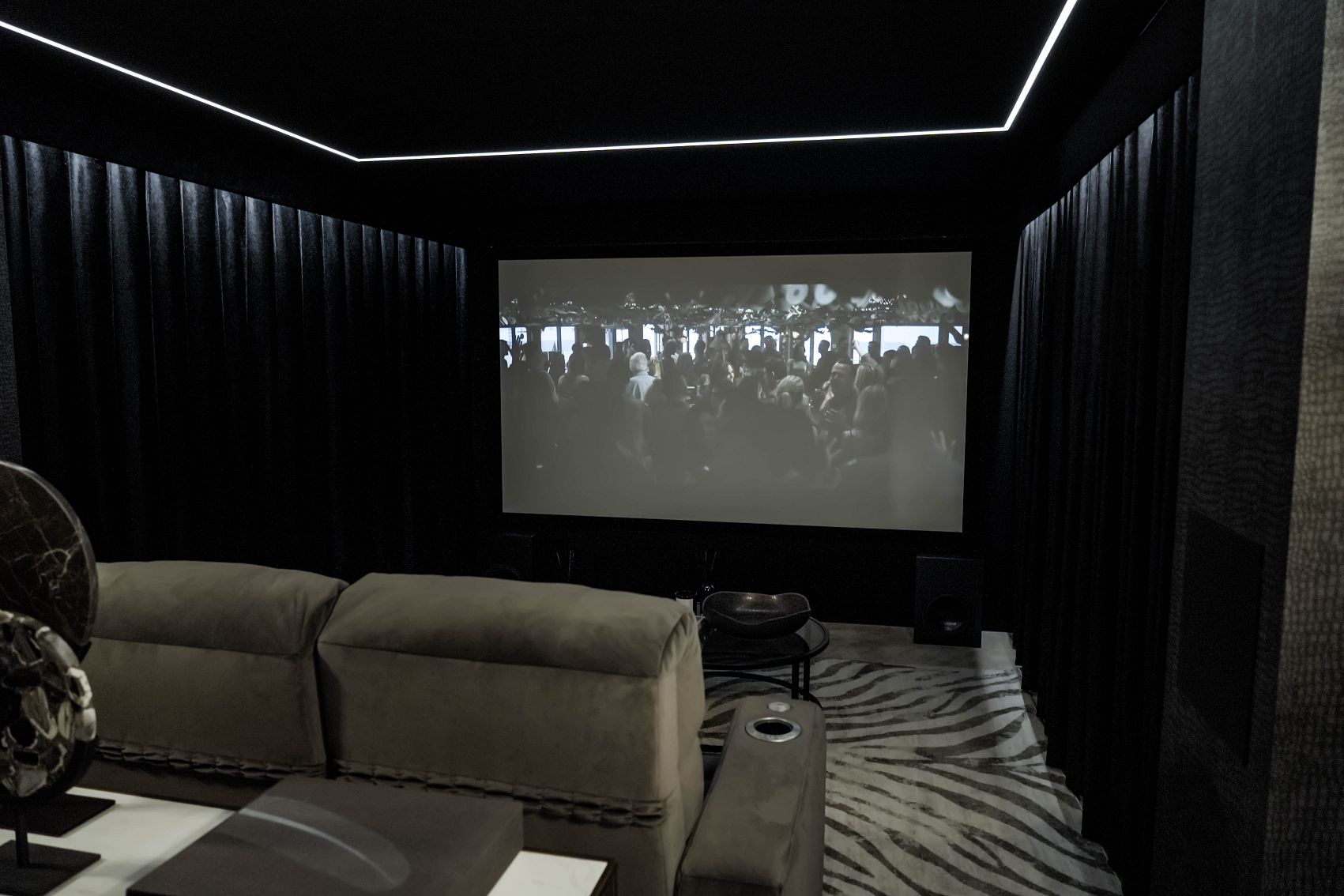
Sonos also lives happily alongside a cinema. A kitchen, garden room or gym can run on Sonos while a dedicated cinema uses its own processor and speakers, and Control4 ties the two together. For a whole-house plan that covers video as well as music, start with our multi-room AV service. This page is about getting Sonos itself right.
Planning Sonos: zones, network and a hardwired backbone
Sonos leans on the network more than any other part of a home system, so we design the two together.
- Decide the zones first. Each Sonos Amp is one zone with up to three pairs of Sonos architectural speakers, and Amp Multi covers up to four zones from one rack unit. Listing the rooms that need their own music tells us how many amplifiers you need and where they live.
- Cable the amplifiers. Sonos Amp and Amp Multi both have Ethernet, so we wire each one back to the network switch rather than leaving it on Wi-Fi.
- Remove what Sonos does not support. Sonos lists wireless range extenders, Ethernet over Power adaptors, guest networks and routers that only offer 5GHz Wi-Fi as unsupported. If your current network relies on any of them, it needs reworking before new speakers go in.
- Use a mesh the way Sonos expects. On a mesh network with a wired Sonos setup, Sonos says products must be wired to the primary mesh node, and the router must support Spanning Tree Protocol.
- Pick wired or wireless, not both. Lutron's integration guidance says to use all wired or all wireless Sonos speakers when the system is linked to RadioRA 3 or HomeWorks QSX.
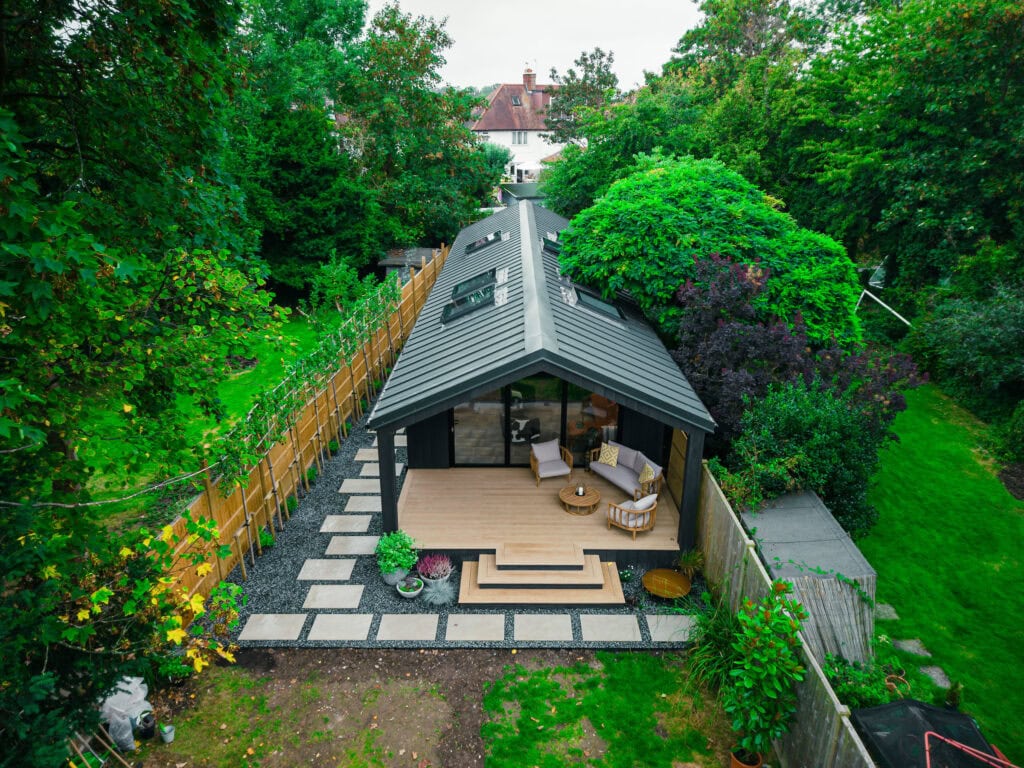
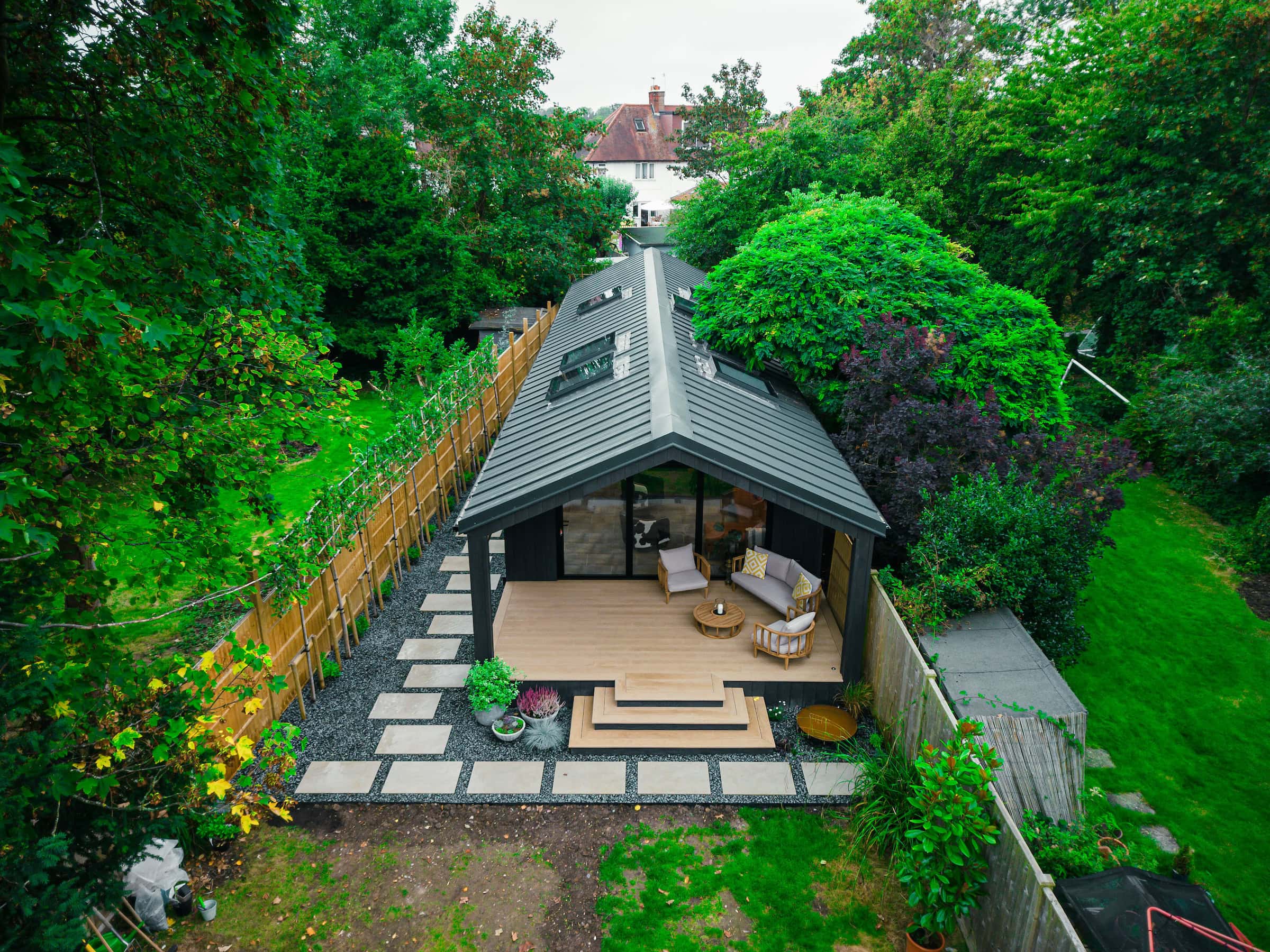
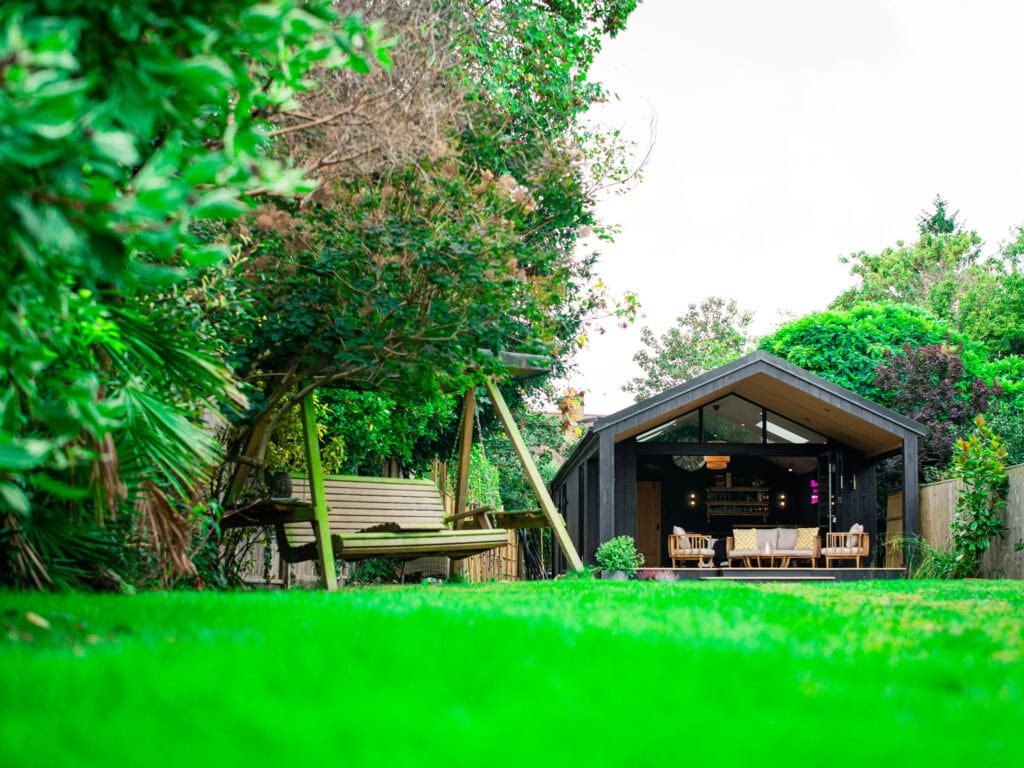
- Give outbuildings their own network. A garden room, pool house or gym needs a cable or fibre run, as at Thames Ditton, not a stretched signal from the house.
Our data and Wi-Fi networks service and the Control4 network requirements guide cover the rest of the backbone.