

LED lights flicker or buzz on a dimmer mainly because the dimmer and the lamps or drivers are badly matched. The usual causes are a total load below the dimmer’s minimum, incompatible dimming types, or mixed fixtures on one circuit. The fixes are matching dimmer to load, adjusting low-end trim, or specifying lighting as one designed system.
Why do LED lights flicker on a dimmer?
Old incandescent bulbs were simple resistive loads, so almost any dimmer worked with them. LEDs are different: each lamp contains a small electronic driver that has to interpret the dimmer’s signal. If the driver and the dimmer do not agree, the result is flicker, drop-out at low levels, a delayed start or a visible step in brightness.
Flicker usually has one of four roots: the load is too small, the dimmer type does not suit the driver, the lamp was never designed to dim smoothly, or several different fixture types share one dimmer. Working out which one applies is most of the fix.

What is a minimum load, and why does it matter?
Many dimmers are rated for a minimum total wattage as well as a maximum. LED lamps draw very little power, so a circuit with one or two small lamps can fall below that minimum even when the lamps are perfectly good. LED lighting guidance notes that a single 9W LED can sit below a dimmer’s threshold, which is often in the 25 to 40W range, and cause buzzing or flicker even when bulb and dimmer are individually compatible.
The cure is to add load, use a dimmer designed for low LED loads, or fit a minimum load accessory. For example, Lutron sells a minimum load capacitor that is wired across the neutral and load connections for this purpose. Always check the dimmer’s own documentation before adding anything.
Does the type of dimmer make a difference?
Yes. Dimmers control brightness by chopping part of each mains cycle. Leading-edge dimmers cut the start of the wave, and trailing-edge dimmers cut the end. Trailing-edge designs are generally a better match for LED drivers and tend to have a lower minimum load. Some LED lamps and drivers are built for one type and misbehave on the other, so the lamp’s datasheet matters as much as the dimmer’s.
This is also why swapping a single bulb on a dimmer you have lived with for years can suddenly produce flicker: the new lamp has a different driver.
How do you stop LED buzzing and low-end flicker?
Work through these in order:
- Check the whole circuit’s load. Add up the actual LED wattage and compare it with the dimmer’s minimum and maximum.
- Use lamps on the dimmer maker’s tested list. Lutron publishes an LED compatibility tool where you enter a dimmer model and see lamps tested with it.
- Adjust low-end trim. If lights flicker or drop out only at the bottom of the range, the lamp may not dim as low as the dimmer allows. Lutron’s support guidance points to the low-end trim setting as a common remedy.
- Do not mix fixture types. Different lamps and drivers on one dimmer rarely dim in step with each other.
- Replace the weak link. If one cheap lamp or driver is the culprit, change that rather than the whole system.
Why do problems keep coming back in DIY retrofits?
Because the lamps, drivers and dimmers are usually bought separately, often at different times, by different people. Each choice is reasonable on its own, but nobody has checked that they work together across a whole house. Add dozens of circuits and the odds of at least one mismatch rise quickly.
A designed system avoids this by choosing fixtures, drivers and controls together. Our Lutron lighting control service is built around that approach, and our smart home lighting and shading page explains how lighting fits with the rest of the house. If the lighting is part of a wider automation project, it can also be integrated into Control4, as in our Hampstead project, where the lighting was integrated into Control4 throughout the property.
When should you call a specialist?
Call a specialist if flicker appears on several circuits, if it started after a lamp change you cannot reverse, or if you are planning new lighting throughout a home. Persistent buzzing can also point to wiring or driver issues that are best checked by a qualified electrician, so do not keep forcing a mismatched combination to work.
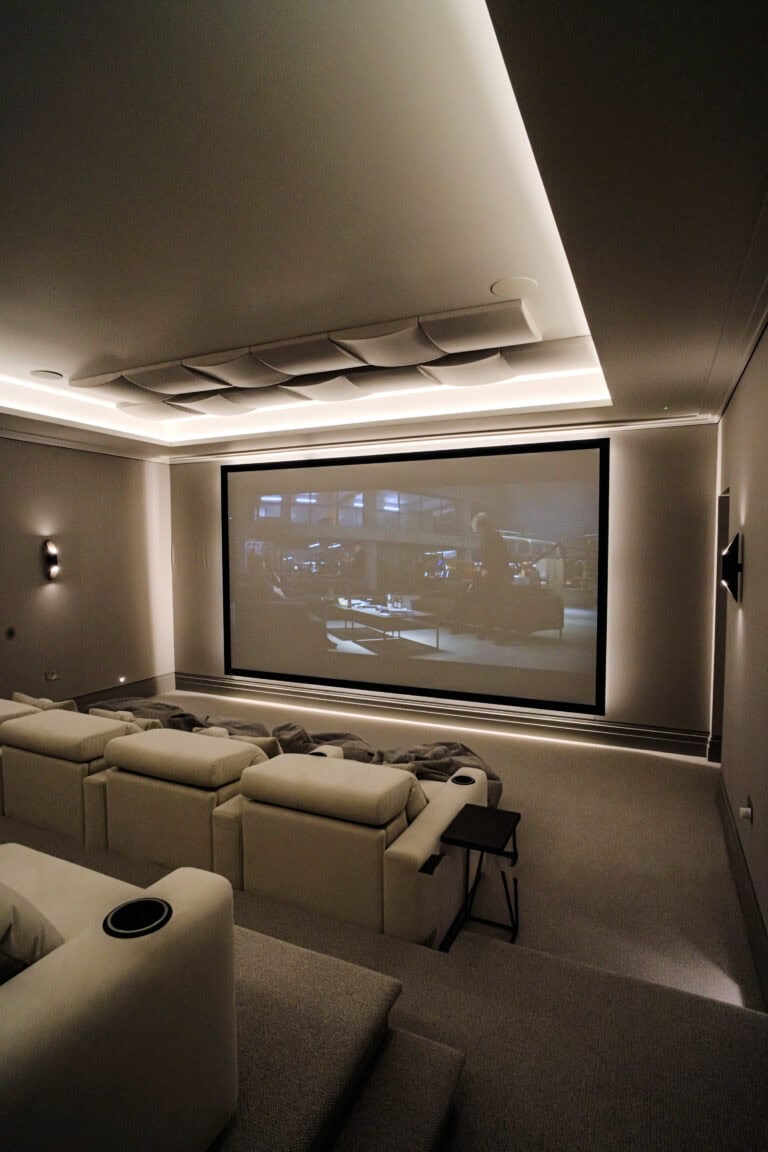
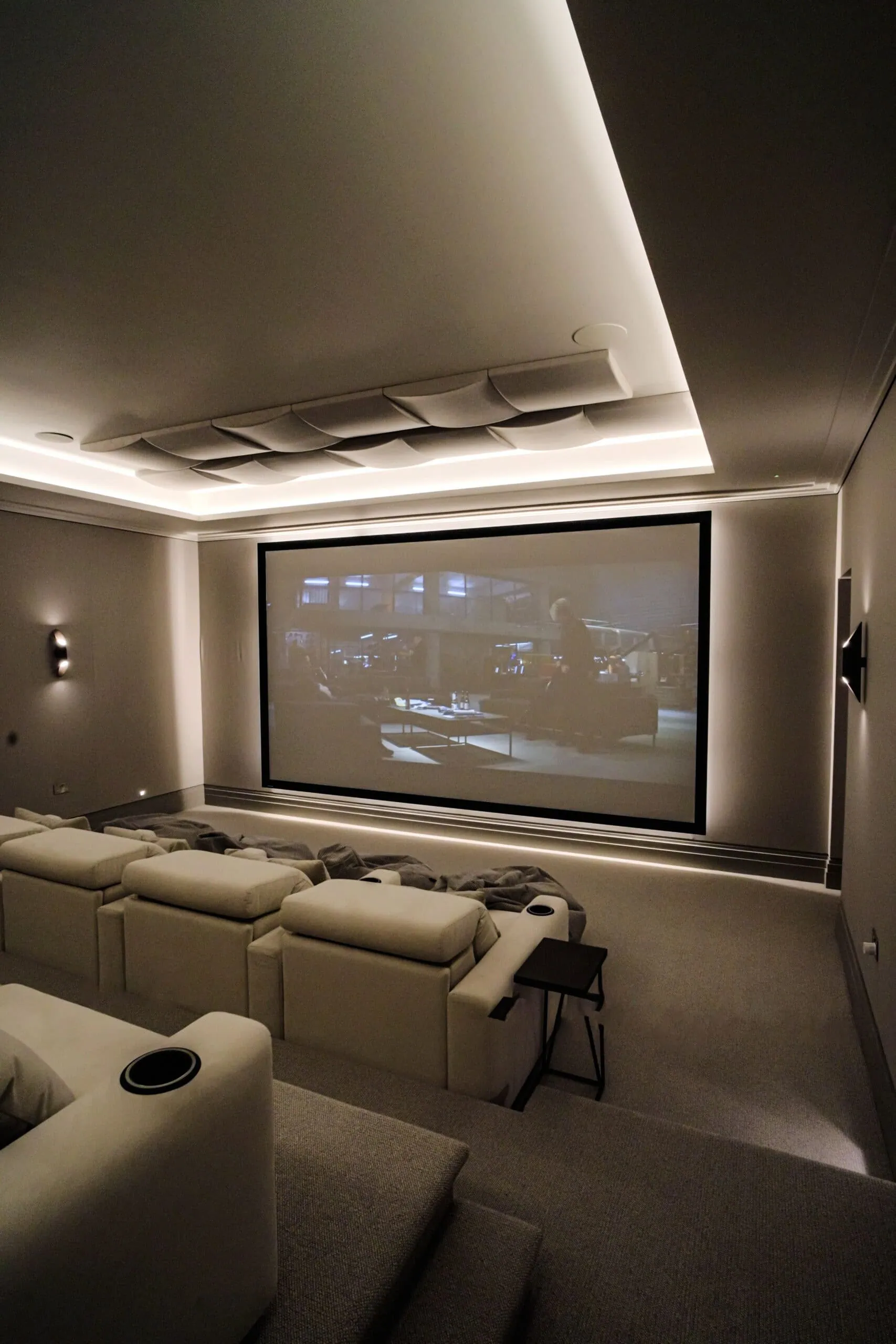
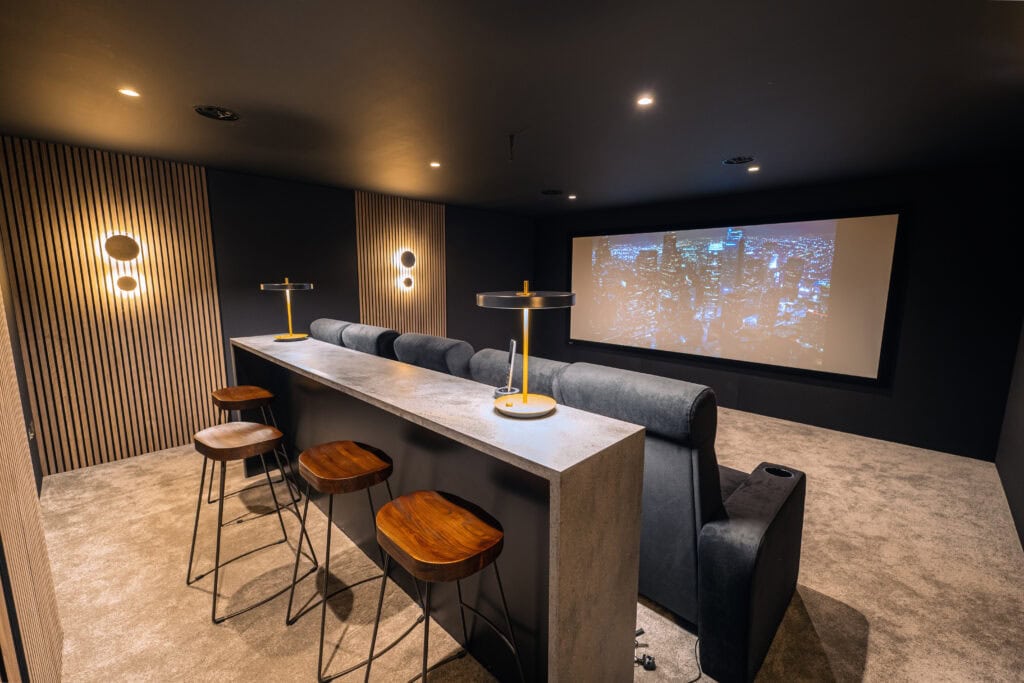
For rooms where lighting quality is critical, such as cinemas, it is worth specifying dimming performance from the start. Our guide to home cinema lighting covers how a cinema room is lit, and planning lighting scenes room by room shows how dimming fits into everyday use.
You can see dimmed lighting working in a real room at our demonstration cinema and showroom in Walton-on-Thames: visit our showroom, or get in touch on 020 3397 9888.

Frequently asked questions
Why does my LED bulb flicker only when dimmed low?
The lamp may not be able to dim as low as the dimmer allows, or the circuit load may be too small at that level. Adjusting the dimmer’s low-end trim, where available, or changing to a lamp tested with that dimmer often resolves it.
Why is my dimmer buzzing with LED bulbs?
Buzzing is commonly a sign of a mismatch between the dimmer and the lamp’s driver, or of a load below the dimmer’s minimum. Trying a lamp from the dimmer maker’s compatibility list is the quickest test.
Can I use any dimmable LED bulb with any dimmer?
No. “Dimmable” only says that a lamp can dim, not that it works smoothly with every dimmer. Check the compatibility information for your specific dimmer and lamp.
Is flickering LED lighting dangerous?
Flicker is usually a compatibility issue rather than a safety one, but persistent buzzing, heat or a burning smell should be checked by a qualified electrician straight away.