
A lighting scene is a saved setting that puts several lights, and often the blinds, at chosen levels with one press. To plan scenes, list what happens in each room through the day, split the lights into circuits you can dim separately, then give each room three or four scenes plus off. That covers most rooms.
Get the planning right and a keypad by the door does the work of a row of switches. Get it wrong and nobody remembers which button does what.
What is a lighting scene?
Start with zones. Historic England’s lighting guidance defines a control zone as one or more light sources controlled together by a single control input. In a kitchen that might be the downlights, the pendants over the island, and the strip light under the cabinets: three zones.
A scene is a recipe across those zones. “Cook” might be downlights at 100%, pendants at 80% and cabinet lights on. “Evening” might be downlights off, pendants at 20% and cabinet lights low. Historic England’s guidance gives the same idea with scenes such as “morning”, “evening” and “night”.
Why do circuits matter more than buttons?
Scenes can only be as good as the circuits behind them. If every downlight in a room is on one circuit, no programming can light one end differently from the other. So the real planning happens at the electrical stage:
- General light: downlights or ceiling fittings, split into more than one zone in larger rooms.
- Wall and feature light: wall lights, picture lights, shelf lighting and joinery strips.
- Low-level light: step lights and floor washers for moving around after dark.
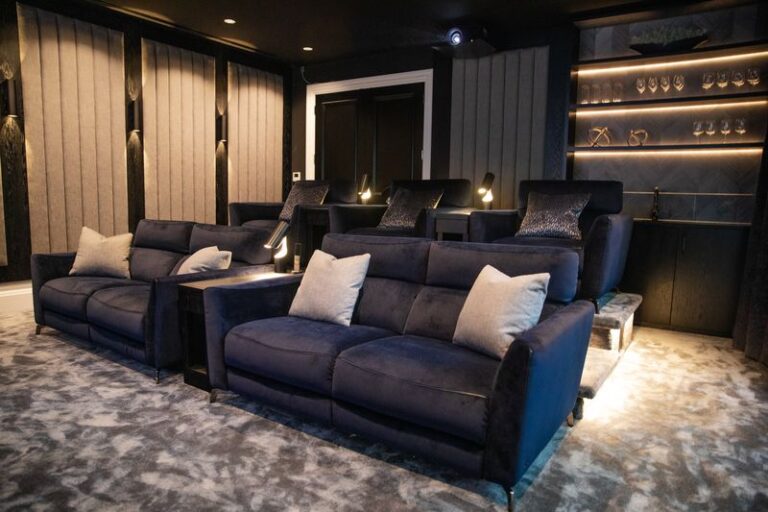
- Lamps: table and floor lamps on their own lighting sockets, so they join scenes too. Our Weybridge basement cinema puts downlights and 5 amp lamps on mood scenes.

The touchscreen above, in our showroom, shows what this looks like in practice: separate loads for strip light, picture spots, shelf LEDs and the ceiling, each one available to every scene.
How many scenes does a room need?
Three or four, plus off. Most rooms have a bright mode, one or two relaxed modes, and off. Beyond that, people stop using the buttons.
Keep names consistent across the house. If “Evening” means lamps and wall lights in the sitting room, it should mean something similar in the kitchen. Name scenes for what you are doing, not for the lights.
Room by room: scenes that work
Kitchen and family room
- Cook: everything bright over the worktops and island.
- Dine: pendants over the table, downlights low.
- Evening: under-cabinet light and lamps only.
- Off.
If you are choosing tunable white lighting, this is the room where it helps most. See our guide to Lutron Ketra.
Sitting room
- Day: a gentle top-up when the daylight fades.
- Relax: lamps and wall lights, ceiling low or off.
- TV: low light behind and beside the screen, nothing reflecting on it.
- Off.
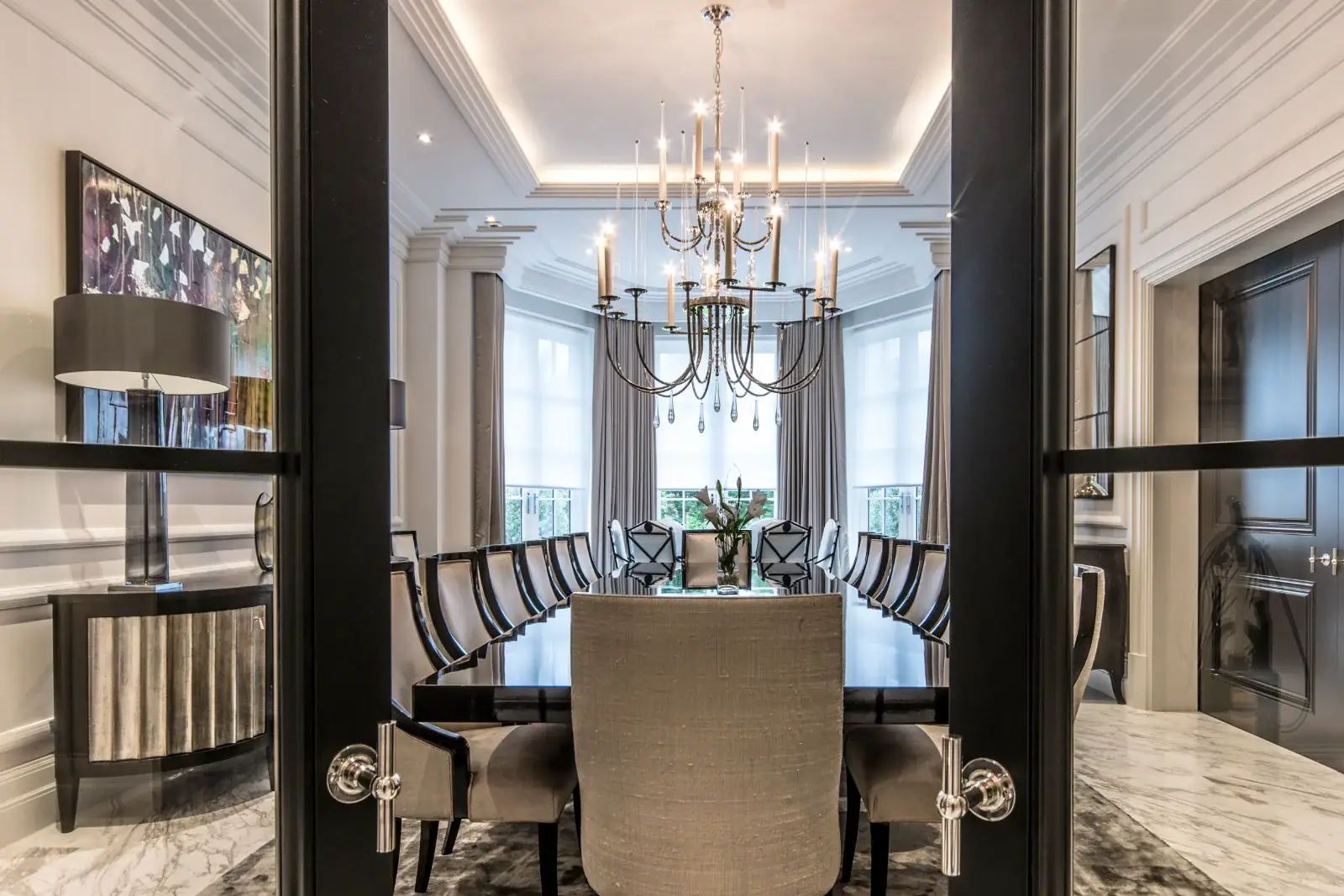
Dining room
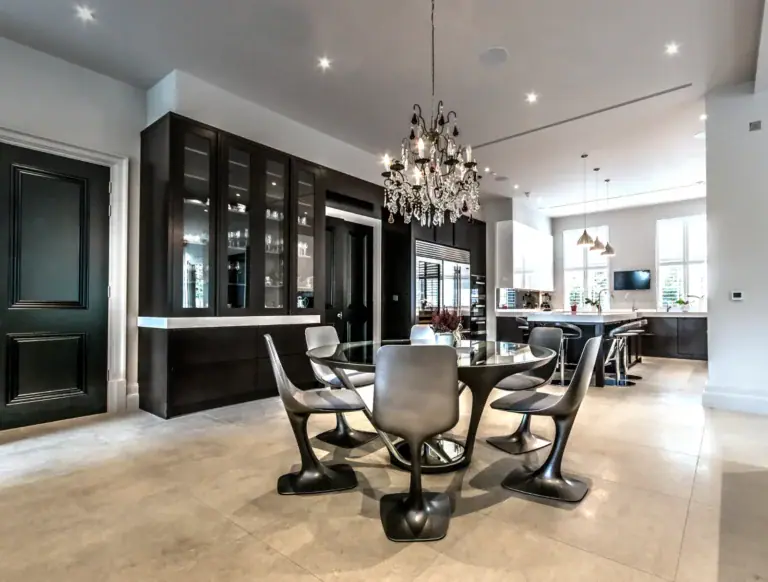
- Dinner: chandelier or pendant low, cove or wall light warm.
- Entertaining: a little brighter for serving and clearing.
- Off.
Cinema and media rooms
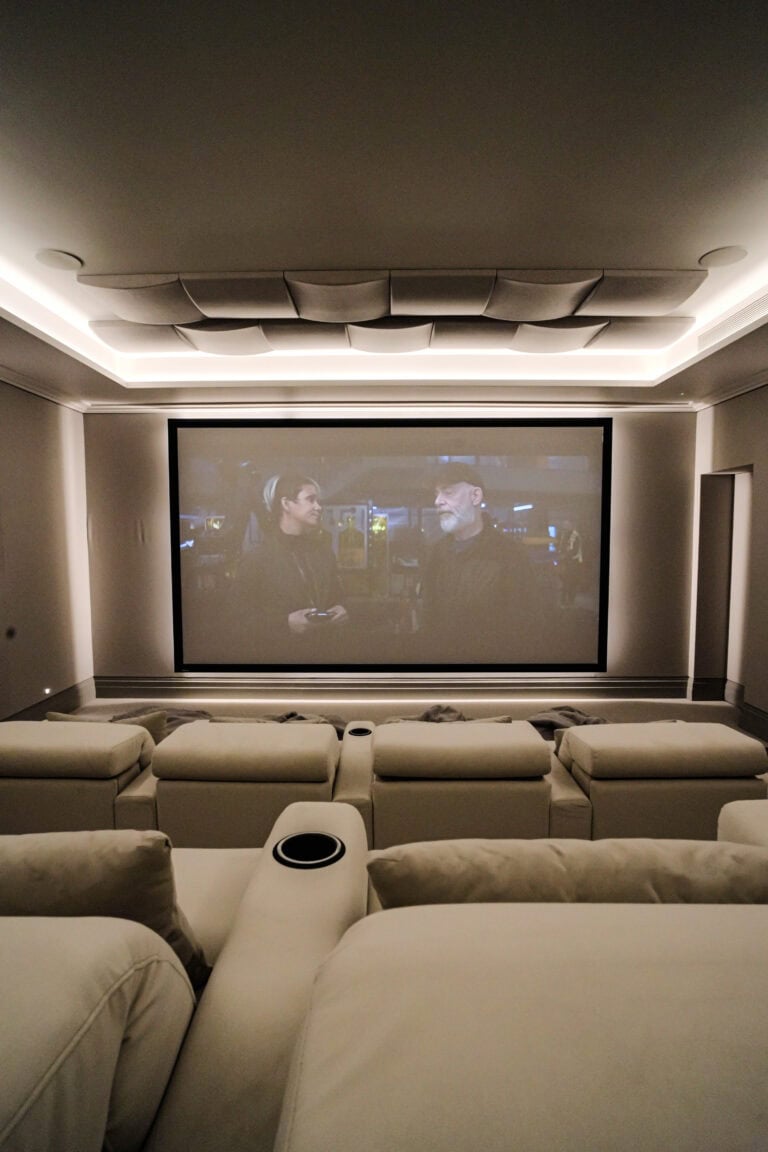
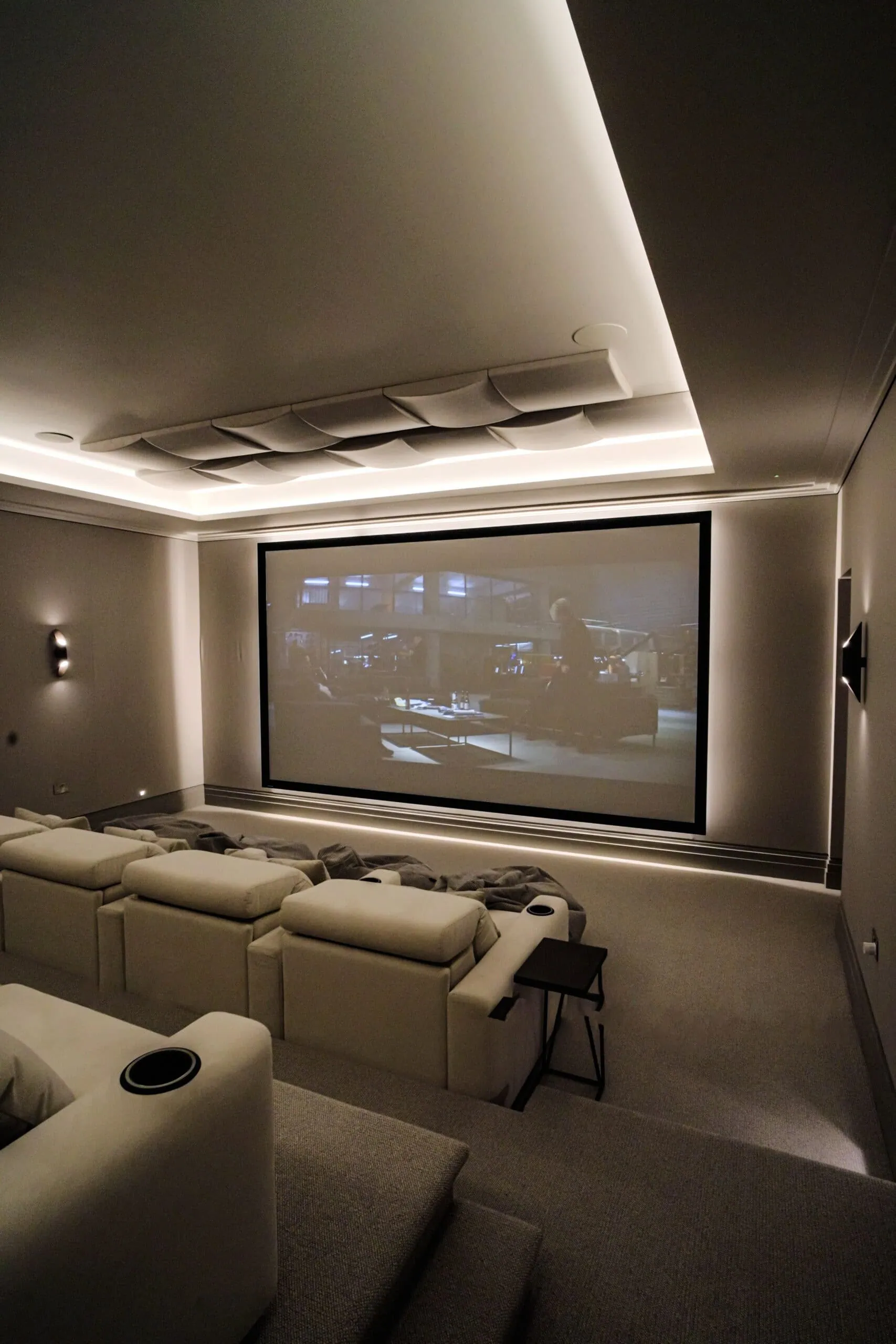
This is where scenes earn their keep. In our Oxshott cinema we programmed distinct Control4 modes for film and for sport. In our Epsom media room, the family adjusts the brightness and colour of the LED lighting, the AV and the blackout blinds from one control pad. A good cinema needs at least:
- Welcome: enough light to find a seat.
- Film: step and low-level light only, and nothing on the screen wall.
- Match: lights up for the football, as our cinema room ideas explain.
- Off.
Bedrooms
- Bedtime: bedside lamps and a soft wall light.
- Night: a very low path to the bathroom.
- Off. A wire-free Pico remote by the bed avoids getting up to switch off.
Halls, stairs and landings
- Welcome: hall lights on when you come home.
- Night path: low stair and landing light for late-night trips.
- Goodnight: one button, by the front door or the bed, that turns the whole house off.
Whole-house scenes
The most used scenes often belong to no single room: Arrive, Leave and Goodnight. Timed scenes help too. Lutron’s RA2 Select page describes switching lights at set times or following sunrise and sunset, and blinds can be part of a scene.
Where should keypads go?
Put keypads where you arrive in a room, at the top and bottom of stairs, and beside the bed. One well-engraved keypad by the door beats a bank of plates. Our guide to Lutron keypads explains the ranges and engraving.
What are the common mistakes?
- Too many scenes. Eight buttons that all look the same get ignored.
- Too few circuits. Scenes cannot fix a room wired on one switch.
- Forgetting lamps. Without lamp circuits, a room never truly relaxes.
- Freezing scenes on day one. A scene is programming, not wiring, so levels can be adjusted once you have lived with them.
Done well, the result is a house that feels easy. Turning Left For Less, a Guildford family, wrote in their Google review: “The finished system is intuitive and easy to use, with lighting scenes and automation that work perfectly for family life.”
For the range of lighting and shading we design, see our smart home lighting and shading service, and for Lutron in particular our Lutron lighting control page.
See scenes working
Scenes are easier to feel than to describe. Book a showroom visit and see lighting scenes working in a real room at our Walton-on-Thames showroom.
Frequently asked questions
What is a lighting scene?
A lighting scene is a saved combination of light levels across one or more zones, recalled with a single button press, an app or a timed event.
How many lighting scenes should a room have?
Three or four, plus off, suits most rooms. More than that and people forget which button does what.
Can lighting scenes include blinds?
Yes. Lutron systems control lights and blinds together, so a Cinema scene can dim the lights and close the blinds with one press.
Can lighting scenes run automatically?
Yes. Lutron says RA2 Select, for example, can switch lights at set times or follow sunrise and sunset, so an Evening scene can start itself.
Can a scene be changed after it is programmed?
Yes. A scene is stored in the system’s programming, so levels and names can be adjusted without rewiring.