

UniFi, Araknis and Ruckus: three ways to build a home network
All three make the same kinds of equipment, a router or gateway, network switches and Wi-Fi access points, but each comes from a different world.
- Ubiquiti UniFi: gateways, switches and access points run from one UniFi application, which Ubiquiti sells with no licences or subscriptions and with cloud management that carries no fees. Its current access points include Wi-Fi 7 ceiling models, in-wall models with a built-in PoE switch, rugged IP67 outdoor units and mesh access points for places a cable cannot reach.
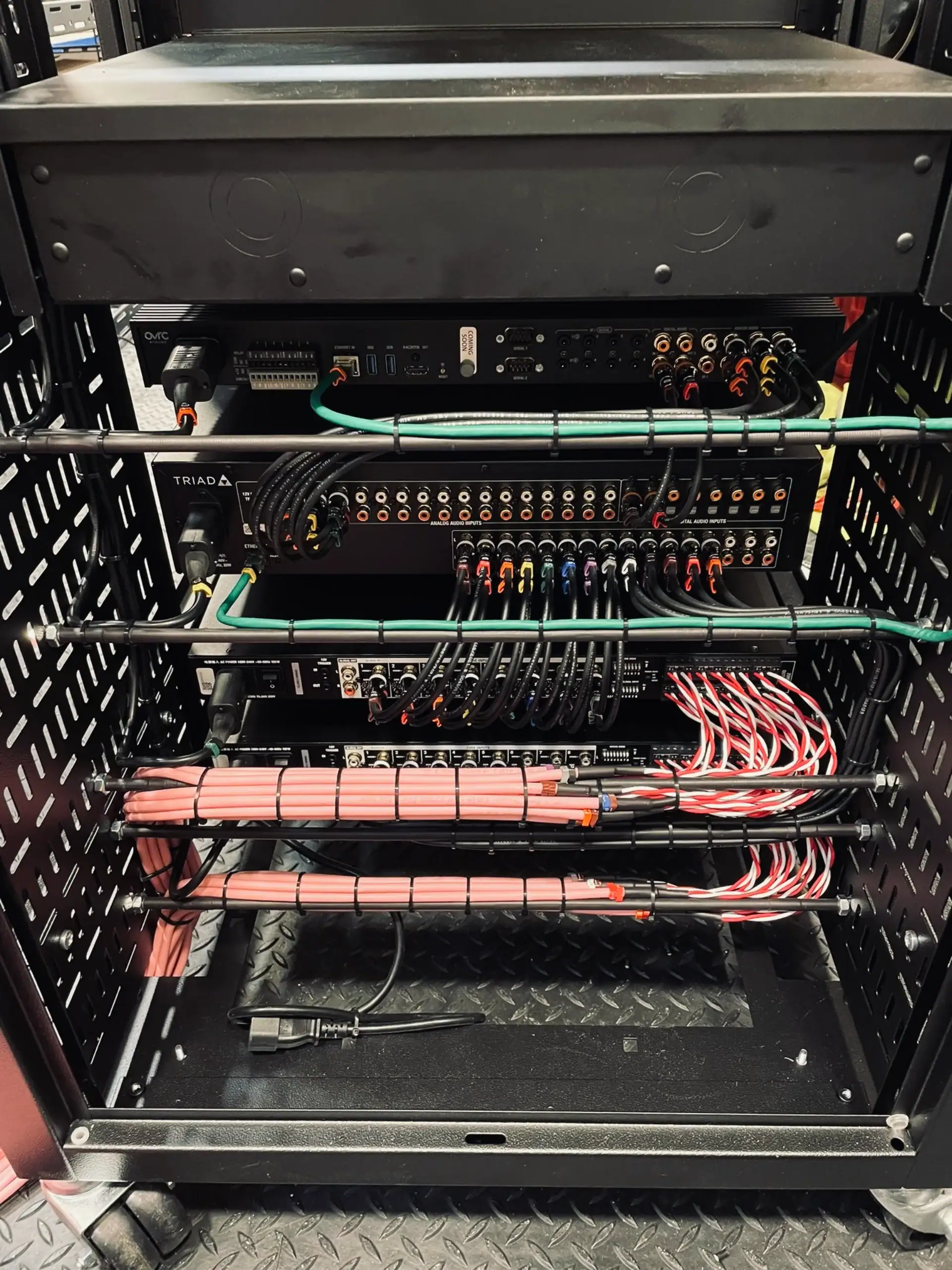
- Araknis Networks: routers, switches and Wi-Fi 6 and Wi-Fi 7 access points designed only for professional installers. Araknis comes from the same group as Control4, now part of ADI Global, and every Araknis router, switch and access point is managed through OvrC, a cloud platform included at no extra cost.
- Ruckus: enterprise Wi-Fi, now owned by Belden, found in hotels, venues and apartment buildings. Its BeamFlex antennas reshape the signal hundreds of times a second to steer it towards each device and around obstacles. Ruckus Unleashed runs a set of access points without a separate controller, and Ruckus One manages them from the cloud.
Why a smart home lives or dies on its network
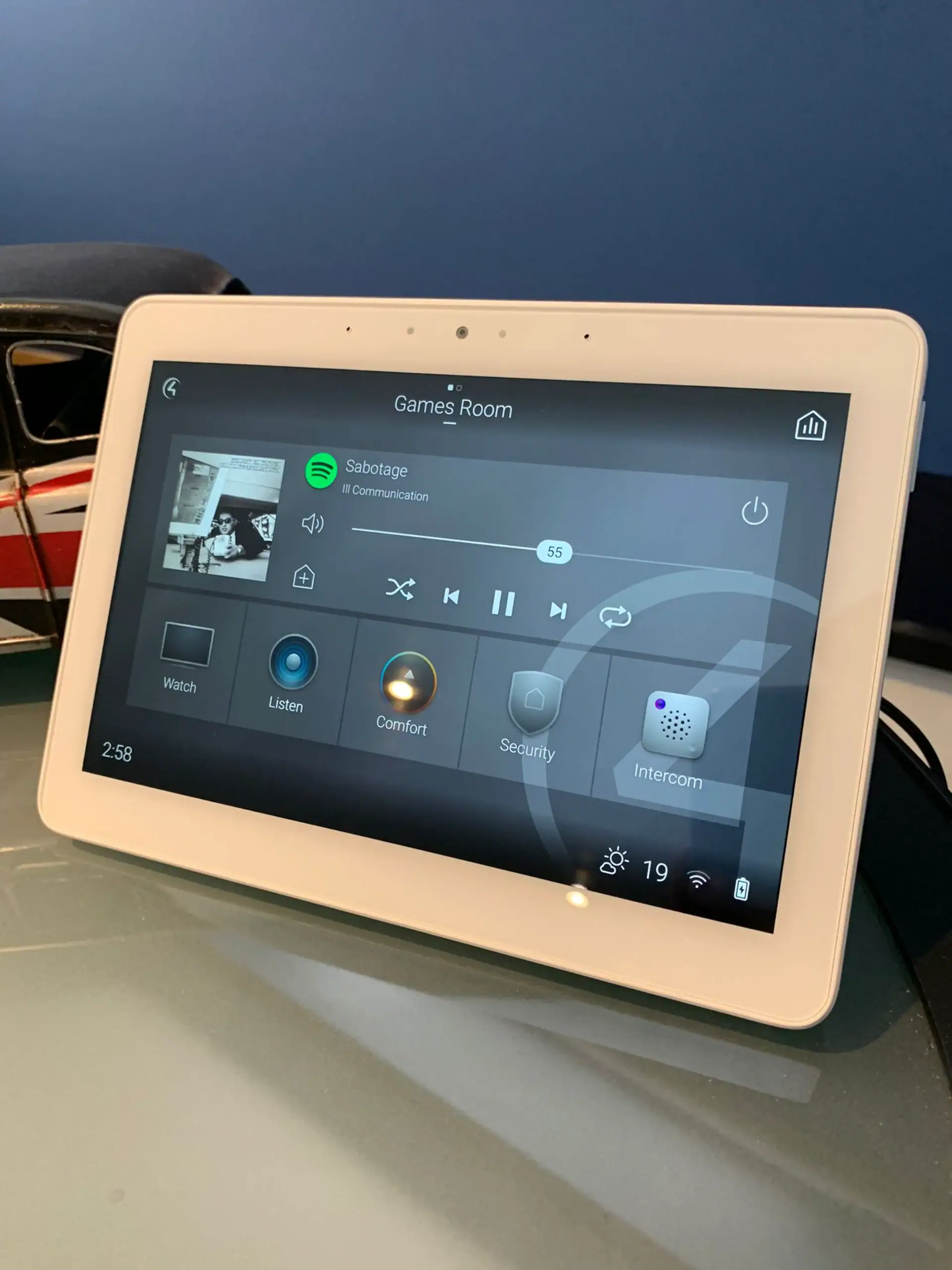
Control4 needs an Ethernet connection to set up its controller and recommends Ethernet over Wi-Fi once it is running. Beyond that, every keypad press, Sonos stream, camera feed and TV command travels across the same equipment, so a weak router or a patchy access point shows up as lights that respond late, music that stops and a TV that will not wake. When we take over a troubled system, the network is the first thing we test.
It is also why we keep mesh in its place. A mesh unit sends its traffic back over Wi-Fi, so it can only ever be as good as its wireless link to the next unit. A cabled access point gets the full capacity of its cable, whatever is happening in the next room. Our guide to Control4 network requirements sets out what the controller itself asks for.
Ubiquiti mesh Wi-Fi or wired access points?
Most people searching for Ubiquiti mesh Wi-Fi simply want a signal in every room. In a large house we get there with cable first:
- Survey the real building. Solid walls, steel beams and foil-backed insulation change where signal goes, so we place access points from a survey of the house, not a floor plan.
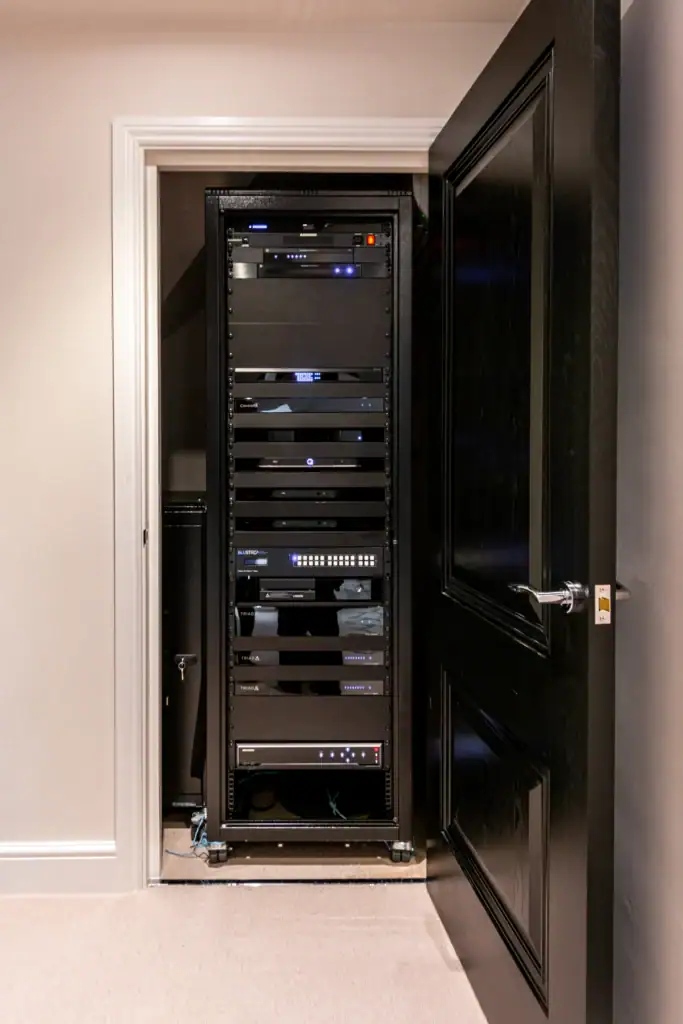
- Cable every access point. Ceiling access points, or in-wall units in rooms with decorative ceilings, run back to a PoE switch in the rack. Ubiquiti's U7 In-Wall also has its own built-in switch, so the same point can give a TV or desk a wired connection.
- Keep mesh for the edges. UniFi's outdoor and mesh access points, or the bridge mode in Araknis access points, extend coverage to a patio or pool area where a trench is not possible.
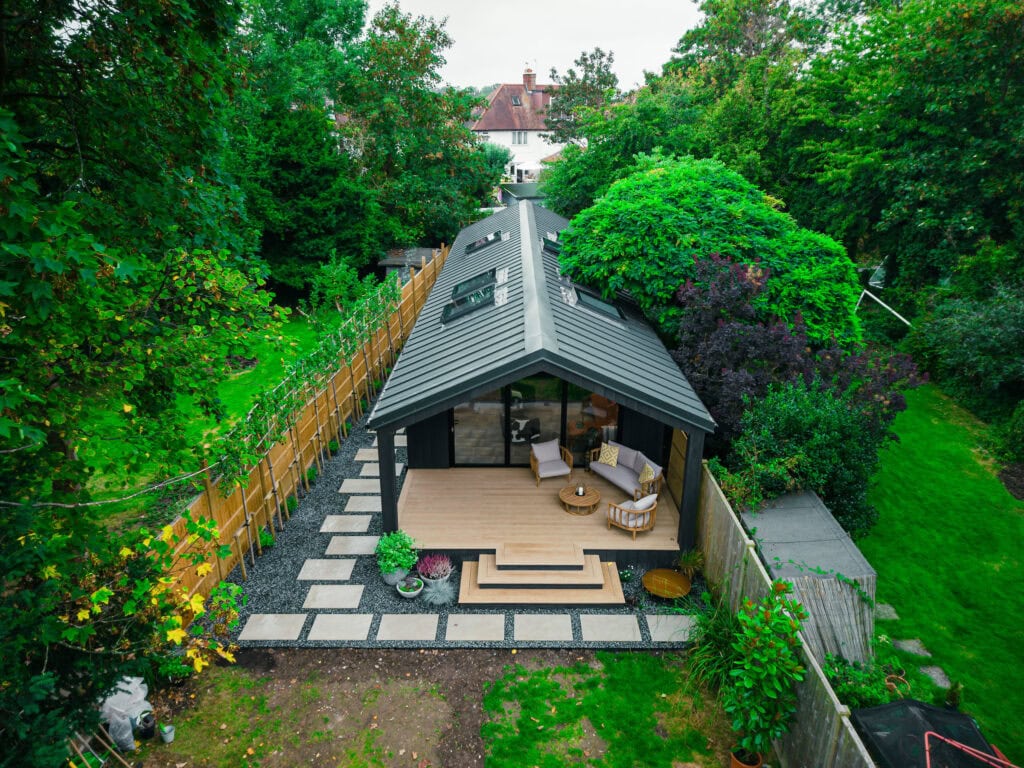
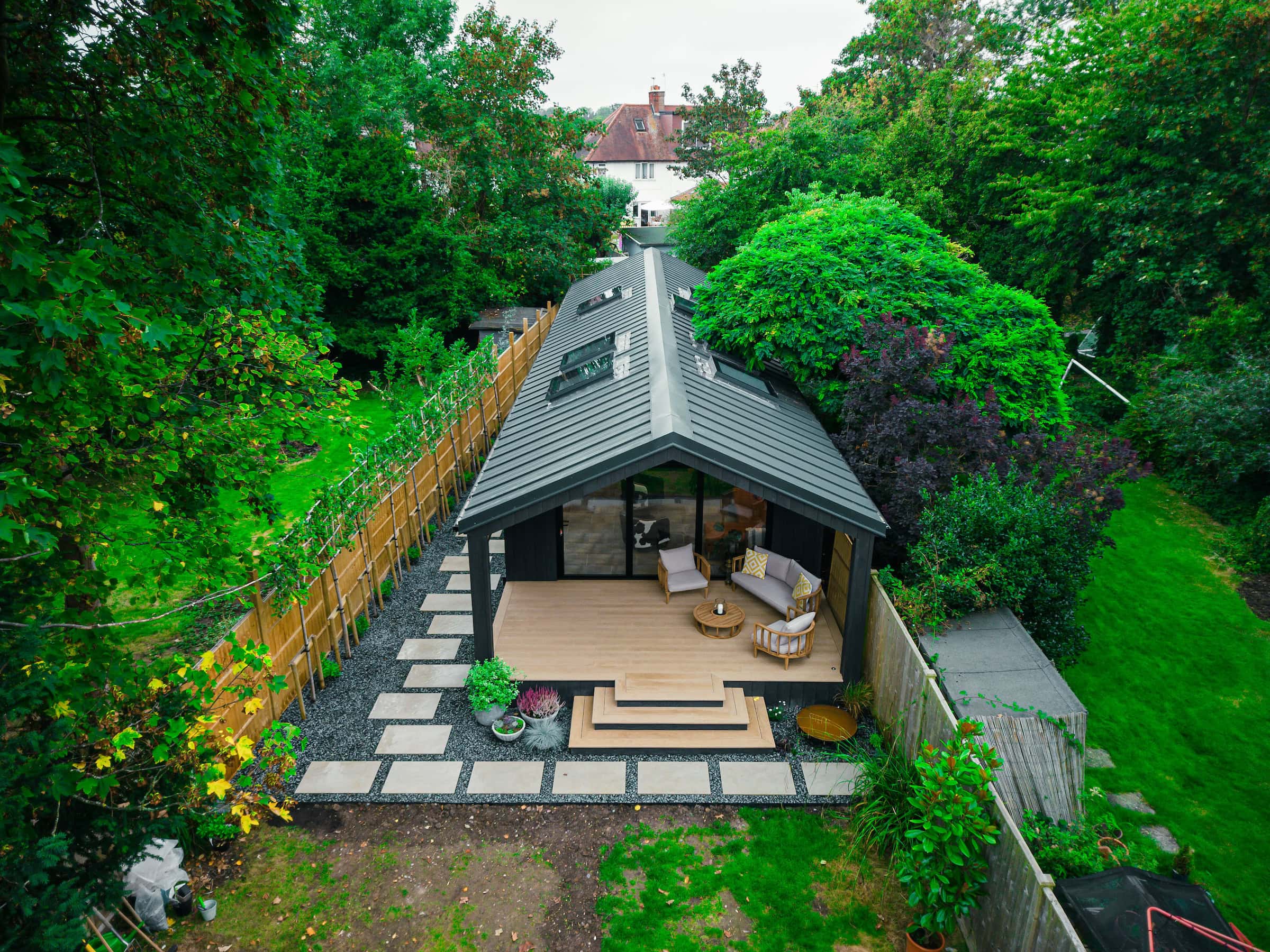
- Give outbuildings a backbone. A garden office or pool house gets its own cabled link, ideally fibre as at Thames Ditton, rather than a signal stretched from the house.
- Use Wi-Fi 7 where it pays. UniFi and Araknis both offer Wi-Fi 7 access points with 6 GHz radios, which help in busy rooms full of new phones and laptops. Wi-Fi 6 remains perfectly good for many rooms.
The survey, design and installation process sits within our data and Wi-Fi networks service.