Networks designed and installed by Art of Integration

Ubiquiti installer for UniFi, Araknis and Ruckus home networks

Ubiquiti's UniFi range, Araknis and Ruckus make the routers, switches and Wi-Fi access points a smart home depends on. As a Ubiquiti installer in Surrey and London, we also design with Araknis, from the same group as Control4, and with Ruckus for larger houses, choosing the platform for the property and cabling it properly.

Since 2012Showroom in Walton-on-Thames★ 5.0 on Google
Best for

Homes running Control4, multi-room audio, cameras and outbuildings that all have to stay online

Works with

Control4, Sonos, streaming TVs and CCTV; Araknis is monitored through OvrC

Where to see it

Our Thames Ditton garden room case study

Our experience

A fibre-fed Ubiquiti network in a Thames Ditton garden room over 70 metres from the house, and a Ruckus Wi-Fi network in a large Cobham home

Official websites: Ubiquiti (opens in a new tab) · Araknis (opens in a new tab) · Ruckus (opens in a new tab)

ubiquiti installerubiquiti installerubiquiti installer
Overview
ubiquiti installer
01

UniFi, Araknis and Ruckus: three ways to build a home network

All three make the same kinds of equipment, a router or gateway, network switches and Wi-Fi access points, but each comes from a different world.

  • Ubiquiti UniFi: gateways, switches and access points run from one UniFi application, which Ubiquiti sells with no licences or subscriptions and with cloud management that carries no fees. Its current access points include Wi-Fi 7 ceiling models, in-wall models with a built-in PoE switch, rugged IP67 outdoor units and mesh access points for places a cable cannot reach.
  • Araknis Networks: routers, switches and Wi-Fi 6 and Wi-Fi 7 access points designed only for professional installers. Araknis comes from the same group as Control4, now part of ADI Global, and every Araknis router, switch and access point is managed through OvrC, a cloud platform included at no extra cost.
  • Ruckus: enterprise Wi-Fi, now owned by Belden, found in hotels, venues and apartment buildings. Its BeamFlex antennas reshape the signal hundreds of times a second to steer it towards each device and around obstacles. Ruckus Unleashed runs a set of access points without a separate controller, and Ruckus One manages them from the cloud.
ubiquiti installerPhoto: Tony Webster, CC BY 2.0, via Wikimedia Commons
02

Why a smart home lives or dies on its network

Control4 needs an Ethernet connection to set up its controller and recommends Ethernet over Wi-Fi once it is running. Beyond that, every keypad press, Sonos stream, camera feed and TV command travels across the same equipment, so a weak router or a patchy access point shows up as lights that respond late, music that stops and a TV that will not wake. When we take over a troubled system, the network is the first thing we test.

It is also why we keep mesh in its place. A mesh unit sends its traffic back over Wi-Fi, so it can only ever be as good as its wireless link to the next unit. A cabled access point gets the full capacity of its cable, whatever is happening in the next room. Our guide to Control4 network requirements sets out what the controller itself asks for.

ubiquiti installer
03

Ubiquiti mesh Wi-Fi or wired access points?

Most people searching for Ubiquiti mesh Wi-Fi simply want a signal in every room. In a large house we get there with cable first:

  • Survey the real building. Solid walls, steel beams and foil-backed insulation change where signal goes, so we place access points from a survey of the house, not a floor plan.
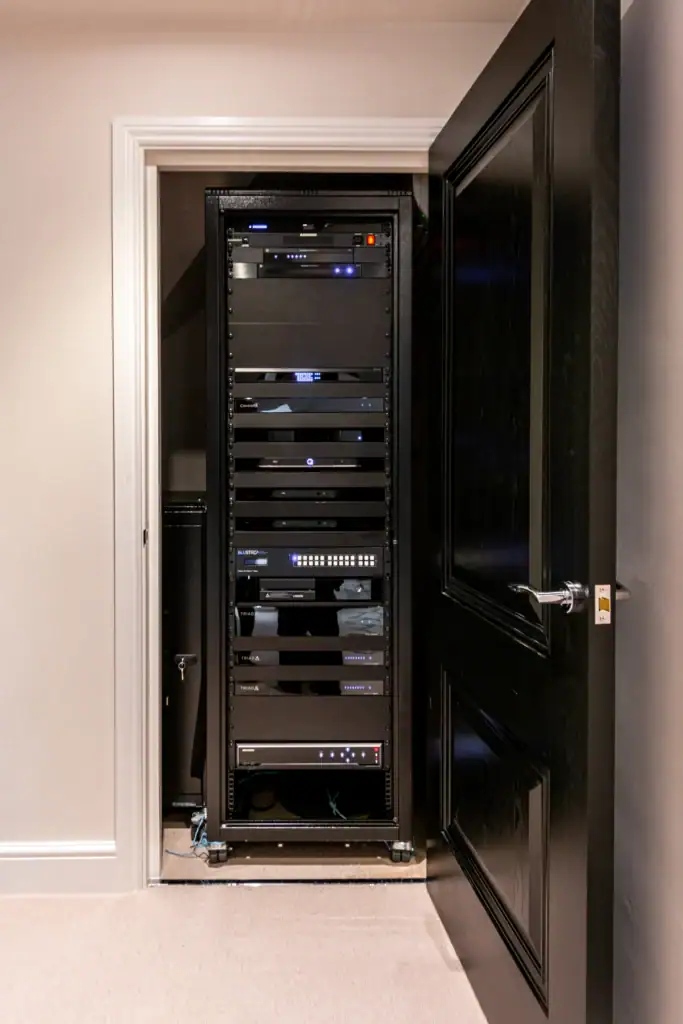
  • Cable every access point. Ceiling access points, or in-wall units in rooms with decorative ceilings, run back to a PoE switch in the rack. Ubiquiti's U7 In-Wall also has its own built-in switch, so the same point can give a TV or desk a wired connection.
  • Keep mesh for the edges. UniFi's outdoor and mesh access points, or the bridge mode in Araknis access points, extend coverage to a patio or pool area where a trench is not possible.
  • Give outbuildings a backbone. A garden office or pool house gets its own cabled link, ideally fibre as at Thames Ditton, rather than a signal stretched from the house.
  • Use Wi-Fi 7 where it pays. UniFi and Araknis both offer Wi-Fi 7 access points with 6 GHz radios, which help in busy rooms full of new phones and laptops. Wi-Fi 6 remains perfectly good for many rooms.

The survey, design and installation process sits within our data and Wi-Fi networks service.
Our work

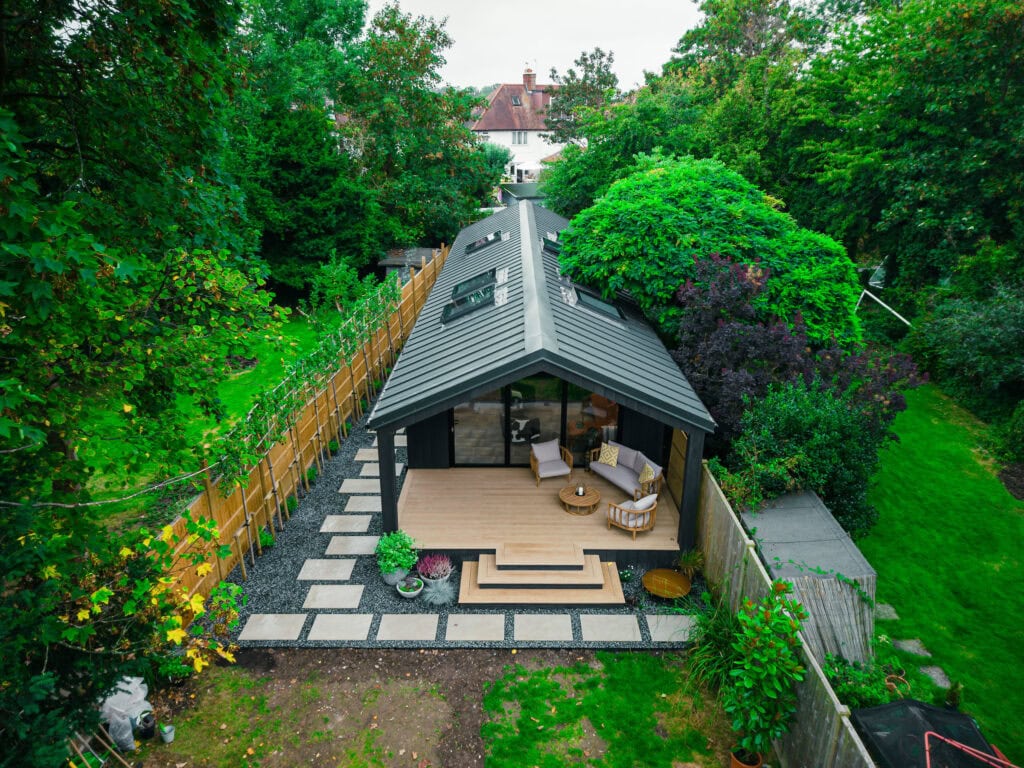
Fibre to a Thames Ditton garden room, and Ruckus in Cobham

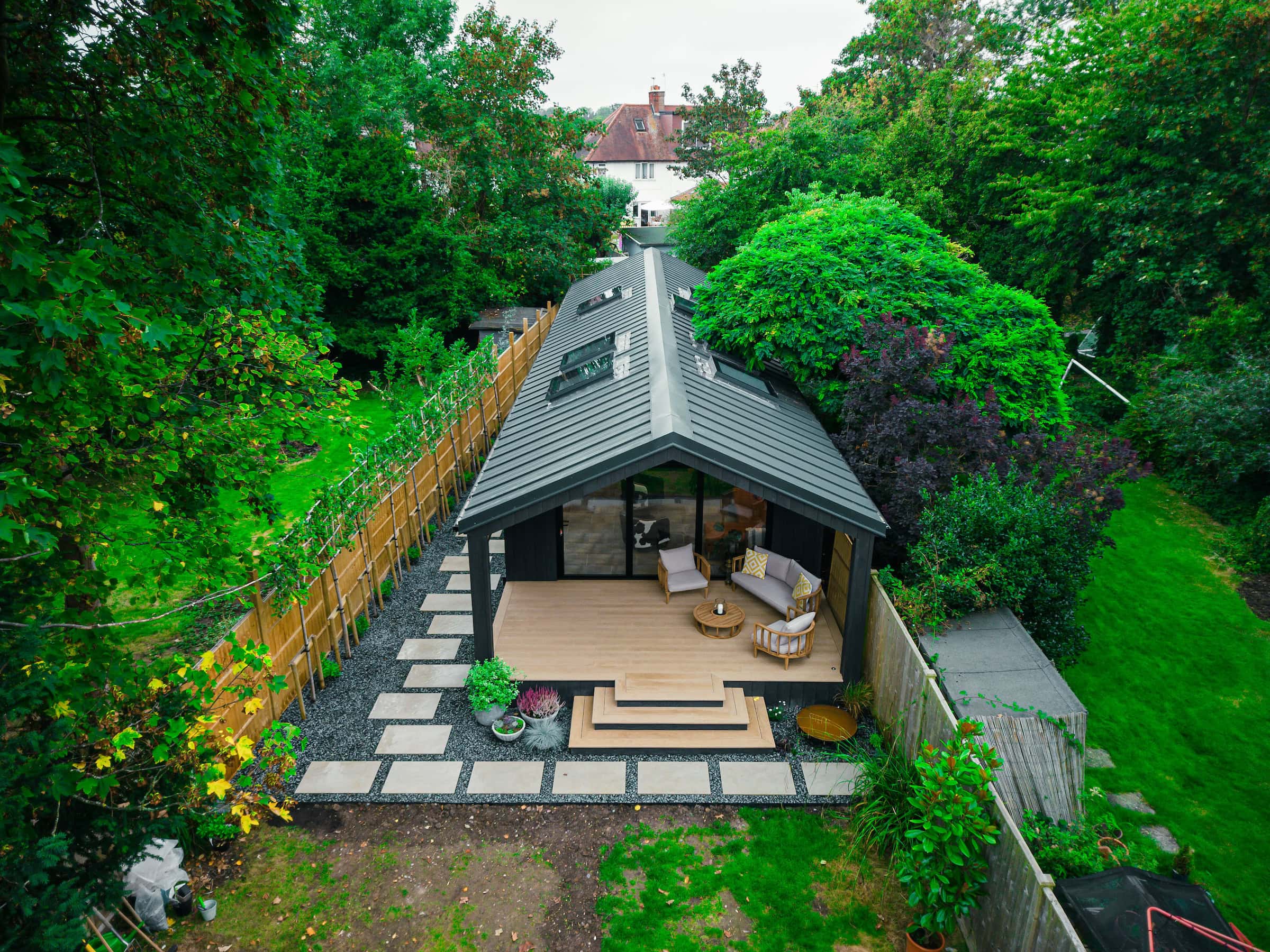
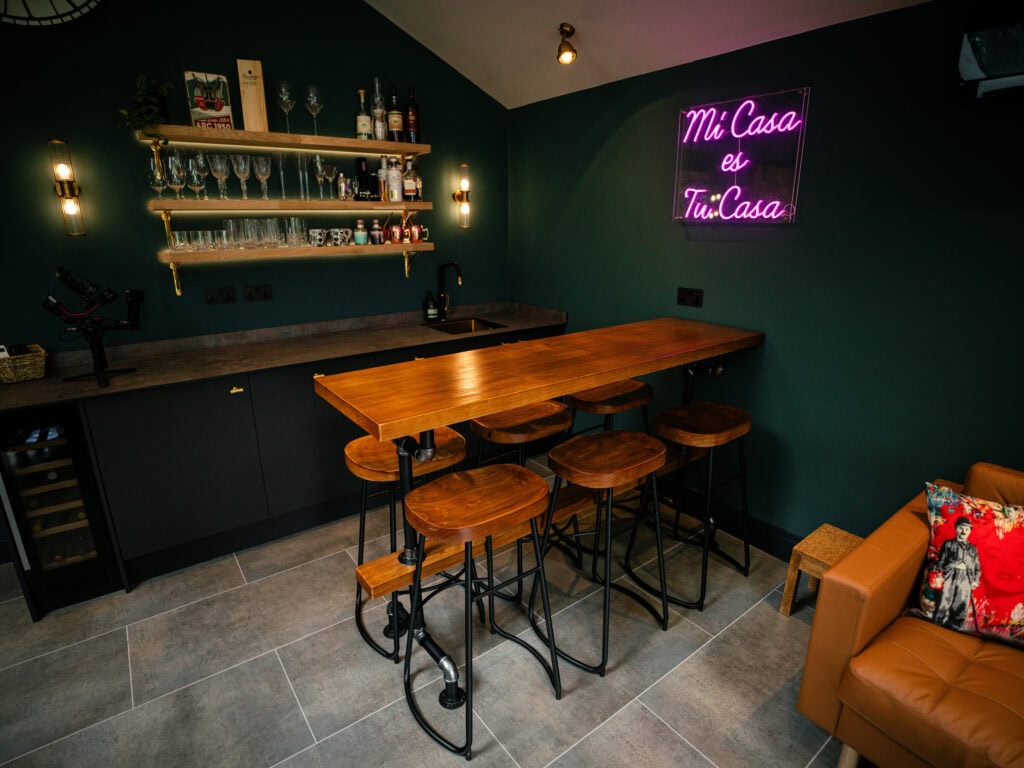
The garden room in our Thames Ditton project sits over 70 metres away across the garden, and that distance made the network the main technical challenge of the job. External groundwork brought a dedicated fibre run from the house to the new building, where it feeds a Ubiquiti system giving high-speed Wi-Fi throughout the bar, lounge and gym. The room's two TVs and soundbars stream over that link, and the building is now used every day.

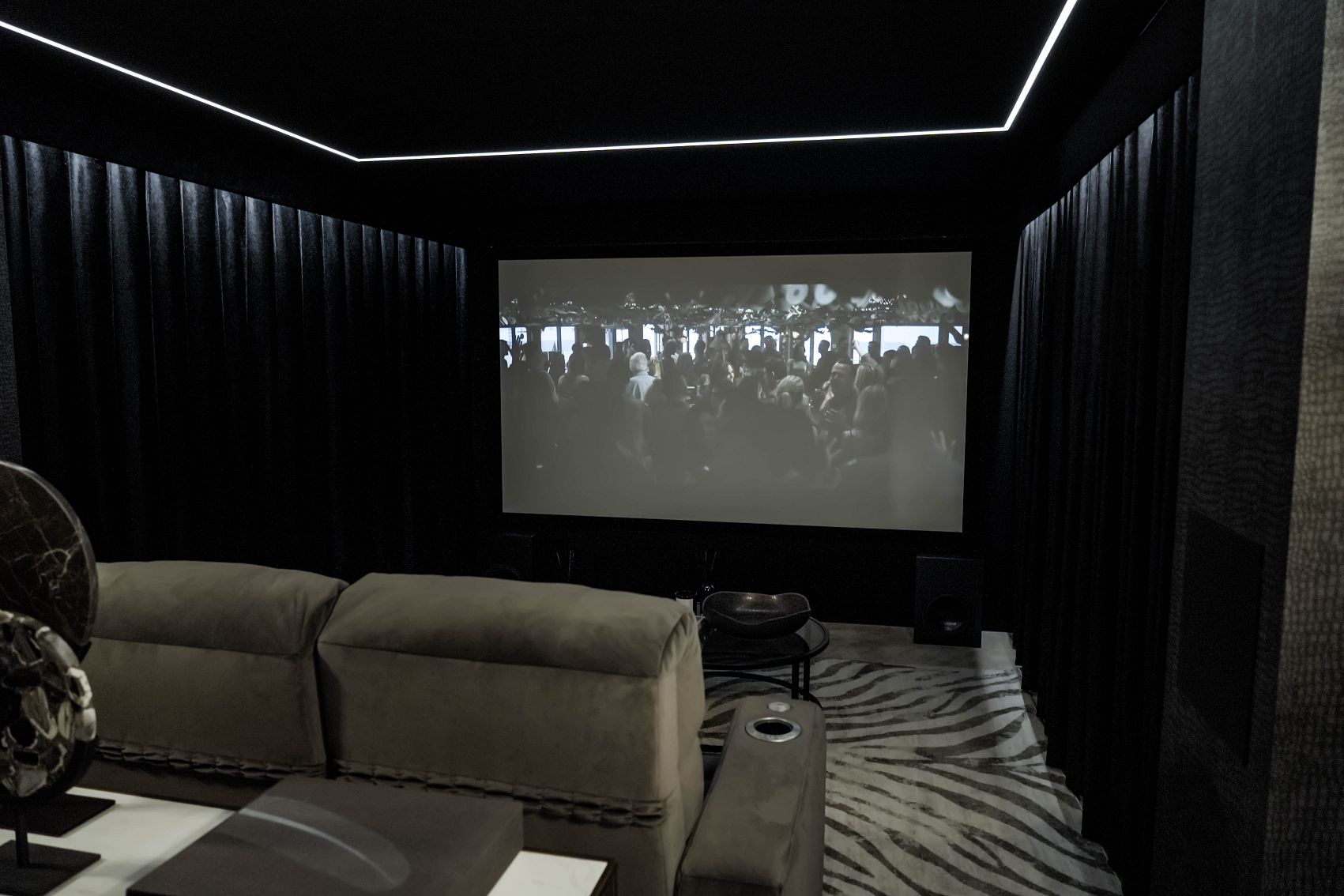
In Cobham we designed and installed full Control4 automation and multi-room AV for a large property. Since it changed hands we have kept updating the system for the new owners, adding a Ruckus Wi-Fi network, four more audio zones and a cinema room.

White Ubiquiti UniFi Cloud Gateway Fiber on a desk
Photo: TaurusEmerald, CC BY-SA 4.0, via Wikimedia Commons
Integration

Araknis, OvrC and Control4: watching the network remotely

Every Araknis router includes OvrC Pro, which extends the view beyond Araknis equipment to the other devices on the network. From one dashboard we can see network health, speed test results, device uptime and offline alerts, push Wi-Fi settings to every access point at once, update firmware, restart a single PoE port or a whole switch, and reset an access point's radios, often without a visit. The OvrC Connect app gives the homeowner a few safe actions too, such as restarting a device or the whole network.

Whichever platform we use, the network is built around the Control4 system it carries:

  • Reserved addresses: controllers, TVs, amplifiers and touchscreens keep the same address, so Control4 always finds them.
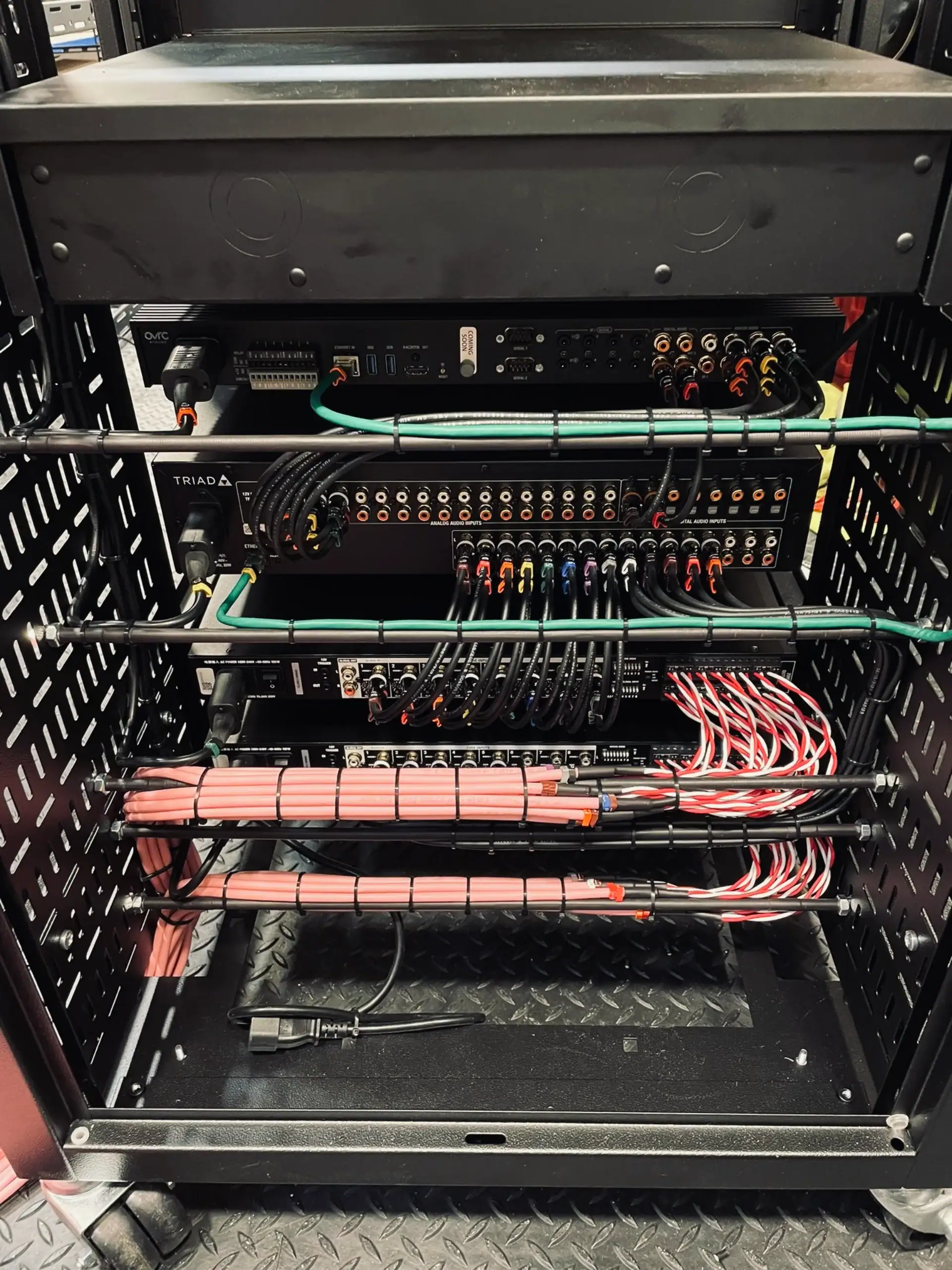
  • Power over the cable: access points and cameras take power from the switch, so one restart from the rack, or remotely, clears a fault.
  • Remote support on all three: UniFi's remote management, Ruckus One and the Unleashed app give us similar visibility on UniFi and Ruckus networks.

See our Control4 installation page for the system that sits on top, and smart security systems for the cameras that share the network.

Already own Home networks?

Running UniFi, Araknis or Ruckus already? Taking over the network

We often inherit networks that someone else set up. With UniFi we can audit the settings, update firmware, tidy the network names and add access points where coverage falls short. With Araknis we can set the equipment up in OvrC so we can monitor it, and with Ruckus Unleashed or Ruckus One we can review the configuration and extend it. Moving equipment into a new rack, recabling rooms after a renovation and preparing an existing network for Control4 are all regular jobs, and our takeover and maintenance service provides the support afterwards.

Ask about your system Call 020 3397 9888

We also look after systems installed by other companies. See takeover and maintenance.

Compare

UniFi, Araknis or Ruckus: which suits your house?

UniFi is the flexible, licence-free choice and covers the widest range of access point styles, including in-wall and outdoor models, so it suits most family homes. Araknis makes most sense in a Control4 house where OvrC monitoring of the network alongside the rest of the system is the priority. Ruckus is the one to reach for in very large or awkward buildings, where its BeamFlex antennas and the management tools built for hotels and apartment blocks are worth having. All three depend on the same thing: a properly cabled backbone.

ubiquiti installer
Our showroom

See and hear it before you decide

Visit our demonstration cinema and smart home showroom in Walton-on-Thames and try the technology for yourself.

“We recently worked with Adam and the Art of Integration team to upgrade the WiFi and Sonos system in our home in Chobham. From the outset, the team were incredibly professional, friendly, and attentive to every detail.”

D
Daniel EldChobham

“We brought in Art of Integration to upgrade the WiFi and Sonos system at our home in Wimbledon Village. From the first visit, it was clear they knew exactly what they were doing.”

R
Rebecca Bottriell-AdamsWimbledon Village

“We've worked with the team at Art of Integration on several high-end residential projects, where they've delivered Control4 smart home systems. From the initial design through to client handover and ongoing support, their attention to detail and level of service has been outstanding.”

A
Amanda HollisTrade partner
Questions

Home networks: your questions answered

Anything else, call us on 020 3397 9888.

Is Ubiquiti mesh Wi-Fi good enough for a large house?

As a finishing touch, yes; as the whole network, rarely. UniFi's mesh access points are useful where a cable cannot reach, such as a patio or summer house, but a mesh unit relays its traffic over Wi-Fi, so performance depends on that wireless link. In a large house we cable most access points back to a PoE switch and use mesh only at the edges.

What is Araknis, and how does it relate to Control4?

Araknis Networks makes routers, switches and Wi-Fi access points designed only for professional installers. It belongs to the same group as Control4, which is now part of ADI Global after Resideo bought Snap One in 2024. Every Araknis device is managed through OvrC, which lets an installer monitor and support the network remotely at no extra cost.

What does OvrC actually do for a homeowner?

It lets your installer see problems before you do. OvrC shows network health, device uptime and offline alerts, and allows remote firmware updates, PoE port restarts and access point resets. Araknis routers include OvrC Pro, which also watches other devices on the network. The OvrC Connect app gives you simple actions of your own, such as restarting a device.

Is Ruckus Wi-Fi worth it in a home?

In a very large or complicated house, often yes. Ruckus builds Wi-Fi for hotels, venues and apartment buildings, and its BeamFlex antennas steer the signal towards each device and around obstacles. For an ordinary family home, UniFi or Araknis usually does the job at less cost and complexity, so we recommend Ruckus where the building justifies it.

What is Ruckus Unleashed?

Ruckus Unleashed is a way of running Ruckus access points without a separate controller. One of the access points runs the controller software, so the system can be set up from a phone or browser and expanded by adding more access points. If the network grows or spans several sites, it can move to another Ruckus controller platform while keeping the same access points.

Do I need Wi-Fi 7 access points?

Not everywhere. Ubiquiti and Araknis both make Wi-Fi 7 access points with 6 GHz radios, which help in rooms with many recent phones, laptops and headsets. Older devices still connect on 2.4 and 5 GHz. A sensible pattern is Wi-Fi 7 in the busiest rooms and Wi-Fi 6 elsewhere, but cabling each access point matters more than the Wi-Fi generation.

Get in touch

Talk to us about Home networks

Planning a new room, or need help with a Home networks system you already have? Tell us a little about it and a designer will come back to you.

  1. We call you backA quick conversation about your home, the room and your timings.
  2. Design consultationAt your home or in our Walton-on-Thames showroom, where you can see and hear the technology.
  3. Design and proposalA tailored design, with 3D visuals before you commit.

Request a free consultation

It takes less than a minute.

We will get back to you as soon as possible. We use your details to reply to your enquiry and keep them as described in our Privacy Policy.

Ubiquiti, Araknis and Ruckus is a trademark of its owner. This page describes how we design with and install these products. Project photos are our own. Other images: Photo: Tony Webster, CC BY 2.0, via Wikimedia Commons; Photo: TaurusEmerald, CC BY-SA 4.0, via Wikimedia Commons.