

Good home cinema lighting uses several dimmable layers, typically wall, step and aisle, and low-level light, controlled as scenes that follow what is on screen. Lights fade down when the film starts, rise a little on pause, and nothing ever shines on or reflects off the screen. Plan the circuits before the plastering starts.
Last reviewed: 29 September 2026
Lighting is the part of a cinema room most people think about last, and it is the part that decides whether the room feels like a cinema or a dark lounge with a big screen. This guide covers lighting a dedicated cinema room. For scenes across the rest of the house, see our sibling guide on planning lighting scenes room by room.
What does good home cinema lighting need to do?
A cinema room asks more of its lighting than any other room in the house. It has three jobs, and they pull in different directions:
- Get people in and out safely when the room is dark, including on steps and risers.
- Set the mood before the film and during the interval, so the room feels special rather than like a store room with seats.
- Disappear completely while the film is playing, so the only thing you see is the picture.
Any light that reaches the screen lifts the blacks and flattens the contrast, which is exactly what you paid for a good projector or TV to deliver. So the whole design starts from one rule: light the room, never the screen.
Which lighting layers does a cinema room need?
Lutron’s guide to layered lighting describes three layers: ambient light as the base layer, task light for particular activities, and accent light to highlight areas of interest. In a cinema room those layers look like this.
Wall lights for the ambient layer
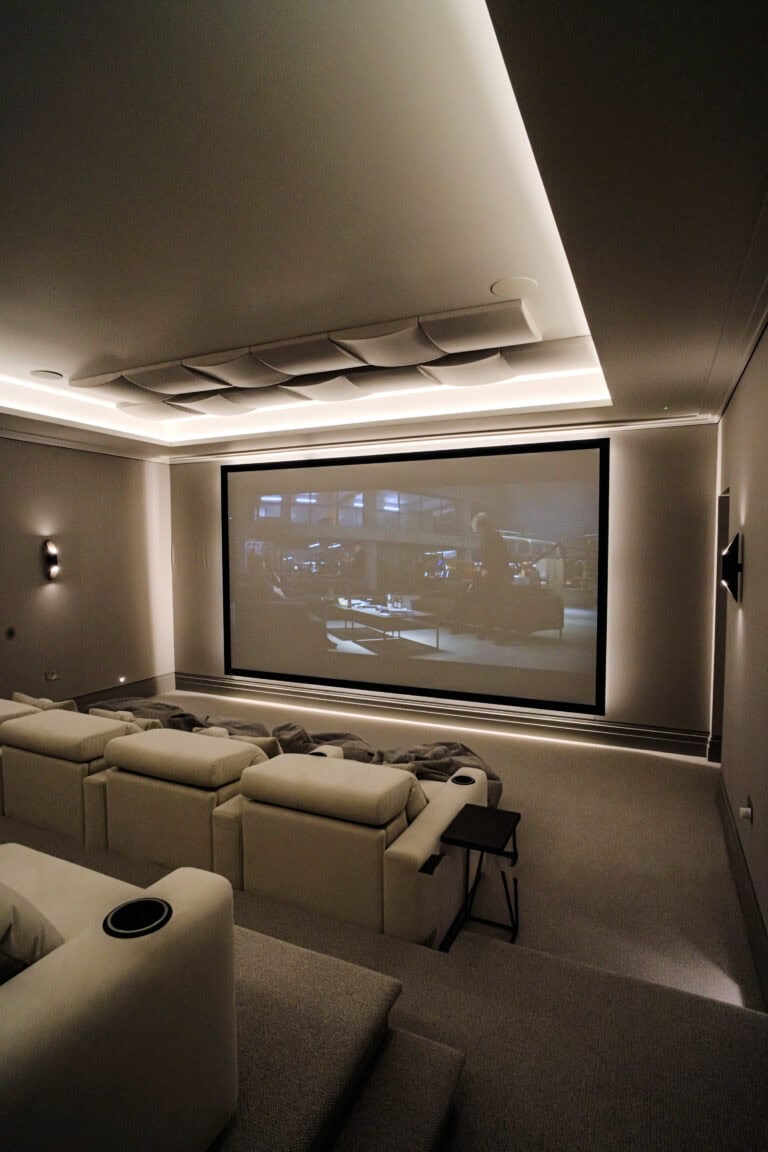
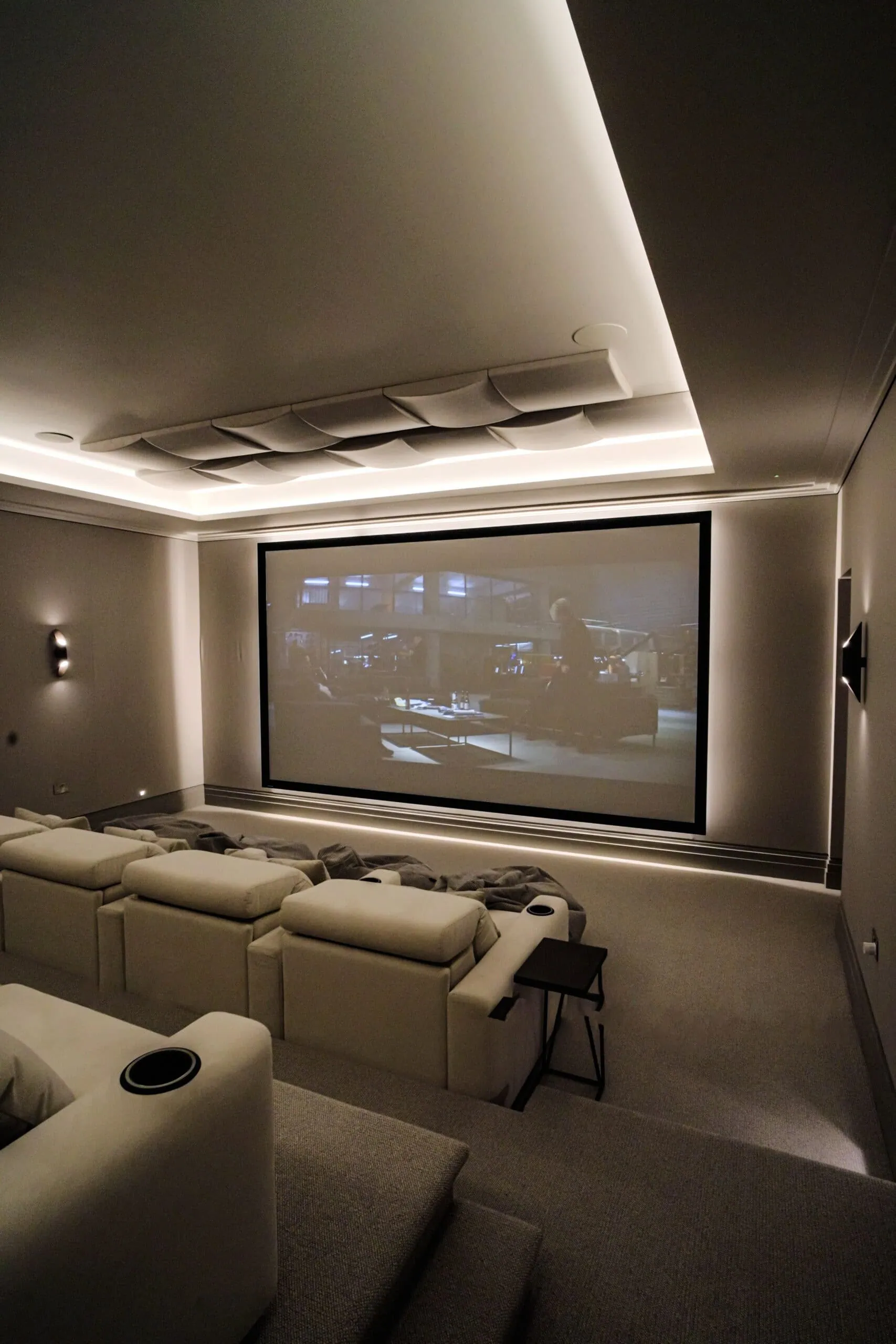
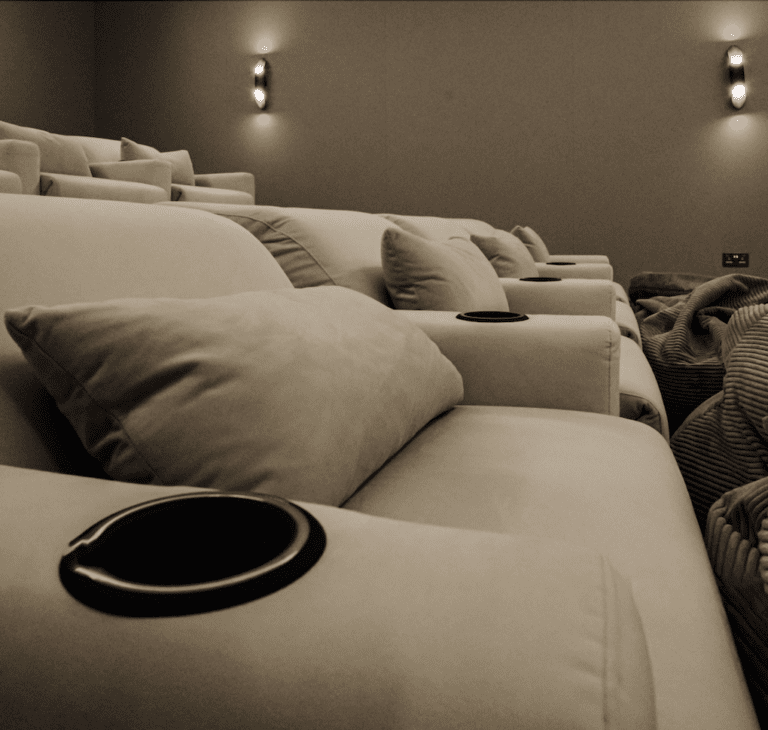
Wall lights and sconces are the main source of general light in most cinema rooms. Because they sit on the side and rear walls, they light the room without throwing light forward onto the screen. In our Roehampton Gate basement cinema, wall lights give soft light over the rows of Moovia seats, with a Lutron lighting system alongside Control4 automation.
Step and aisle lighting for the task layer
In a cinema, the task is walking. Low-level lights in steps, risers and along aisles let people find a seat or leave for a drink without the main lights coming up. They sit close to the floor and point down, so they can stay on at a very low level during the film. If your room has a riser, plan for this from the start; our guide to home cinema room layout explains how rows and risers are set out.
Accent and feature lighting
This is the layer that gives a room character: light on shelves and joinery, a lit bar, poster lights, or a star-effect ceiling. Accent light matters most before the film and during the interval. Once the film starts, it should dim right down or go off.
Downlights, used carefully
Ceiling downlights are useful for cleaning, setting up and daytime use, but they are the layer most likely to spill onto the screen. Keep them away from the screen wall, put them on their own circuit, and leave them out of the film scene altogether.
How do you keep light off the screen?
Most of the work is done at the design stage, before any fittings are chosen:
- No fittings aimed at the screen. Keep ceiling lights back from the screen wall and angle wall lights up, down or across, never forward.
- Control the daylight. If the room has windows, blackout blinds or curtains are part of the lighting design. In our Walton-on-Thames media room we paired Lutron HomeWorks lighting with Silent Gliss blackout blinds, and in our Epsom media room QMotion blackout blinds sit alongside Lutron RA2 lighting.
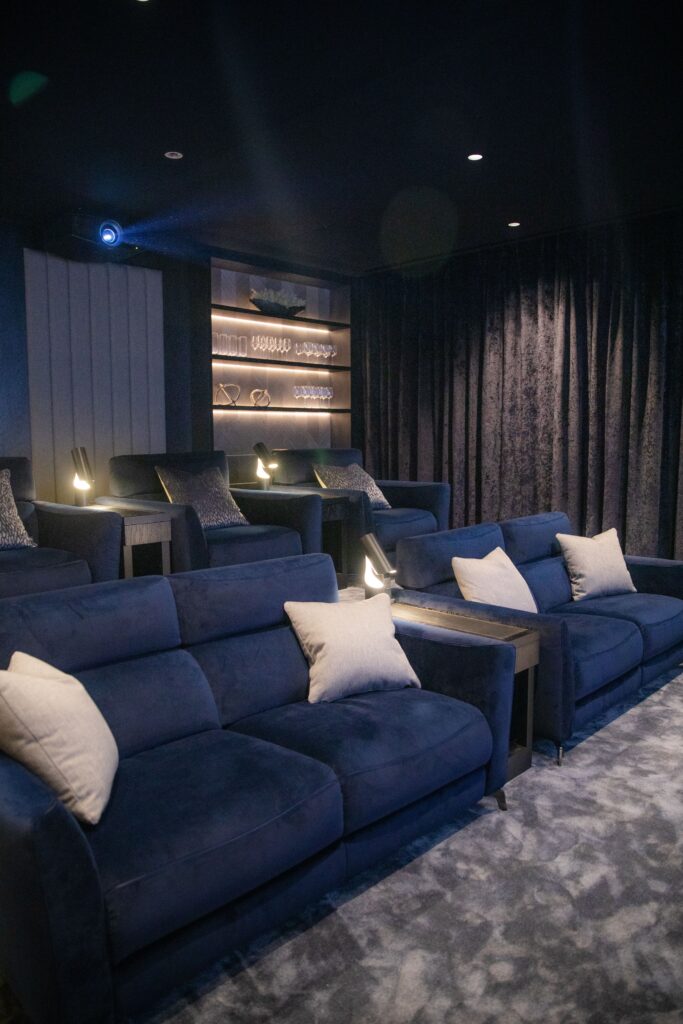
- Choose darker finishes near the screen. Pale walls and ceilings bounce light back onto the image. Our Oxshott cinema, for example, has dark walls and grey carpet.
- Tame the small lights. Standby LEDs on equipment, glowing cup holders and bright exit points all add up in a dark room. Put equipment in a rack or cupboard where you can, and choose seating lights that dim.
How can the lights follow the film?
This is where a control system earns its place. Instead of reaching for a dimmer, the lighting responds to what the AV system is doing. Control4’s own list of home automation ideas includes dimming the lights gradually over 7 seconds when you press play, and bringing them up by 30% when you press pause. The same list describes one button that closes the shades and dims the lights as the sound system comes on.
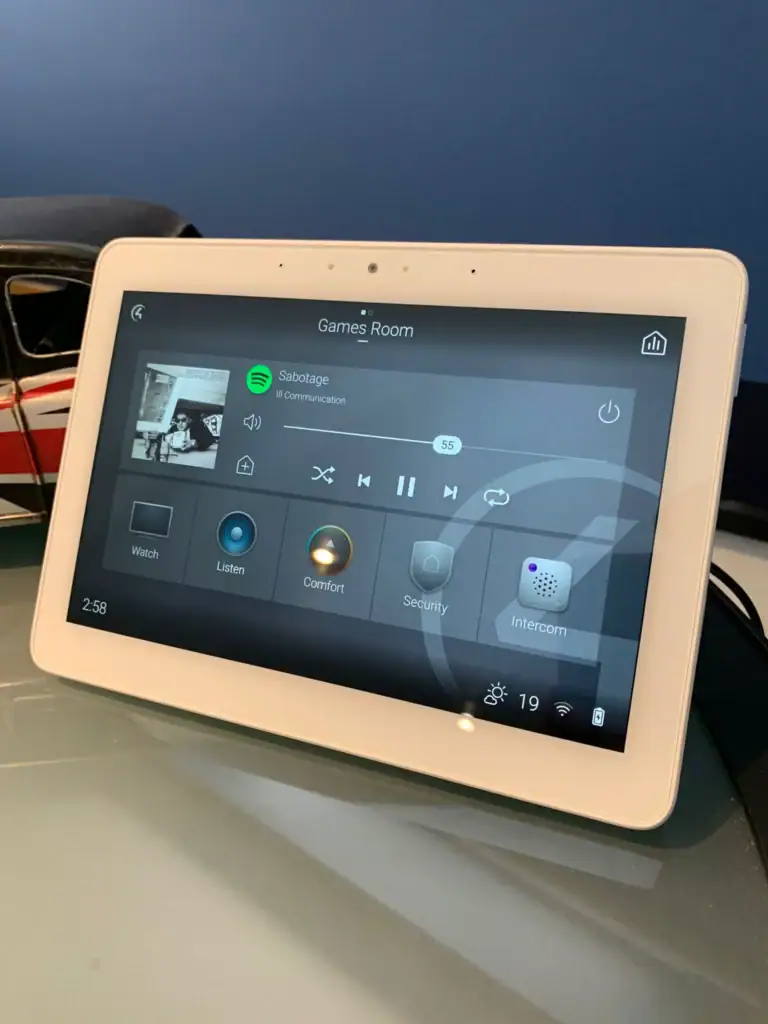
We set rooms up this way all the time. In the Oxshott cinema, the owner switches between movie and sports modes from one touch of the app or control panel, and the lighting and audio settings change to match. In our Weybridge basement cinema, downlights and lamps on 5 amp circuits sit on mood scenes, with one Control4 scene for a tense match and another for film nights.
The fade matters as much as the level. A slow fade feels like a real cinema; a sudden switch to darkness does not. Fade times and levels are programming, not wiring, so they can be fine-tuned once you have watched a few films in the room.
Which lighting scenes does a cinema room need?
Keep it to a handful, each with an obvious name on the keypad or remote:
- Welcome: wall, step and accent light up, enough to find a seat and see the room at its best.
- Film: step and aisle light at a very low level, everything else off.
- Pause: a gentle lift so people can move around, then back down on play.
- Sport or games: brighter and more social, for match days and gaming, with nothing on the screen.
- Full: everything up for cleaning and maintenance.
A control system can also let one button run the whole room: the projector, screen, sound, blinds and lights together. See our Lutron lighting control service for how we design dimming and keypads, and our Control4 smart home service for tying the lighting to the AV.
When should cinema room lighting be planned?
At the design stage, alongside the seating layout and speaker positions, and well before the first fix. Lighting in a cinema room is shaped by things that are hard to change later: where the risers go, where the speakers and acoustic panels sit on the walls, and how many separately dimmable circuits the room has. A scene can only control the circuits that exist, so a room wired with every downlight on one switch cannot be rescued by programming.
The same thinking applies in a media room that doubles as a family space, although there the lighting also has to work as everyday living room light. For dedicated rooms, our luxury home cinema service covers the lighting design alongside picture, sound, acoustics and seating.
See cinema lighting in a real room
Lighting is easier to judge in the dark than on a page. Book a visit to our demonstration cinema at Unit 101, Image Court, 326 Molesey Road, Walton-on-Thames, KT12 3PD, and see scenes fade with the film, or call us on 020 3397 9888. Art of Integration was founded in 2012, and we are a Platinum Control4 dealer and specialists in Lutron lighting.
Frequently asked questions
What is the best lighting for a home cinema?
Dimmable wall lights for general light, low-level step and aisle lights for moving around, and a little accent light for atmosphere, all on separate circuits and controlled as scenes. Keep downlights away from the screen wall.
Should a home cinema be completely dark?
Close to it while the film plays. Most rooms keep step or aisle lights on at a very low level for safety, as long as none of that light reaches the screen.
Can the lights dim automatically when a film starts?
Yes. With a control system such as Control4, the lights can fade down when you press play and come up a little on pause, as Control4 describes in its automation ideas.
Do I need blackout blinds in a cinema room?
If the room has windows, yes. Daylight on the screen washes out the picture, so motorised blackout blinds are usually part of the lighting design and can close as part of the film scene.
How is cinema lighting different from lighting scenes elsewhere in the house?
Elsewhere, scenes are about comfort and mood. In a cinema, the lighting also has to protect the picture, follow playback and keep people safe in the dark. Our room-by-room lighting scenes guide covers the rest of the house.