

Often, yes: you can add Lutron lighting control to an existing home without rewiring. Wireless systems such as RadioRA 3 talk over radio rather than new cables, so walls can stay closed. The catch is that some dimmers need a neutral wire at the switch, and the processor needs a network connection, so a survey comes first.
Can you retrofit smart lighting without rewiring?
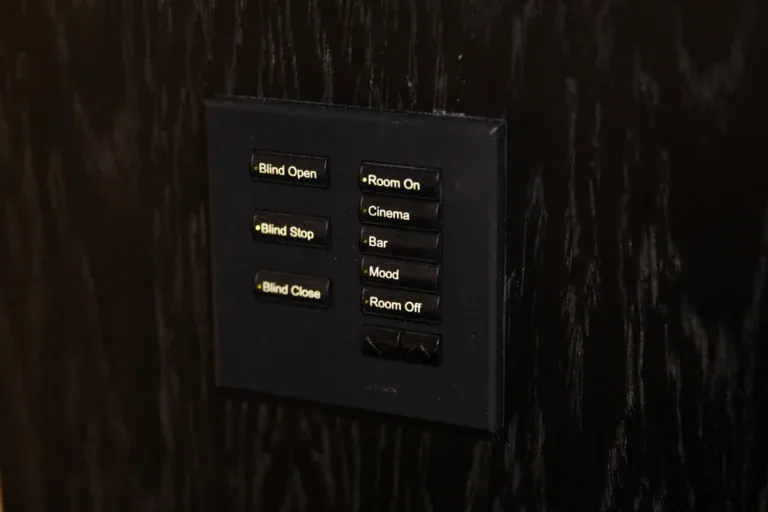
For many homes, yes. Lutron describes its RadioRA 3 system as wireless: it uses Lutron’s own Clear Connect radio rather than your Wi-Fi, and it is designed so you can start in one room and expand later without opening walls. In practice that means the existing light fittings stay, the existing switch positions are reused, and nothing new is chased into the plaster.
“Without rewiring” does not mean “without any electrical work”. Dimmers still replace your existing switches, and a qualified electrician should fit them. What you avoid is the expensive part of a traditional install: running new control cables to every switch position, lifting floors and making good decorated walls.
What is the difference between wired and wireless lighting control?
In a wired system, each keypad and sensor is connected back to a central panel by dedicated cable. It is very robust and suits new builds and major renovations, when walls are open anyway. A wireless system sends control signals by radio between dimmers, keypads and a central processor, so it suits finished homes.
Neither is better in every case. The honest question is whether you can easily get cable to where it needs to go. If you are gutting the house, wired is worth considering. If you have just redecorated, wireless usually wins. Our guide to HomeWorks, RadioRA 3 and Caseta explains how the Lutron ranges compare.
Do you need a neutral wire for smart dimmers?
This is the point that catches people out. Lutron’s installation FAQ says the Sunnata RF dimmer with PRO LED+ requires a neutral wire. The same page says the Maestro RF dimmer with PRO LED+ is compatible with RadioRA 3 and does not require a neutral, because the neutral connection is optional.
So a missing neutral does not necessarily rule out a retrofit, but it does change which dimmer is specified. Whether a neutral is present can vary from one switch position to the next, so it is something we check on the survey rather than assume. Lutron itself advises verifying neutral availability before the devices are specified.
What still needs a cable?
Wireless dimmers and keypads need no control cable, but the system’s brain does. Lutron’s RadioRA 3 documentation describes the processor as powered over Ethernet, so a network cable needs to reach it. Range matters as well: Lutron publishes distance limits between devices and the processor, and larger houses may need a repeater to keep every device within reach.
Both points are why a whole-house retrofit still starts with a plan. We would normally put the processor near your network equipment, and check that the router, switches and Wi-Fi can support it. If you are also planning other upgrades, our guide on wiring a house for a smart home covers the cabling worth doing while access is easy.
Will it work with LED lighting and other smart home systems?
LED compatibility is the other thing to settle early. Dimmers and LED drivers do not always agree, which is why flicker and buzzing happen; see our explanation of why LED lights flicker or buzz on a dimmer. The sensible approach is to check the actual fittings in your home rather than rely on a general promise.
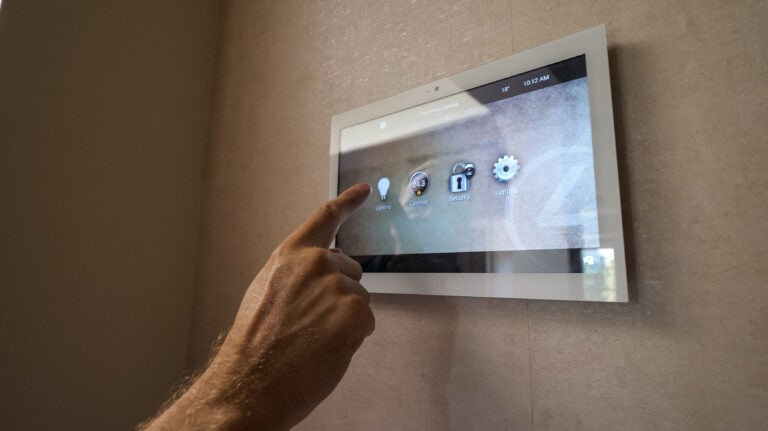
Lighting also works best when it is part of the wider home. Lutron lighting can be integrated into a Control4 smart home, as we did for a family in Hampstead, where the lighting is integrated into Control4 throughout the property.
When is it worth rewiring instead?
Choose wired if you are renovating down to the brickwork, building an extension, or you want very large numbers of circuits on one system. In those cases the cable is cheap to install while the walls are open, and you are not paying to retrofit later. If the house is finished and lived in, wireless usually gives you the result with far less disruption.
You can read more about what we design and install on our Lutron lighting control page, and about blinds and scenes on smart home lighting and shading.
Frequently asked questions
Do Lutron wireless dimmers use my Wi-Fi?
No. Lutron states that its Clear Connect system works independently of Wi-Fi, using its own radio signal between devices, so a busy home network does not carry the lighting commands.
Can I add rooms to a wireless system later?
Yes. Lutron describes RadioRA 3 as something you can start in one room and expand over time, so you can phase the project to suit your budget.
Will my existing light fittings still work?
Often, but it depends on the lamps and drivers, because not every LED fitting dims smoothly. Dimming compatibility is something to check before anything is ordered.
Do I need an electrician as well as a lighting installer?
Fitting dimmers means working on mains wiring, so it should be done by qualified people. We will talk you through who does what when we quote.
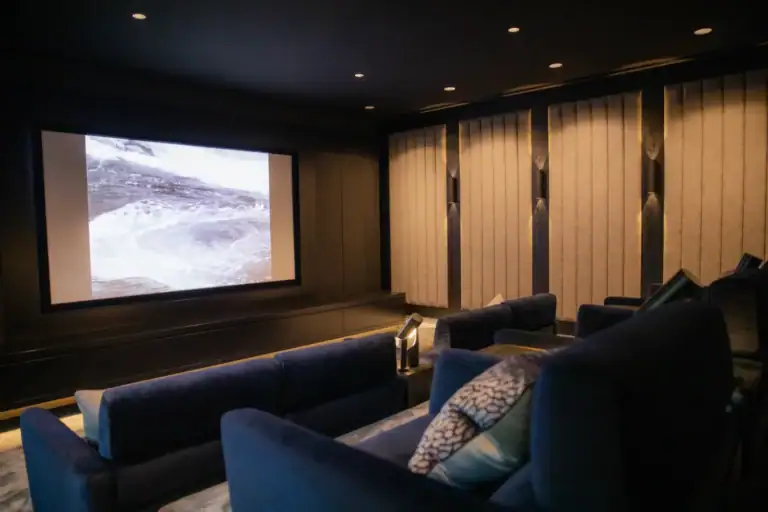
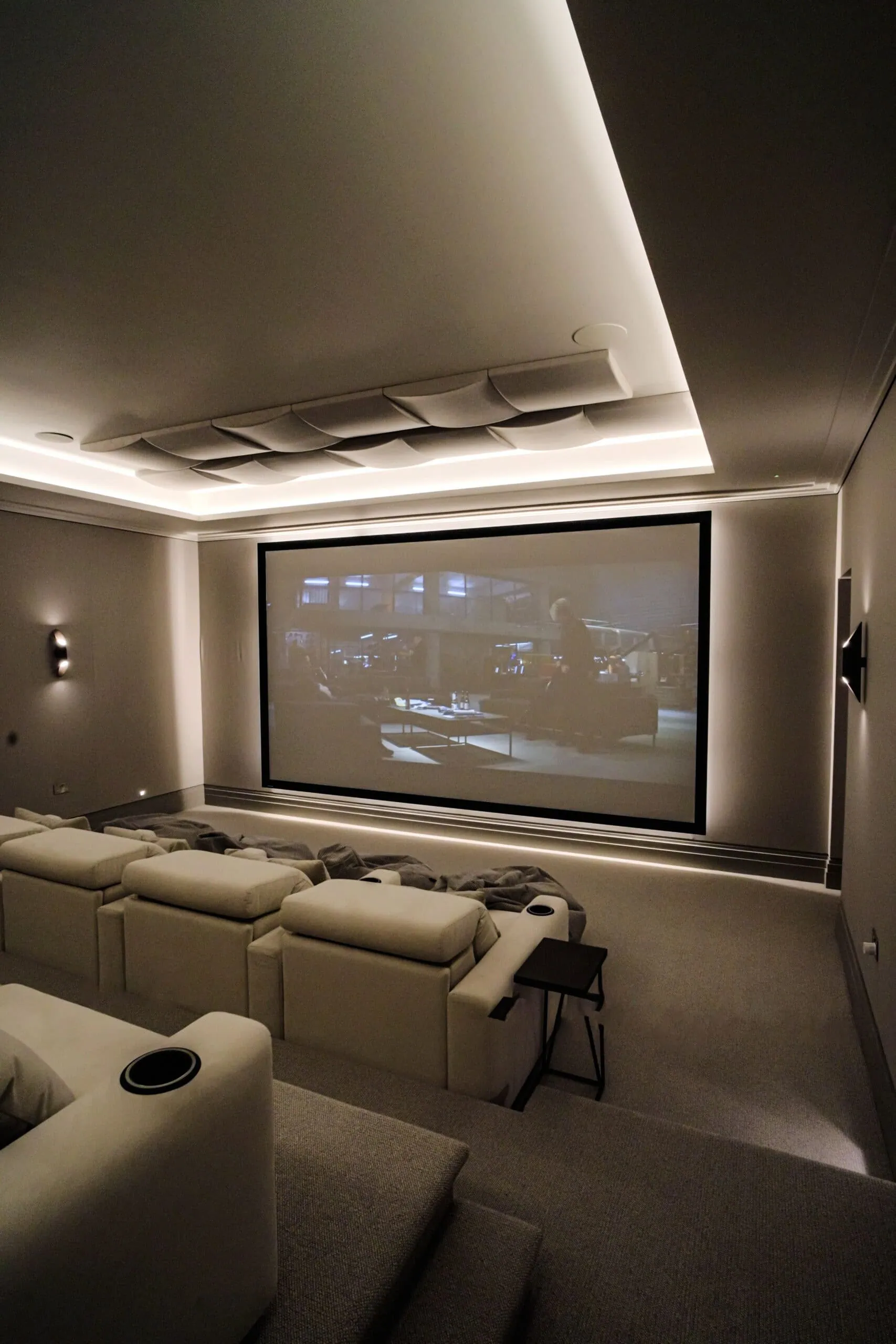
Want to see how it looks and feels? Visit our home cinema and smart home showroom in Walton-on-Thames, or get in touch on 020 3397 9888 to book a lighting survey.