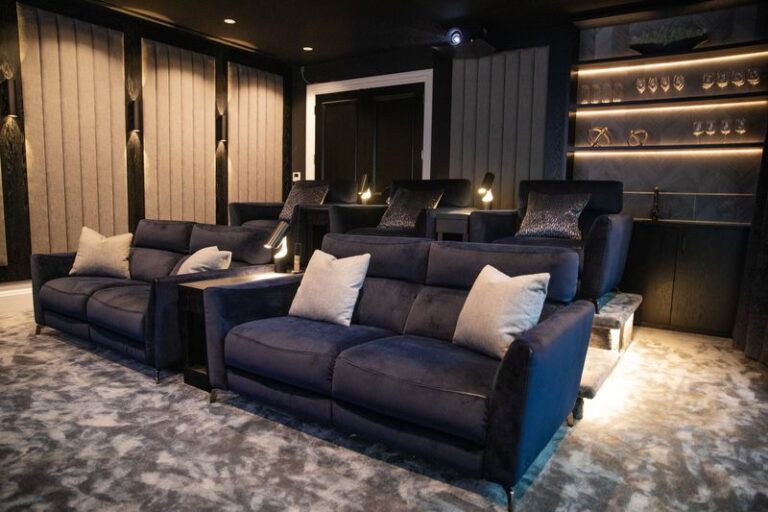
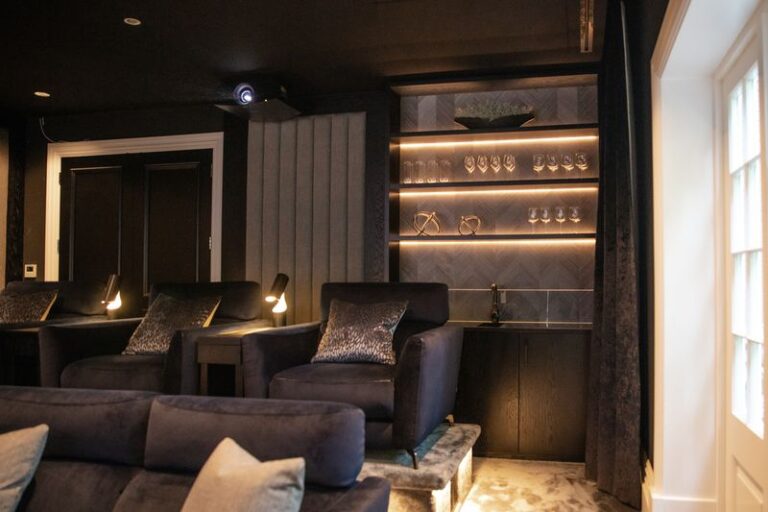
Cinema video designed and installed by Art of Integration

Sony home cinema projector and TV installation in Surrey and London

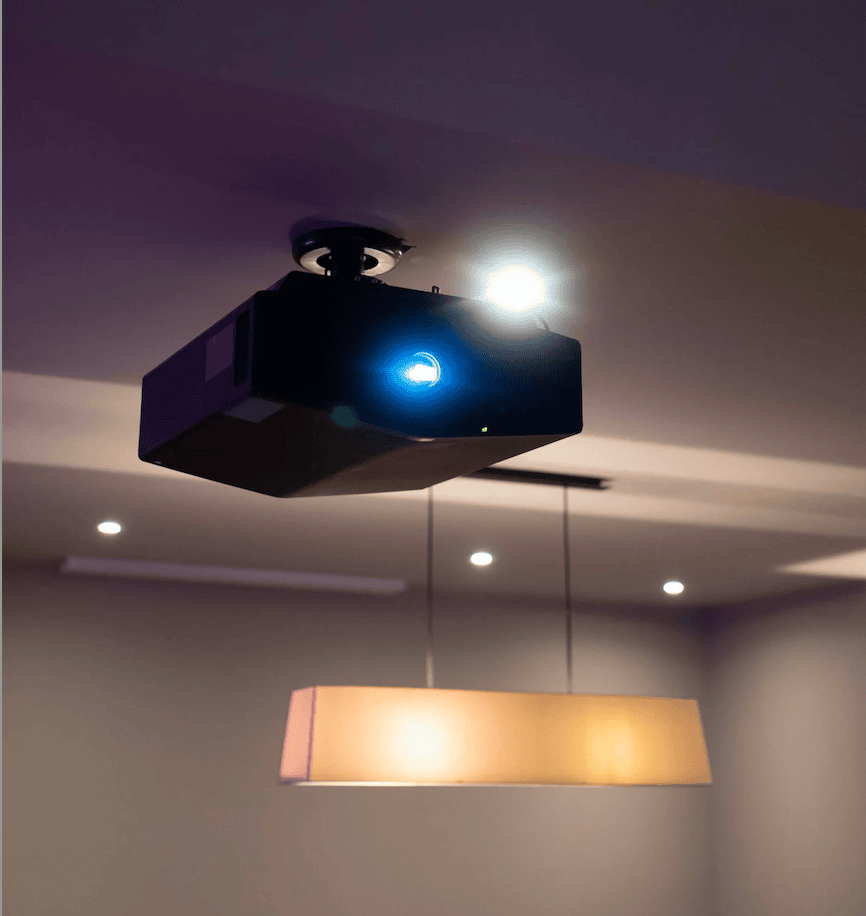
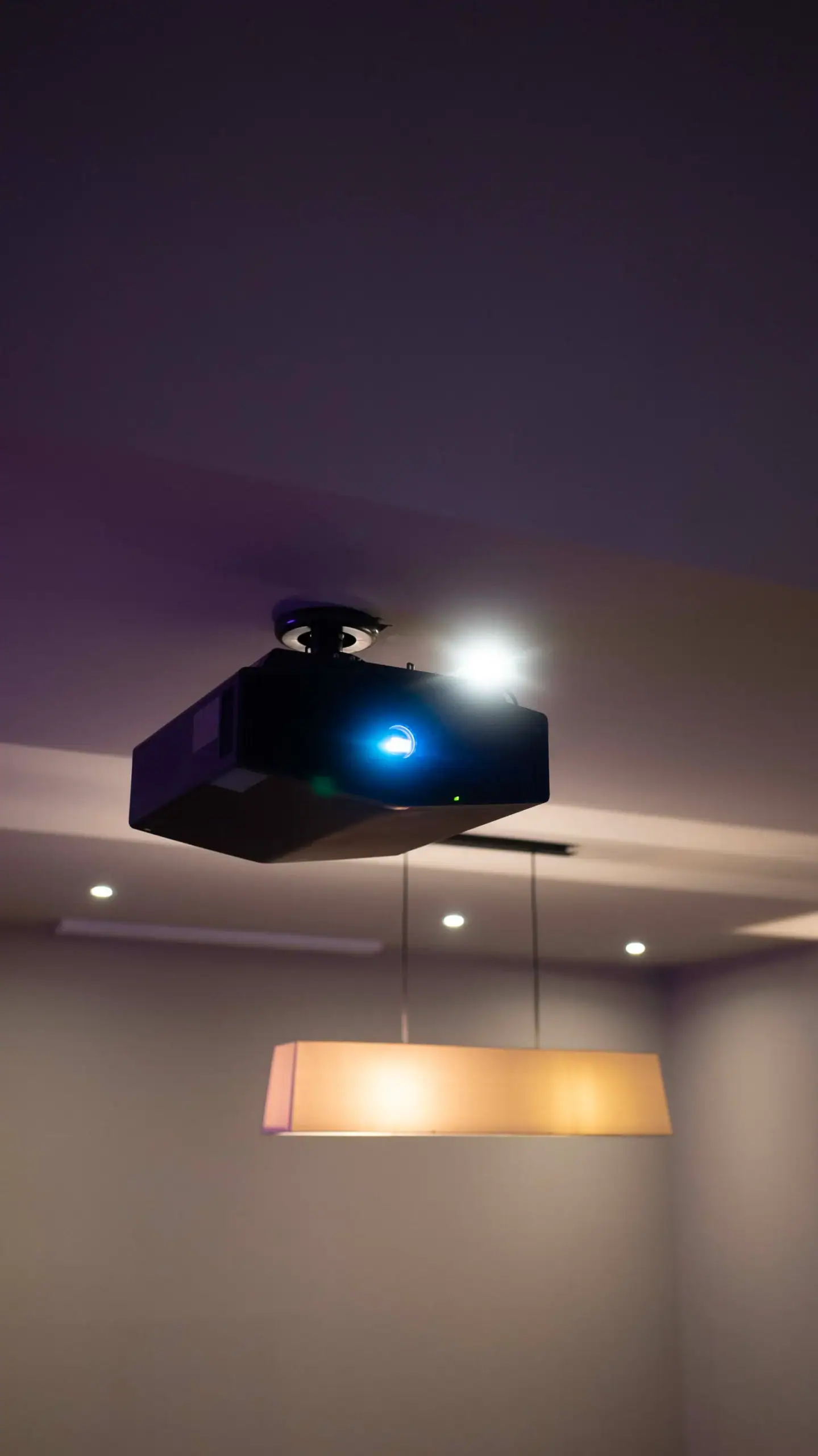
We have installed Sony 4K laser projectors in a Walton-on-Thames media room and a Fetcham cinema, and an 85-inch Sony TV in an Epsom media room, and a Sony 4K laser projector runs our own demonstration cinema. Sony's native 4K SXRD projectors suit family rooms that switch between films, live sport and gaming.

Since 2012Showroom in Walton-on-Thames★ 5.0 on Google
Best for

Family media rooms and cinemas used for live sport and gaming as much as for films

Works with

Control4 control of the whole room, Lutron lighting scenes and motorised blackout blinds

Where to see it

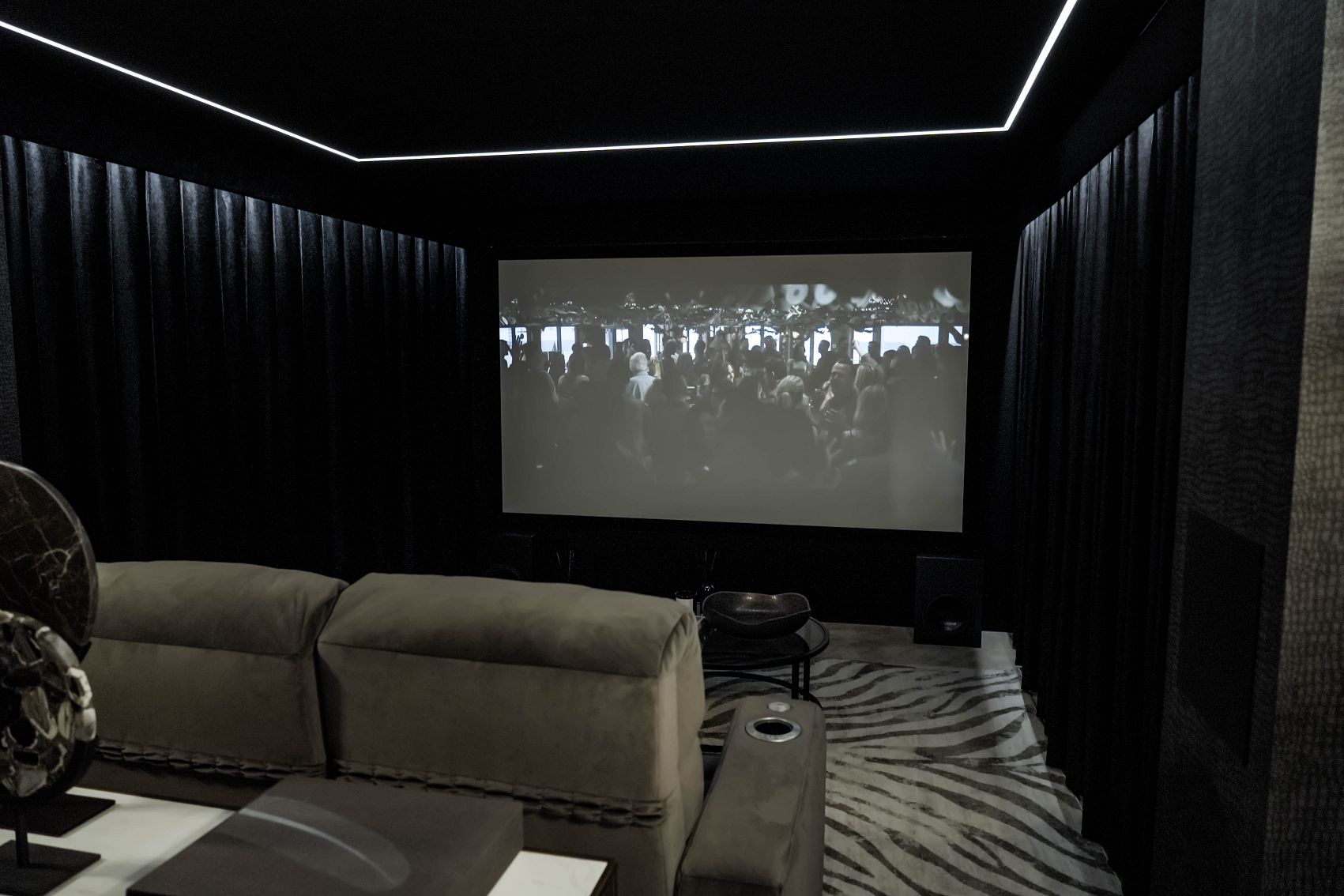
A Sony 4K laser projector on a 2.8 metre screen in our Walton-on-Thames showroom

Our experience

Sony projectors in Walton-on-Thames and Fetcham; an 85-inch Sony TV in Epsom

Official website: Sony (opens in a new tab)

sony home cinema projectorsony home cinema projectorsony home cinema projector
Overview
sony home cinema projector
01

Sony's home cinema projectors at a glance

Sony builds its home cinema projectors around SXRD panels, its own imaging chips, with a full native 4K pixel count (3,840 by 2,160) rather than the pixel-shifting used by many rival 4K projectors. The current generation uses a laser light source rated for up to 20,000 hours, so there are no lamps to replace.

In the UK, Sony's BRAVIA Projector range sits above the long-running VPL-XW5000ES, the compact model in our Fetcham cinema, which Sony rates at 2,000 lumens:

  • BRAVIA Projector 7 (VPL-XW5100ES), rated at 2,200 lumens, adds Sony's XR processor, adapted from its TV range, and 4K at 120Hz on both HDMI 2.1 inputs.
  • BRAVIA Projector 8, rated at 2,700 lumens, whose processor is adapted from the one in Sony's BRAVIA 8 OLED and BRAVIA 9 Mini LED TVs.
  • BRAVIA Projector 9, the flagship at 3,400 lumens, which adds Sony's Live Colour Enhancer and has fully motorised lens adjustment with a 2.1x zoom.

What Hi-Fi notes that the BRAVIA Projectors handle HDR10 and HLG, and that the Projector 9 does not support Dolby Vision or 3D, which is worth knowing if your film collection depends on either.

sony home cinema projector
02

Why Sony suits rooms built for sport, gaming and films

The briefs behind our Sony projects have a lot in common. In Walton-on-Thames the room was mainly used for sport, and the family wanted it to work for films together and for hosting friends. In Fetcham the teenagers needed somewhere to game with friends that the whole family could also use. In Epsom the clients wanted one room for football, films and games.

Sony fits that mix well. Its 4K Motionflow processing is designed to keep fast action clear, which matters for a football match on a large screen. Sony's processing draws on the same work as its BRAVIA TVs, so HD broadcasts and older films are upscaled to 4K cleanly. For gamers, What Hi-Fi measured the BRAVIA Projector 9 at 21ms of input lag with 60Hz sources and 12ms at 120Hz, and its HDMI inputs accept 4K at 120Hz from current consoles.

sony home cinema projector
03

Light control in a multi-use media room

Sony's laser projectors are bright, but that brightness is there to give HDR pictures more punch, not to beat daylight. What Hi-Fi makes the same point about the BRAVIA Projector 9, advising that a projector at this level belongs in a room that can get close to cinema darkness. In a media room that also has a bar, a pool table or garden doors, the planning comes down to how much light you can control:

  • Windows. Walton-on-Thames has Silent Gliss blackout blinds and Epsom has QMotion blackout blinds; tying blinds like these to the scene that starts a film means nobody has to remember them. Our motorised blinds and shading page covers the options.
  • Lighting zones. Fetcham's cinema was designed with several lighting modes, and zoning like this lets a bar and pool table stay lit while the screen end of the room stays dark.
  • When the room cannot be darkened. If daylight cannot be controlled, a large TV is usually the better choice. The Epsom media room, for example, is built around an 85-inch Sony TV recessed into the wall.

Our guide to choosing a projector or a TV for a home cinema sets out where the line falls.
Our work

Sony in our projects: Walton-on-Thames, Fetcham and Epsom

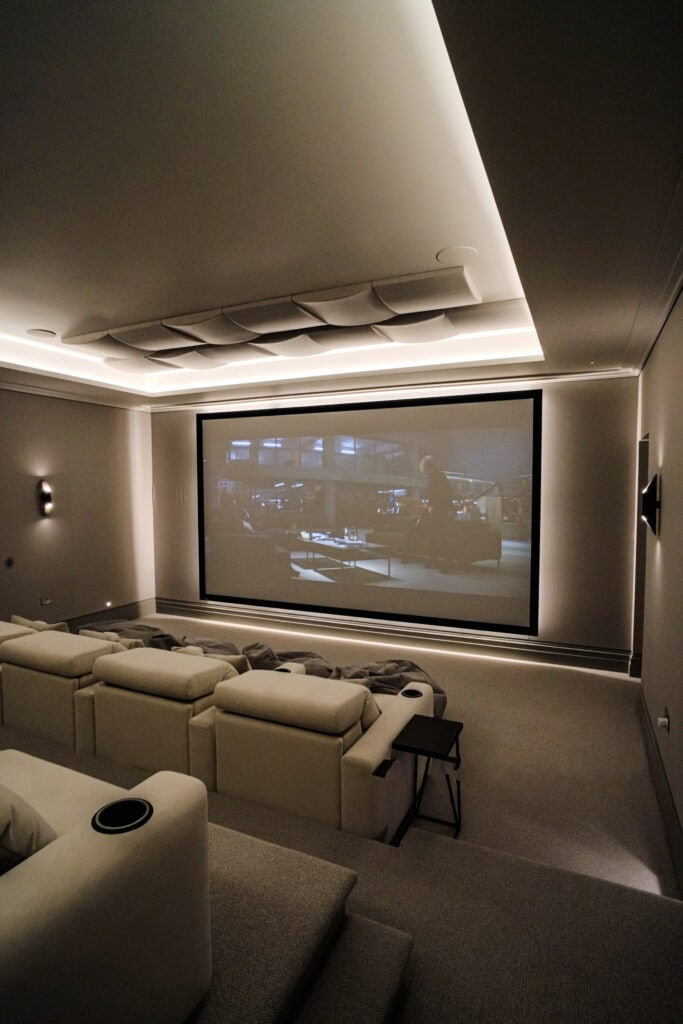
  • Walton-on-Thames media room. A tired sports room was stripped out and rebuilt as a cinema and bar. The old projector was replaced with a Sony 4K laser model, which the case study describes as sharper and clearer than the blurry picture before. Front speakers sit behind an acoustically transparent screen in a Paradigm 7.2.4 Dolby Atmos system, and the screen also takes a PC input for video calls and presentations. Read the Walton-on-Thames media room case study.
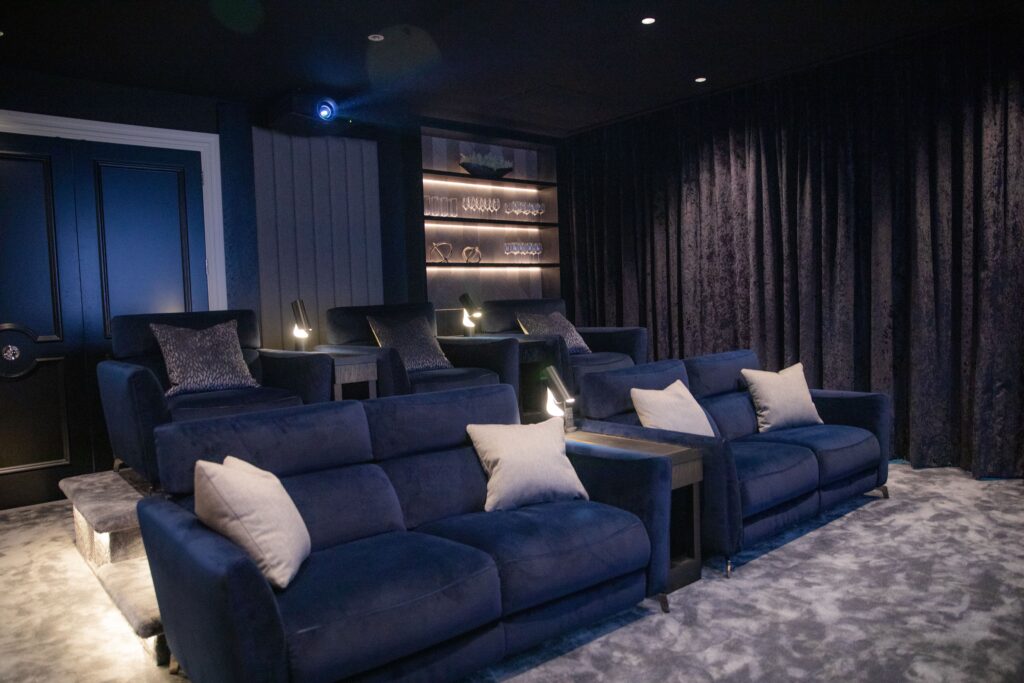
  • Fetcham cinema with bar and pool table. A Sony VPL-XW5000ES 4K laser projector fills a 126-inch Projecta acoustically transparent screen, with Sonance in-wall speakers behind it and Control4 running the room. See the Fetcham cinema.
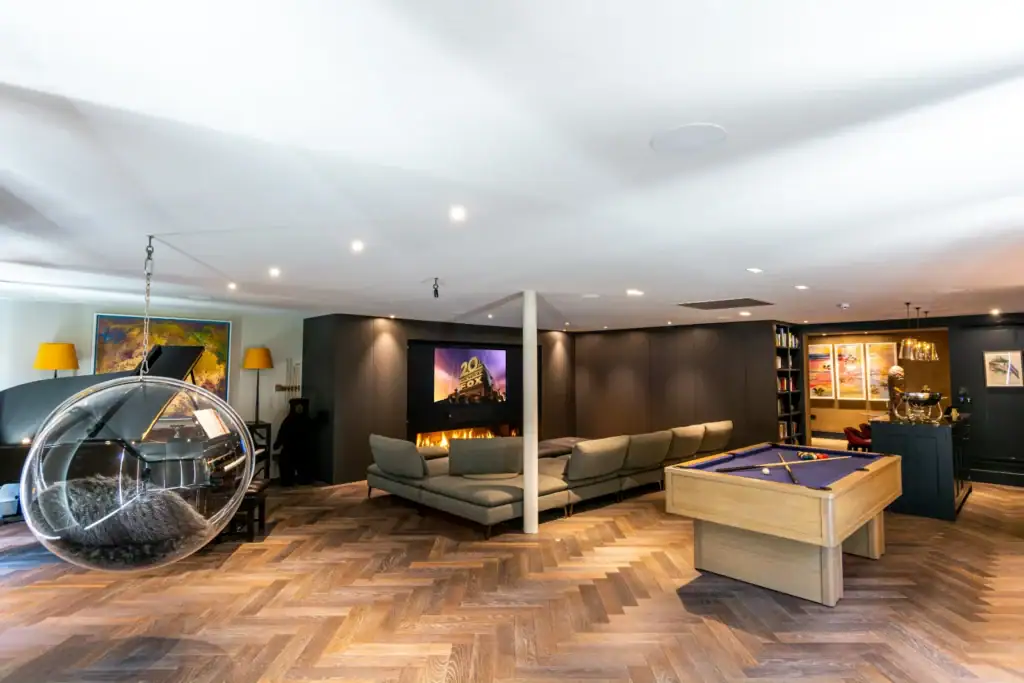
  • Epsom media room and sports bar. Here the answer was an 85-inch Sony TV, recessed into the wall, with the AV equipment hidden in a storage unit and a 5.1 system that the room's acoustic panelling helps keep clear. View the Epsom media room.

A Sony 4K laser projector also runs our Walton-on-Thames demonstration cinema on a 2.8 metre wide acoustically transparent screen, so you can see one at full size before deciding.

sony home cinema projector
Integration

A Sony room under Control4 and Lutron control

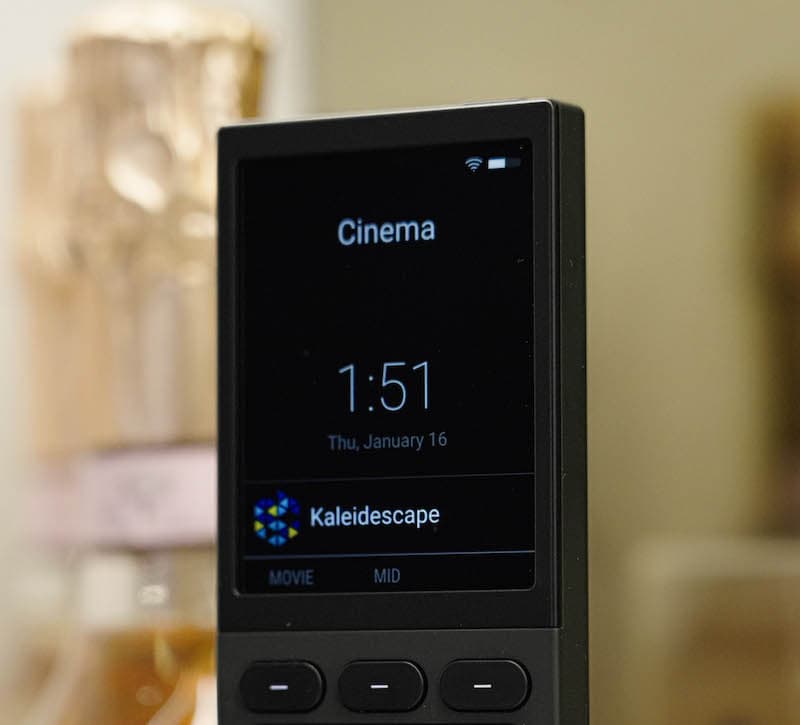
In each of these rooms the Sony display is one part of a system that starts from a single button. In Walton-on-Thames, Control4 runs the AV equipment, the Lutron HomeWorks lighting and the temperature from one remote or a phone app, which ended the old hunt for the right remote. In Epsom, Control4 automation runs from a control pad, alongside Lutron RA2 lighting and QMotion blackout blinds. Our Control4 programming for rooms like these usually centres on three scenes:

  • Match. The TV or projector comes on with the sports channel, the bar lighting stays up and the screen wall goes darker, so people can move around without washing out the picture.
  • Film. Blackout blinds close, the room drops to a low glow and the sound system switches to the film source.
  • Gaming. The console input is selected and the lights settle at a level comfortable for long sessions.

Our page on media room design shows how we plan rooms that have to do all three.

Already own Sony?

Already own a Sony projector or TV?

If your Sony projector or TV came with the house, or the original installer has moved on, we can help with:

  • setting up picture modes for your screen and room, and lining the image up again after a new screen or a ceiling move;
  • adding the projector or TV to Control4 so it switches on with the right input and the lights respond;
  • linking it to Lutron lighting and blackout blinds for film, sport and gaming scenes;
  • advising on moving from an older lamp projector to a laser model;
  • taking the system down and reinstalling it in a new room.

If someone else fitted your Sony equipment, our takeover and maintenance page sets out how we pick it up. Repairs and warranty claims are for Sony.

Ask about your system Call 020 3397 9888

We also look after systems installed by other companies. See takeover and maintenance.

Compare

Sony projector or Sony TV?

Choose a Sony projector when the room can be darkened and you want a picture well beyond any TV size: our Fetcham screen is 126 inches across, and the showroom screen is 2.8 metres wide. Choose a large Sony TV when the room has daylight you cannot fully control, when the seats are close, or when the room is used mostly in the daytime. If you are choosing between Sony and JVC for a dark, dedicated cinema, our JVC page covers that comparison.

sony home cinema projector
Our showroom

See and hear it before you decide

Visit our demonstration cinema and smart home showroom in Walton-on-Thames and try the technology for yourself.

“Fantastic service from Andy and Adrian, who installed a cinema room and full Sonos sound integration throughout my home. I would definitely recommend them! Their communication and professionalism were excellent from start to finish, and the cinema room they created was outstanding.”

C
Chris KiplingGoogle review

“We engaged AOI for the renovation of our period property in West London. A key requirement was a discreet, high-performance cinema arrangement that would blend seamlessly with the original character of the house, and they delivered exactly that.”

F
Fraser RobsonWest London

“We've worked with the team at Art of Integration on several high-end residential projects, where they've delivered Control4 smart home systems. From the initial design through to client handover and ongoing support, their attention to detail and level of service has been outstanding.”

A
Amanda HollisTrade partner
Questions

Sony: your questions answered

Anything else, call us on 020 3397 9888.

Are Sony home cinema projectors native 4K?

Yes. Sony's home cinema projectors use SXRD panels with a full native 4K resolution of 3,840 by 2,160 pixels, rather than shifting a lower-resolution image to approximate 4K. That native resolution is one reason they look so sharp on a large screen, such as the 126-inch screen in our Fetcham cinema or the 2.8 metre screen in our showroom.

How long does a Sony laser projector last?

Sony rates the laser light source in its current home cinema projectors for up to 20,000 hours. What Hi-Fi gives the same figure for the BRAVIA Projector 9. There is no lamp to replace, so a laser projector in a ceiling mount or a hidden enclosure needs far less routine attention than an older lamp model.

Does the Sony BRAVIA Projector support Dolby Vision?

Not on the BRAVIA Projector 9, according to What Hi-Fi's review, which lists HDR10 and HLG support but no Dolby Vision and no 3D. Sony instead uses its own dynamic tone mapping to fit HDR to the projector's brightness. If Dolby Vision playback matters to you, it is a point to settle before choosing the model.

Is a Sony 4K projector good for gaming?

The BRAVIA Projector 9 is. What Hi-Fi measured 21ms of input lag with 60Hz sources and 12ms at 120Hz, and its HDMI inputs accept 4K at 120Hz from current consoles. Gaming performance matters in rooms like our Fetcham cinema, where the brief included a space for teenagers to game with friends as well as family films.

Can you help with an existing Sony VPL-XW5000ES?

Yes. The VPL-XW5000ES is the projector in our Fetcham cinema, and we help owners who already have one: realigning the picture after a screen change, setting picture modes for the room, adding it to Control4 with lighting and blind scenes, or moving it to a new room. Repairs and warranty work stay with Sony.

Should a media room with windows have a projector or a large TV?

If the windows can be fully blacked out with motorised blinds, a projector gives a much bigger picture. If daylight cannot be controlled, a large TV is usually the better answer. Our Epsom media room uses an 85-inch Sony TV, while the Walton-on-Thames room pairs a Sony 4K laser projector with blackout blinds.

Get in touch

Talk to us about Sony

Planning a new room, or need help with a Sony system you already have? Tell us a little about it and a designer will come back to you.

  1. We call you backA quick conversation about your home, the room and your timings.
  2. Design consultationAt your home or in our Walton-on-Thames showroom, where you can see and hear the technology.
  3. Design and proposalA tailored design, with 3D visuals before you commit.

Request a free consultation

It takes less than a minute.

We will get back to you as soon as possible. We use your details to reply to your enquiry and keep them as described in our Privacy Policy.

Sony is a trademark of its owner. This page describes how we design with and install these products. Project photos are our own.