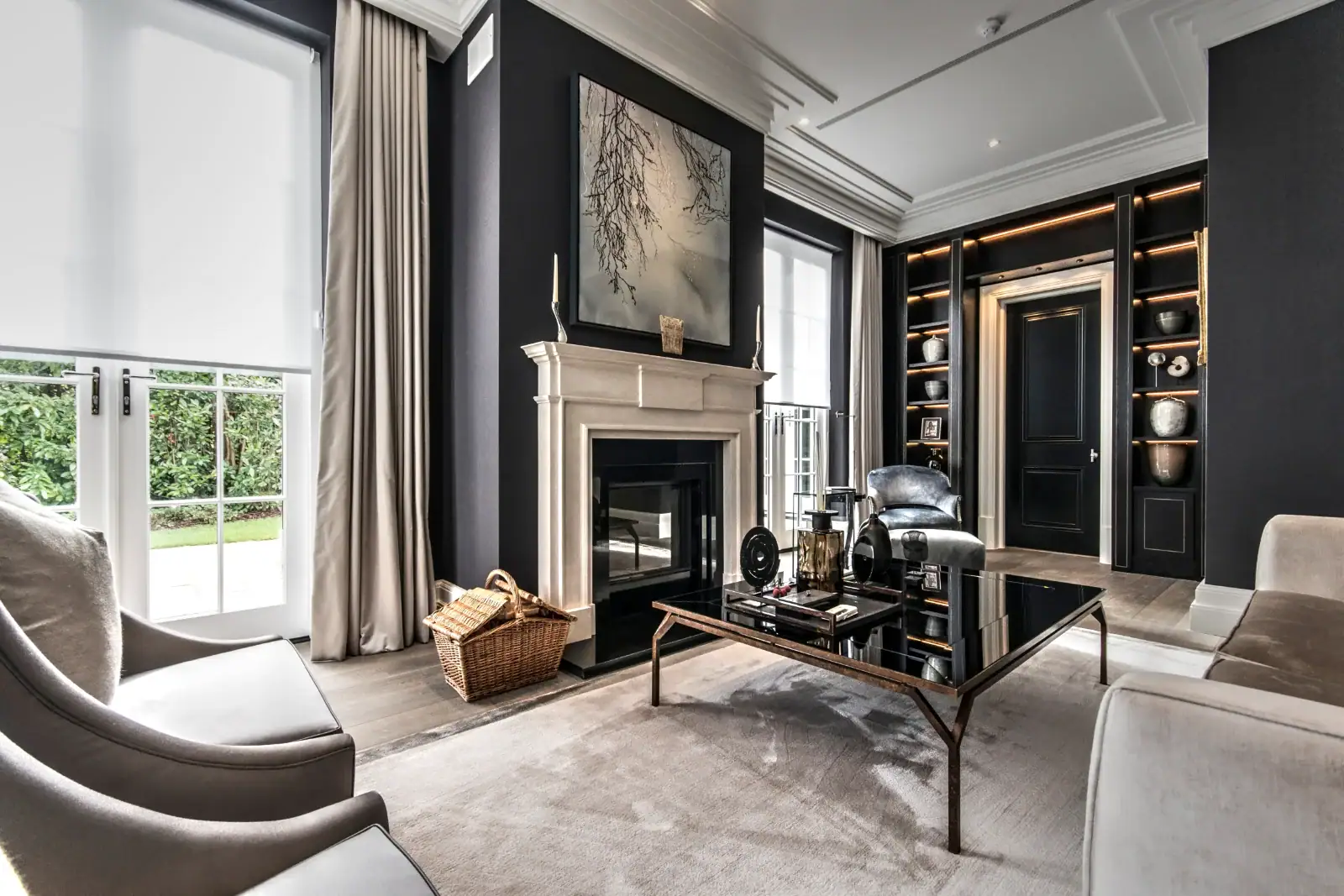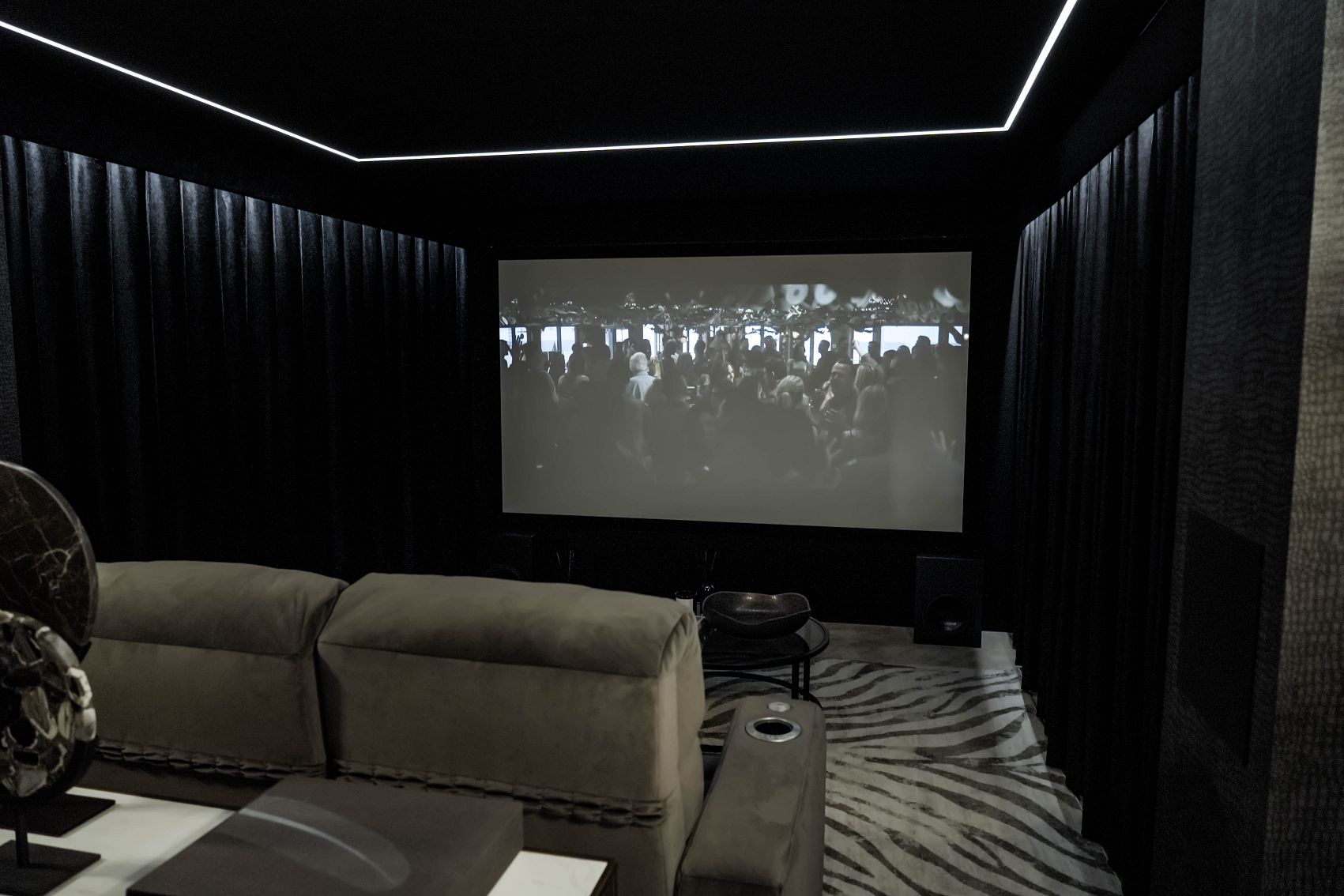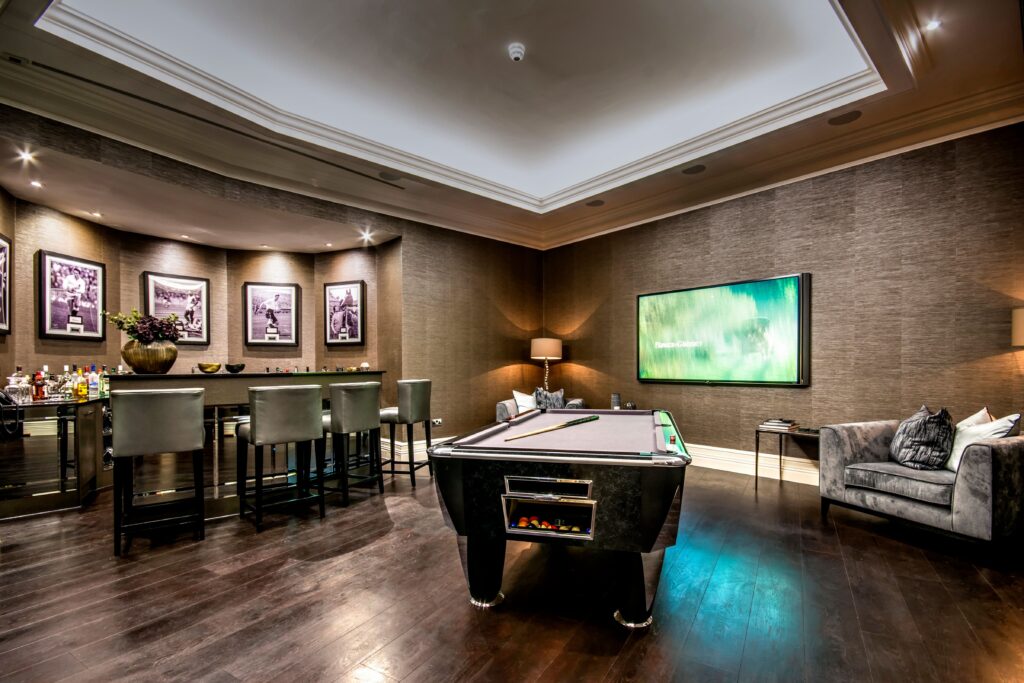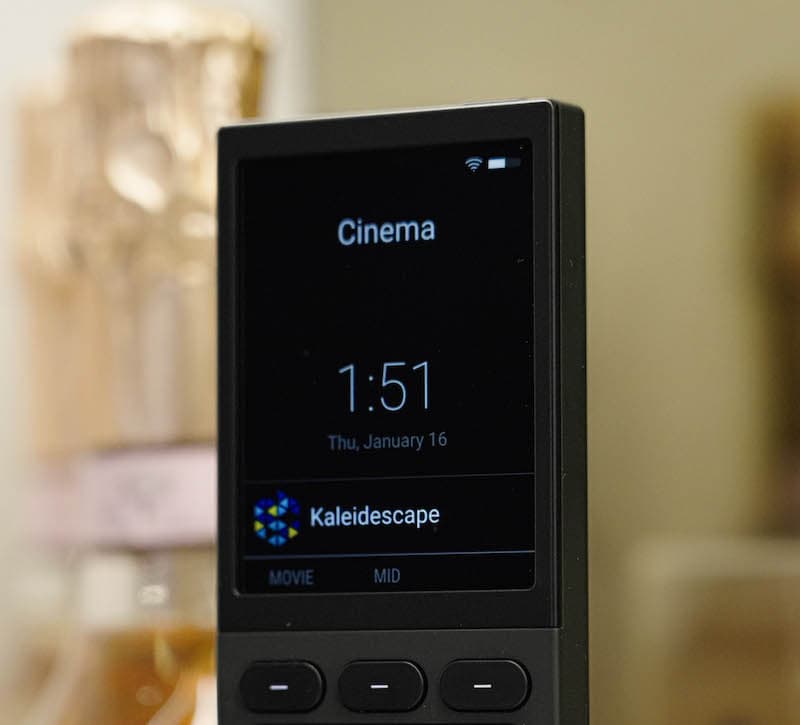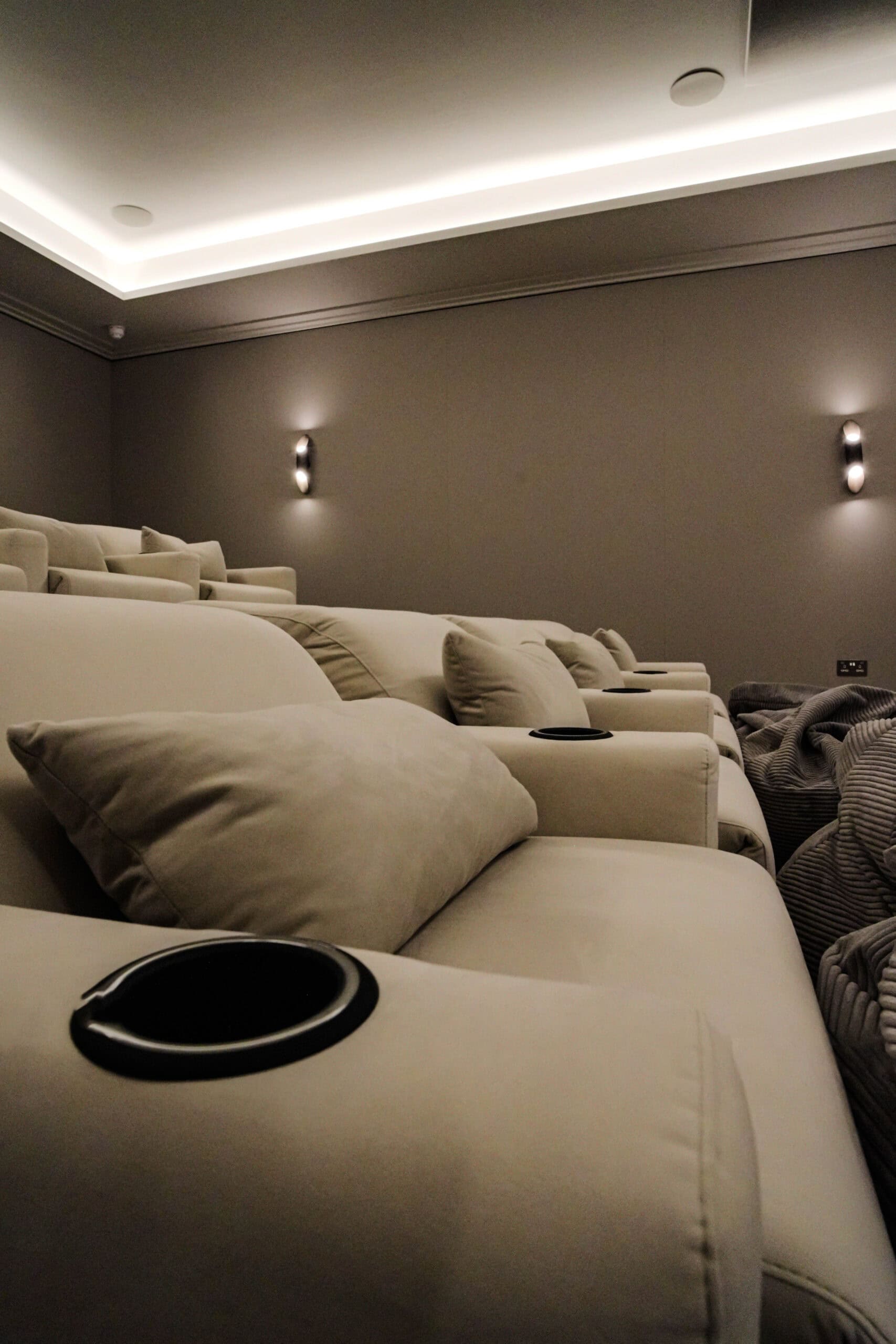
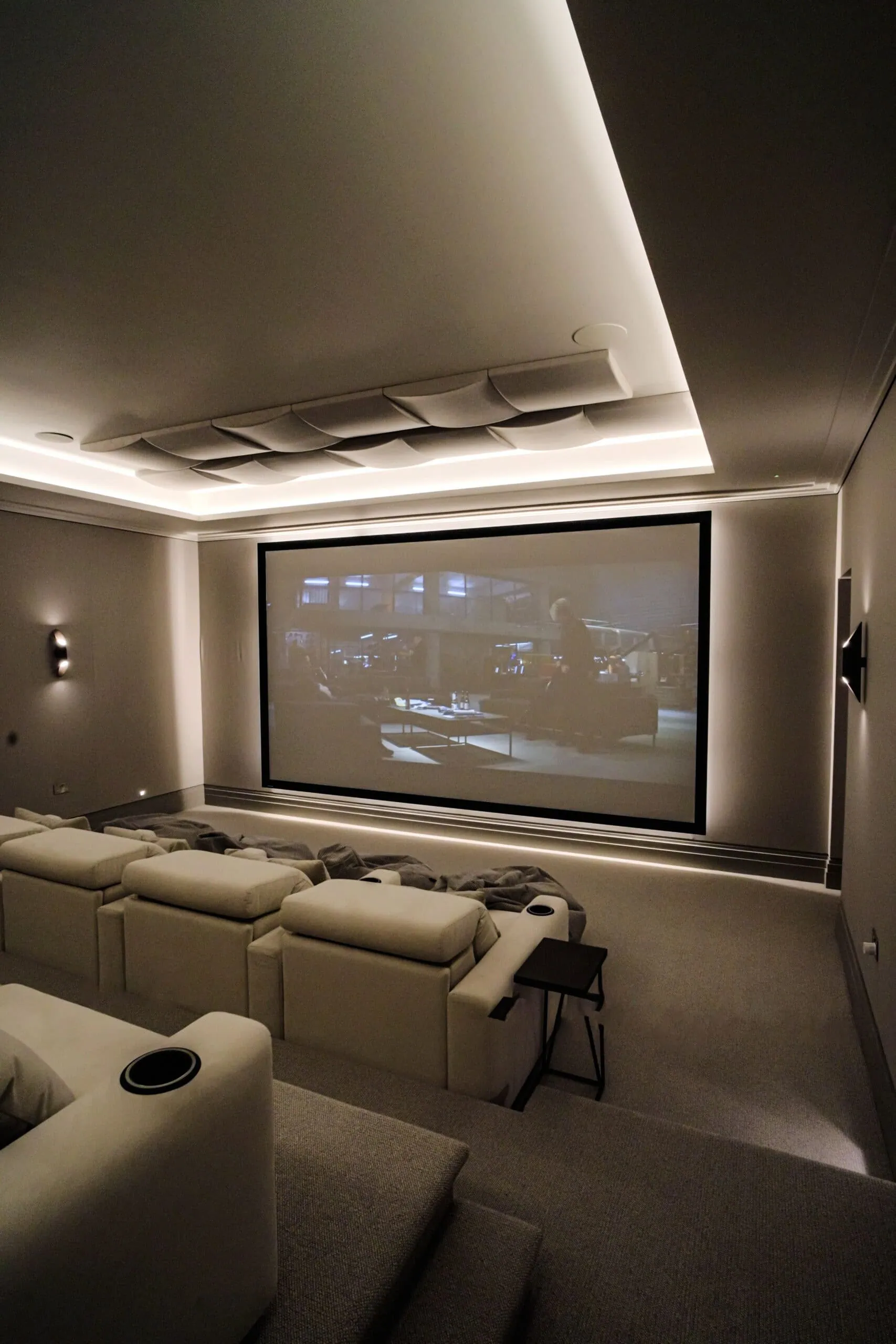
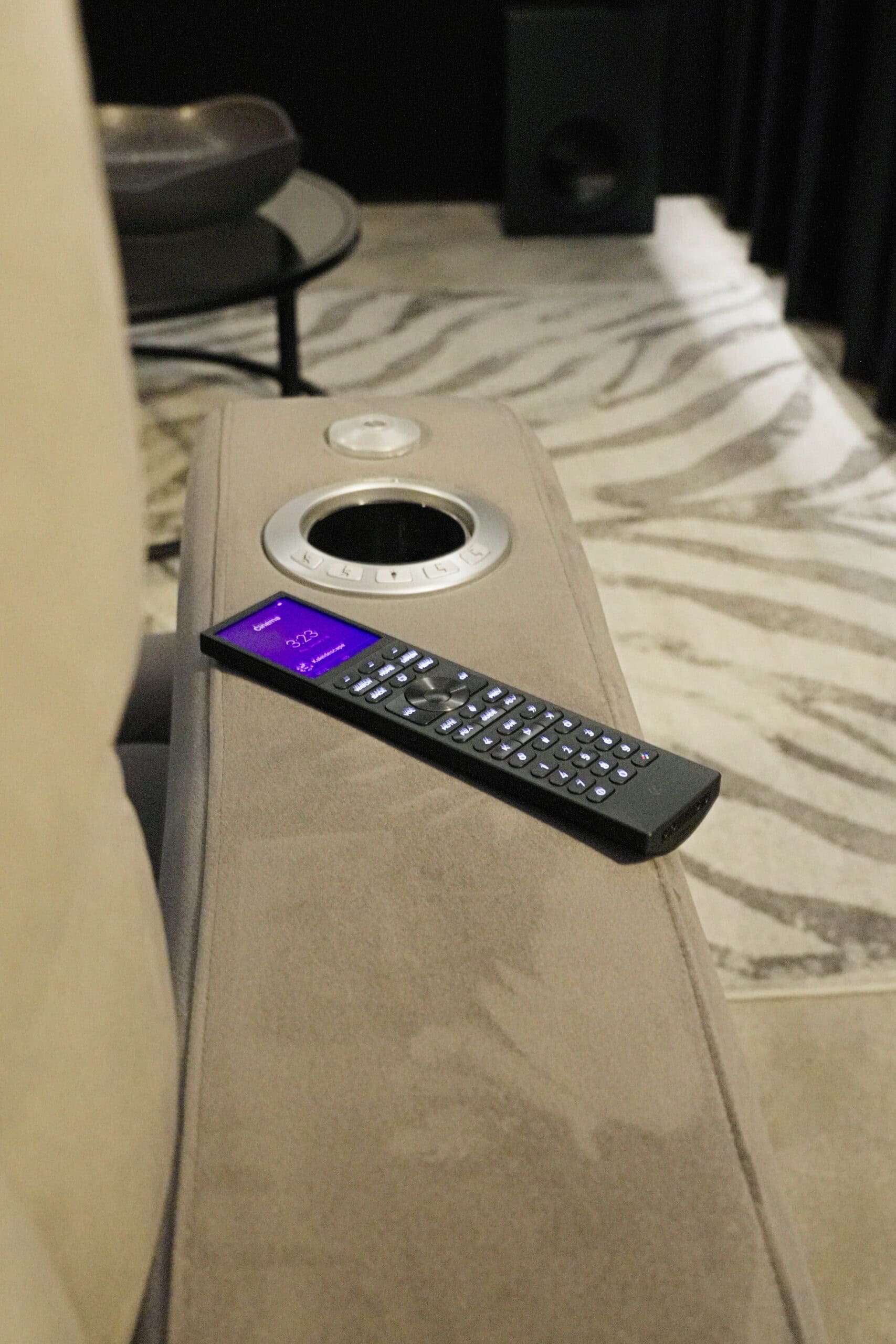
Cinema video designed and installed by Art of Integration

JVC home cinema projector design for dedicated cinemas in London and Surrey

JVC makes D-ILA home cinema projectors known for deep native contrast, which shows at its best in a dark, dedicated room. The current UK range runs from the compact native 4K DLA-NZ500 to the 8K/e-shiftX DLA-NZ800 and NZ900. Our 7 by 8 metre basement cinema at Roehampton Gate in London uses a JVC laser projector.

Since 2012Showroom in Walton-on-Thames★ 5.0 on Google
Best for

Dark, dedicated cinemas and basements where black level and shadow detail matter most

Works with

Control4 (current models list SDDP discovery), Lutron lighting scenes, anamorphic and 2.40:1 screen set-ups

Where to see it

Our Roehampton Gate basement cinema case study

Our experience

A JVC laser projector with a high-gain acoustically transparent screen and 9.4 Dolby Atmos in Roehampton Gate

Official website: JVC (opens in a new tab)

jvc home cinema projectorjvc home cinema projectorjvc home cinema projector
Overview
jvc home cinema projector
01

What is a JVC D-ILA projector?

D-ILA is JVC's own imaging chip technology, and the NZ500, NZ800 and NZ900 each use three of them. The chips are native 4K (4,096 by 2,160), and JVC's headline strength is how much light they can hold back: JVC quotes a native contrast ratio of 150,000:1 for the flagship DLA-NZ900, 100,000:1 for the DLA-NZ800 and 40,000:1 for the compact DLA-NZ500.

The UK range has four models. The DLA-NZ500 and NZ700 are compact native 4K laser projectors, and JVC describes the NZ500 as the smallest native 4K projector in the world. The DLA-NZ800 and flagship NZ900 add 8K/e-shiftX, which shifts each pixel by half a pixel in four directions to display an 8,192 by 4,320 image from the native 4K chips, and both accept 8K signals at 60 frames per second. The NZ500, NZ800 and NZ900 use JVC's BLU-Escent laser at 2,000, 2,700 and 3,300 lumens respectively, and JVC rates the NZ800 and NZ900 lasers for 20,000 hours.

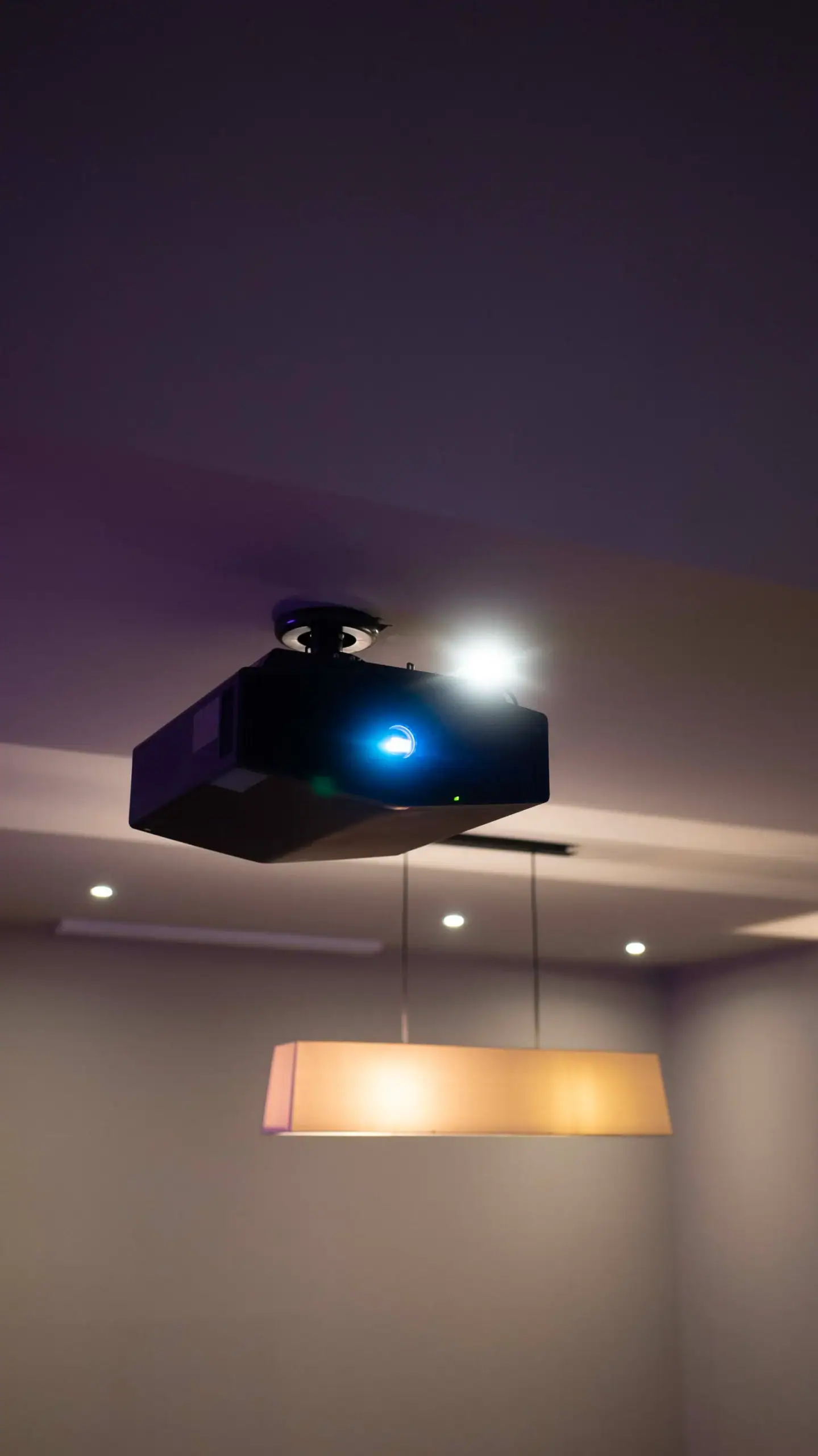
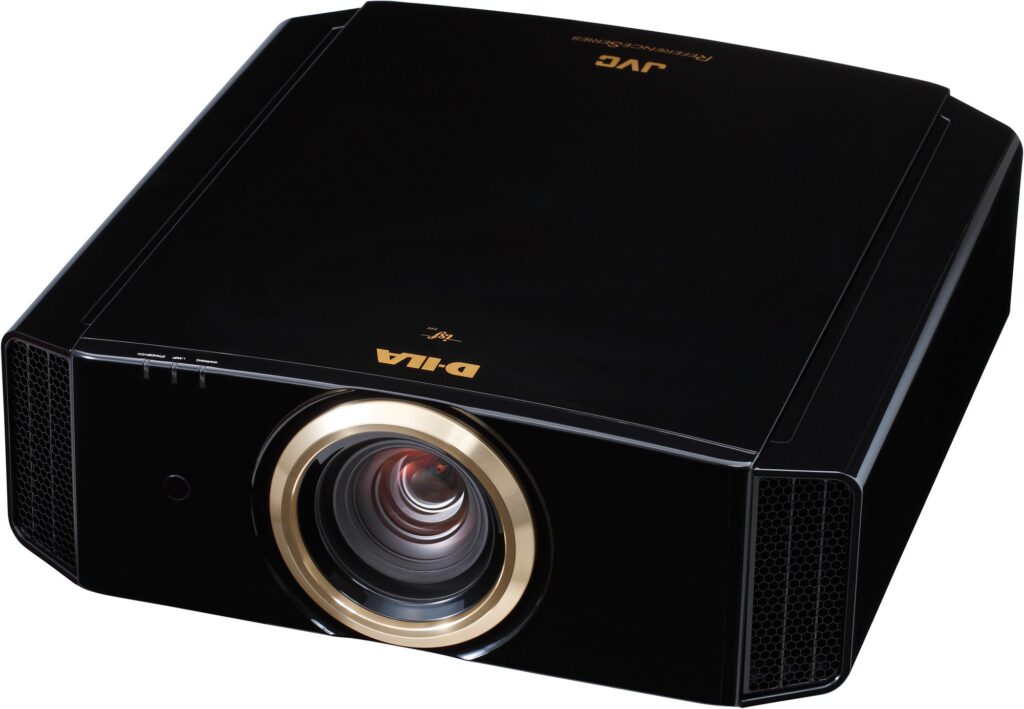
jvc home cinema projectorPhoto: JVCAmerica, CC BY 2.0, via Wikimedia Commons
02

Why does contrast matter so much in a dark room?

In a properly blacked-out cinema the screen is the only light source, so the darkest thing the projector can show sets the tone for everything else. A projector with weak native contrast turns the black bars above and below a widescreen film into dark grey, flattens night scenes, and leaves space films looking misty. Strong native contrast keeps those blacks genuinely black while bright highlights still stand out.

JVC adds processing on top of the hardware. Its Frame Adapt HDR analyses HDR content scene by scene and adjusts the picture in real time, and the latest version includes Deep Black Tone Control to hold dark areas down without losing detail. The NZ800 also supports HDR10+ and FILMMAKER MODE, which aim to keep the picture close to how it was graded. The result is a projector that rewards a room built to be dark, and a basement is often the easiest place to build one.

jvc home cinema projector
03

Planning a light-controlled room for a JVC projector

A JVC can only show the contrast the room allows it to. Light that leaves the screen bounces off pale walls, ceilings and even white seat fabric, comes back onto the screen and lifts the blacks. Planning a room for a JVC therefore starts with light, not with the projector:

  • Surfaces near the screen. Darker, matt finishes on the front third of the room, especially the ceiling and side walls closest to the screen, stop reflections washing over the image.
  • Lighting design. Step lights and low-level guide lights placed out of the screen's line, with Lutron scenes that can take every circuit to off.
  • Screen size and gain. Gain changes how bright the image looks from each seat. JVC's Theater Optimizer on the NZ800 uses the screen size and gain you enter to tune its HDR tone mapping, so we size the screen and the projector together. Our guide to screen size and viewing distance sets out the starting numbers.
  • Ventilation and noise. A dark basement cinema is also a quiet one, so the projector position and its airflow are planned to keep fan noise away from the seats.
Our work

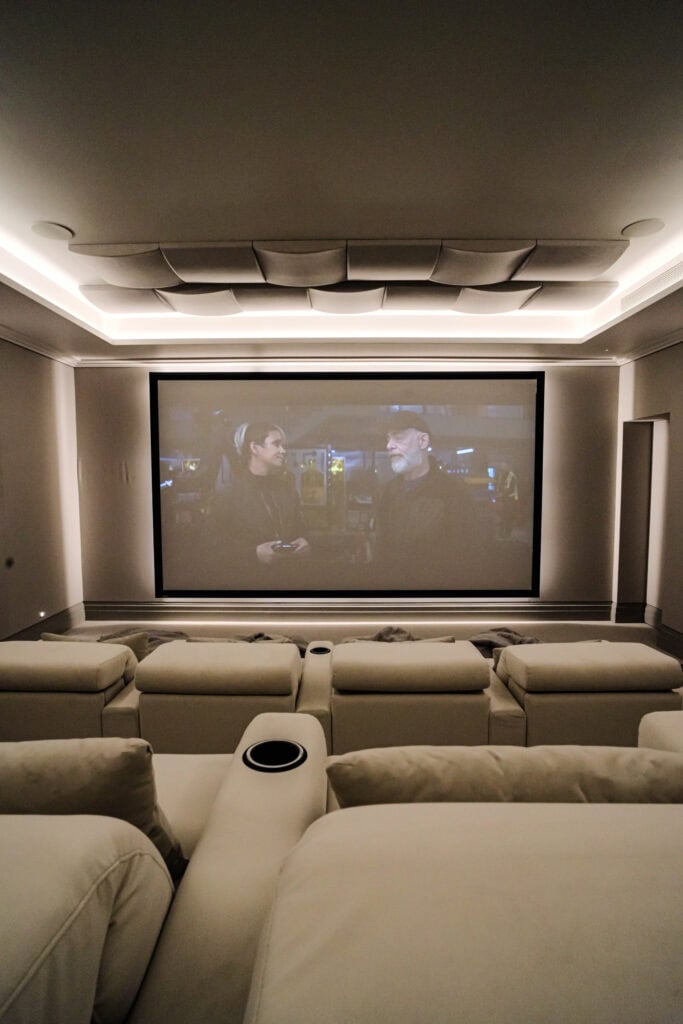
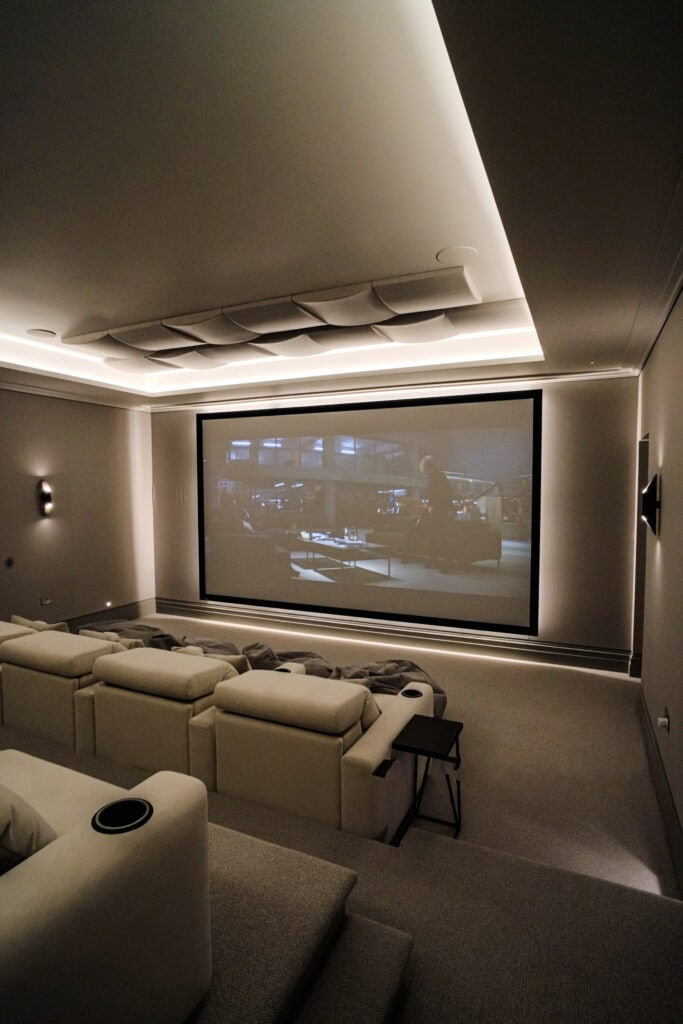
Roehampton Gate: a JVC laser projector in a 7 by 8 metre basement

Our Roehampton Gate basement cinema was built as the main entertainment hub for a family of seven. The clients wanted a warm but luxurious room with cinema-level performance from every seat, in a 7 by 8 metre basement.

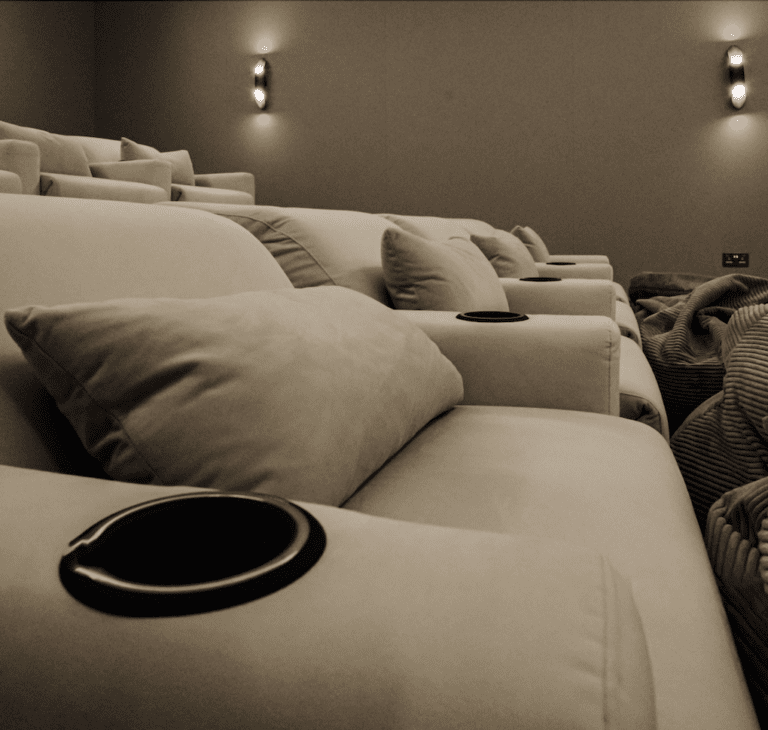
The clients chose a JVC laser projector, paired with a high-gain acoustically transparent screen. The sound is a 9.4 Dolby Atmos system, with nine ear-level speakers, four overhead channels and four subwoofers, driven by Anthem MRX Series processing and amplification. Bespoke Moovia seating in a soft neutral fabric faces the screen, and a fabric-panel wall system hides the speakers, the cabling and the acoustic treatment. Control4 runs the room and Lutron controls the lighting.

A basement is a natural home for a JVC, because daylight is easy to shut out and the projector's contrast is never wasted. Our basement cinema room guide covers the building side, and our home cinema installation in London page shows more of our work in the capital.

jvc home cinema projector
Integration

How does a JVC projector work with Control4 and Lutron?

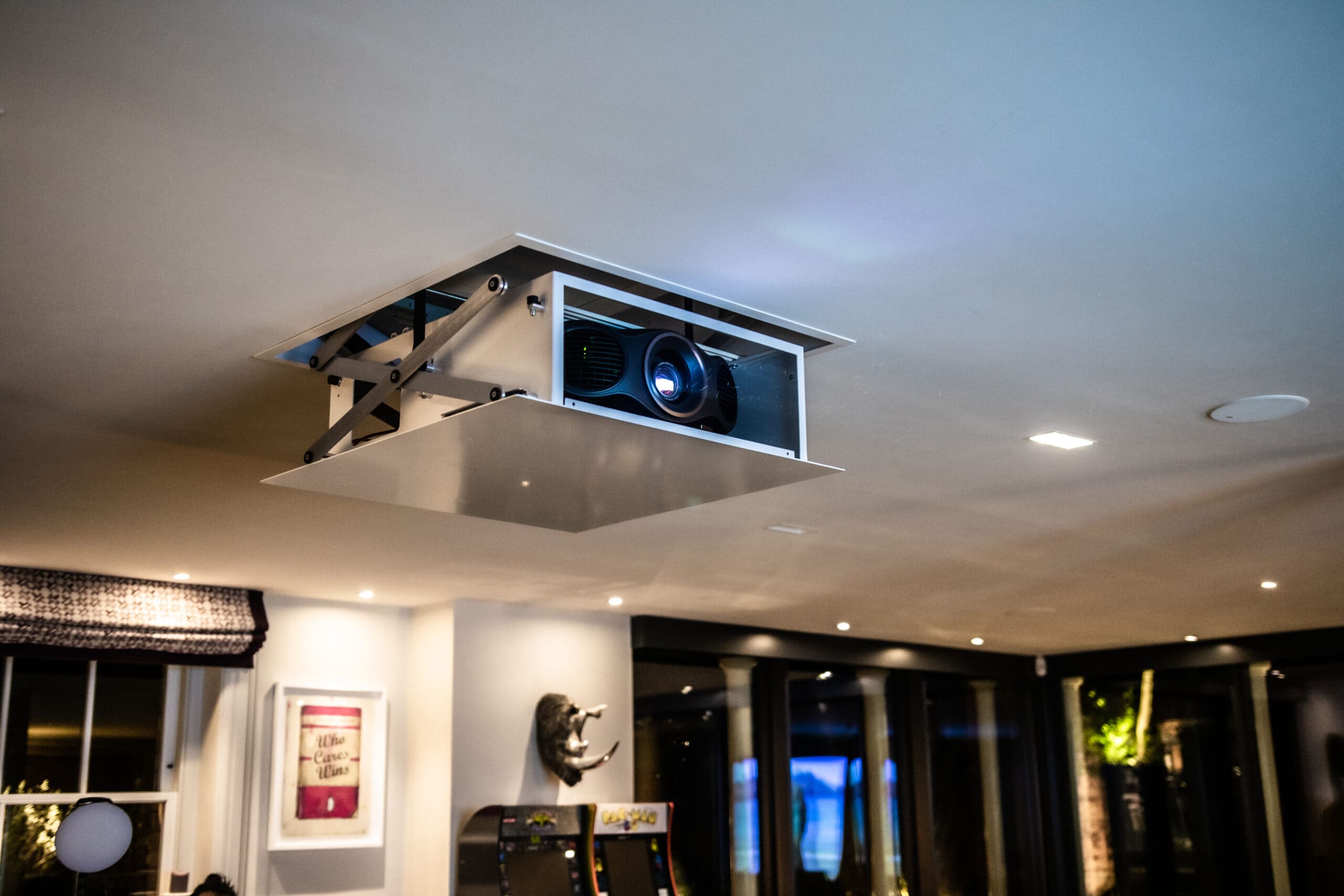
JVC's current projectors are built to sit inside a controlled system. The NZ500, NZ800 and NZ900 specifications all list Control4 SDDP, so a Control4 system can find the projector on the network, and all three have a LAN connection. The NZ800 and NZ900 add an RS-232C port and a 12V trigger output, which can drive a motorised screen or masking. We are a Control4 Platinum dealer, and those connections are how we make the projector part of the room's routine rather than a separate device with its own remote.

In practice, pressing Film on the remote starts the projector warming up while the Lutron lighting dims gradually, so the room is dark by the time the picture appears. JVC lets you store installation modes covering lens position, masking and aspect ratio, which means a 2.40:1 epic and a 16:9 concert can each fill the screen correctly. When the credits roll, the lights rise slowly while the projector cools down. Our guide on how to plan lighting scenes explains how we time those changes.

Already own JVC?

Already have a JVC projector? We can help

If your JVC projector was set up by another installer, or has not been looked at for a while, the picture may have drifted away from what suits the screen and the room it now sits in. We can recalibrate it: the NZ800 has an auto-calibration function that uses an optical sensor, and JVC publishes its own calibration software. We can also set up or correct the stored installation modes after a new screen arrives or a room moves from 16:9 to 2.40:1, and bring the projector into Control4 so it starts with the Lutron lighting rather than on its own remote.

If you own an older lamp-based D-ILA model, JVC still lists replacement lamps for earlier projectors, so there is no rush to move to laser, and we can talk through when an upgrade makes sense. If you are moving house or building a new cinema, we can take the projector down and align it again in the new room. Our takeover and maintenance work covers systems we did not originally install, while repairs and warranty work remain with JVC.

Ask about your system Call 020 3397 9888

We also look after systems installed by other companies. See takeover and maintenance.

Compare

JVC vs Sony projector: which suits your room?

JVC and Sony both make native 4K home cinema projectors, and both are excellent. The differences that decide it for a particular room are:

  • Black level. What Hi-Fi found JVC's D-ILA projectors, such as the DLA-NZ800, outperform Sony's BRAVIA Projector 9 on black level.
  • Brightness. The BRAVIA Projector 9 is brighter, and What Hi-Fi says that gives it more HDR impact overall.
  • Resolution. The NZ800 and NZ900 accept 8K signals and display an 8K image through e-shiftX; Sony's projectors are native 4K.
  • 3D. The NZ800 still supports 3D, which What Hi-Fi notes the BRAVIA Projector 9 does not.
  • Weight. What Hi-Fi lists the NZ800 at 23kg against 14kg for the BRAVIA Projector 8, which matters for a ceiling mount.

For a dark, dedicated cinema, JVC's contrast is hard to beat; for a brighter media room used for sport and gaming, our Sony page explains why Sony often suits better.

jvc home cinema projector
Our showroom

See and hear it before you decide

Visit our demonstration cinema and smart home showroom in Walton-on-Thames and try the technology for yourself.

“Fantastic service from Andy and Adrian, who installed a cinema room and full Sonos sound integration throughout my home. I would definitely recommend them! Their communication and professionalism were excellent from start to finish, and the cinema room they created was outstanding.”

C
Chris KiplingGoogle review

“We engaged AOI for the renovation of our period property in West London. A key requirement was a discreet, high-performance cinema arrangement that would blend seamlessly with the original character of the house, and they delivered exactly that.”

F
Fraser RobsonWest London

“We've worked with the team at Art of Integration on several high-end residential projects, where they've delivered Control4 smart home systems. From the initial design through to client handover and ongoing support, their attention to detail and level of service has been outstanding.”

A
Amanda HollisTrade partner
Questions

JVC: your questions answered

Anything else, call us on 020 3397 9888.

Is the JVC 8K projector true 8K?

The DLA-NZ800 and NZ900 use native 4K D-ILA chips. JVC's 8K/e-shiftX technology shifts each pixel by half a pixel in four directions to display an 8,192 by 4,320 image, and JVC lists 8K 60p input over HDMI for both. So the image is 8K in resolution on screen, built from native 4K chips rather than an 8K panel.

Does a JVC projector work with Control4?

Yes. JVC lists Control4 SDDP support in the specifications for current models such as the DLA-NZ500 and NZ800, so a Control4 system can find the projector on the network. With network control (plus RS-232C on the NZ800 and NZ900), we can make the projector part of a Film scene that dims the Lutron lights, sets the screen and starts the film together.

How bright are JVC laser projectors?

JVC rates its BLU-Escent laser at 2,000 lumens on the DLA-NZ500, 2,700 lumens on the NZ800 and 3,300 lumens on the NZ900, and quotes a 20,000 hour life for the NZ800 and NZ900. That is less than Sony's brightest model, but JVC's strength is native contrast, so these projectors are best in a dark, dedicated room where every lumen goes into the picture.

Can a JVC projector be calibrated at home?

Yes. The DLA-NZ800 has an auto-calibration function that uses an optical sensor, and JVC publishes its own calibration software. We use calibration after installing a projector, after a screen change, or when an older installation has drifted, so the picture matches your screen, your room and the way the lighting has been designed.

Do JVC projectors still support 3D?

The DLA-NZ800 does. JVC lists 3D capability in its specifications, with frame packing, side-by-side and top-and-bottom formats, and offers a 3D synchro emitter as an accessory. What Hi-Fi notes that Sony's BRAVIA Projector 9 dropped 3D, so if you have a collection of 3D films, this is a real point in JVC's favour.

What does D-ILA mean on a JVC projector?

D-ILA is JVC's name for its imaging chip technology. The DLA-NZ500, NZ800 and NZ900 each use three native 4K D-ILA chips, and the design is known for very high native contrast. JVC quotes 100,000:1 for the DLA-NZ800, which is why JVC projectors look so convincing in a fully dark room.

Get in touch

Talk to us about JVC

Planning a new room, or need help with a JVC system you already have? Tell us a little about it and a designer will come back to you.

  1. We call you backA quick conversation about your home, the room and your timings.
  2. Design consultationAt your home or in our Walton-on-Thames showroom, where you can see and hear the technology.
  3. Design and proposalA tailored design, with 3D visuals before you commit.

Request a free consultation

It takes less than a minute.

We will get back to you as soon as possible. We use your details to reply to your enquiry and keep them as described in our Privacy Policy.

JVC is a trademark of its owner. This page describes how we design with and install these products. Project photos are our own. Other images: Photo: JVCAmerica, CC BY 2.0, via Wikimedia Commons.