
A Control4 scene is one command that sets several things at once: lights, blinds, music, heating and security. The scenes worth setting up are the ones you would otherwise do by hand every day, such as Goodnight, Leaving, Welcome home, Film and Match day. Each can sit on a labelled keypad button, in the app or be triggered by voice.
Control4 describes scenes as a way for multiple devices to complete certain actions at the touch of a button, and uses Good Morning, Away, Welcome and Goodnight as its own examples (Control4). After years of programming them, we would add one rule: a scene should be named after what you are doing, not what the system is doing.
What is the difference between a scene, an automation and a routine?
The words get used loosely, so here is how we use them:
- A scene is something you trigger: press “Goodnight” and the house responds.
- An automation happens on its own when something else occurs. Control4’s When >> Then tool links a trigger to actions, for example when it is dusk, ramp the lights to 25% (Control4 When >> Then tips).
- A routine, in Control4’s current X4 software, is a ready-made scheduled automation you pick from a Routine Gallery, such as lights that follow sunset and sunrise. A Routine Timeline shows what is coming up, and you can run one immediately or skip it once (Control4 X4 release notes).
Most good systems use all three. Scenes handle the moments you choose, automations handle the moments you would forget.
Which Control4 scenes are worth setting up?
These are the everyday scenes we suggest to most clients.
Goodnight
One button by the bed or the stairs turns off everything downstairs, closes the blinds, sets the heating back and, if you have a compatible alarm and smart locks, arms the security and locks the doors.
Leaving home
By the front door: all lights and music off, heating to its away setting, blinds to a set position, alarm armed. If you are away for longer, Control4’s Mockupancy feature can replay your usual lighting, blinds and TV use at slightly randomised times so the house looks lived in (Control4 Mockupancy).
Welcome home
The reverse: hall and kitchen lights on at a comfortable level, heating back up and a favourite playlist starting. Set from the app on your way home, it means you never walk into a cold, dark house.
Morning
Blinds rise at wake-up time, lights come up gently in the kitchen, and the radio starts. On school days it can run by itself as a scheduled routine.
Film and match day
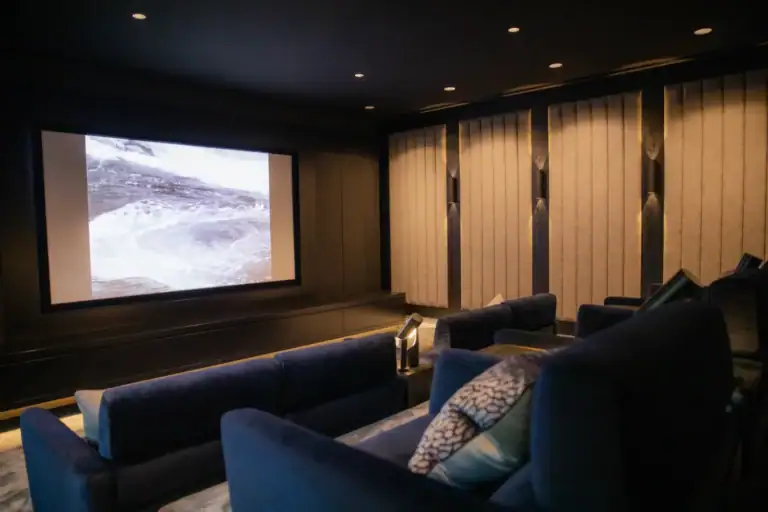
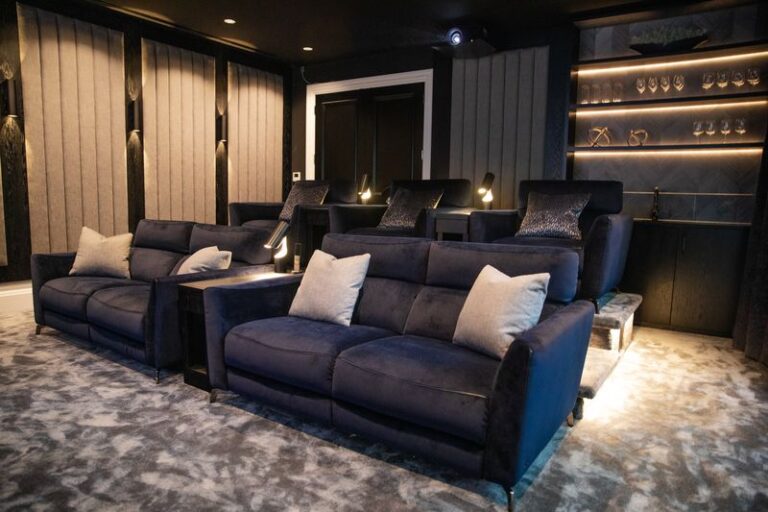
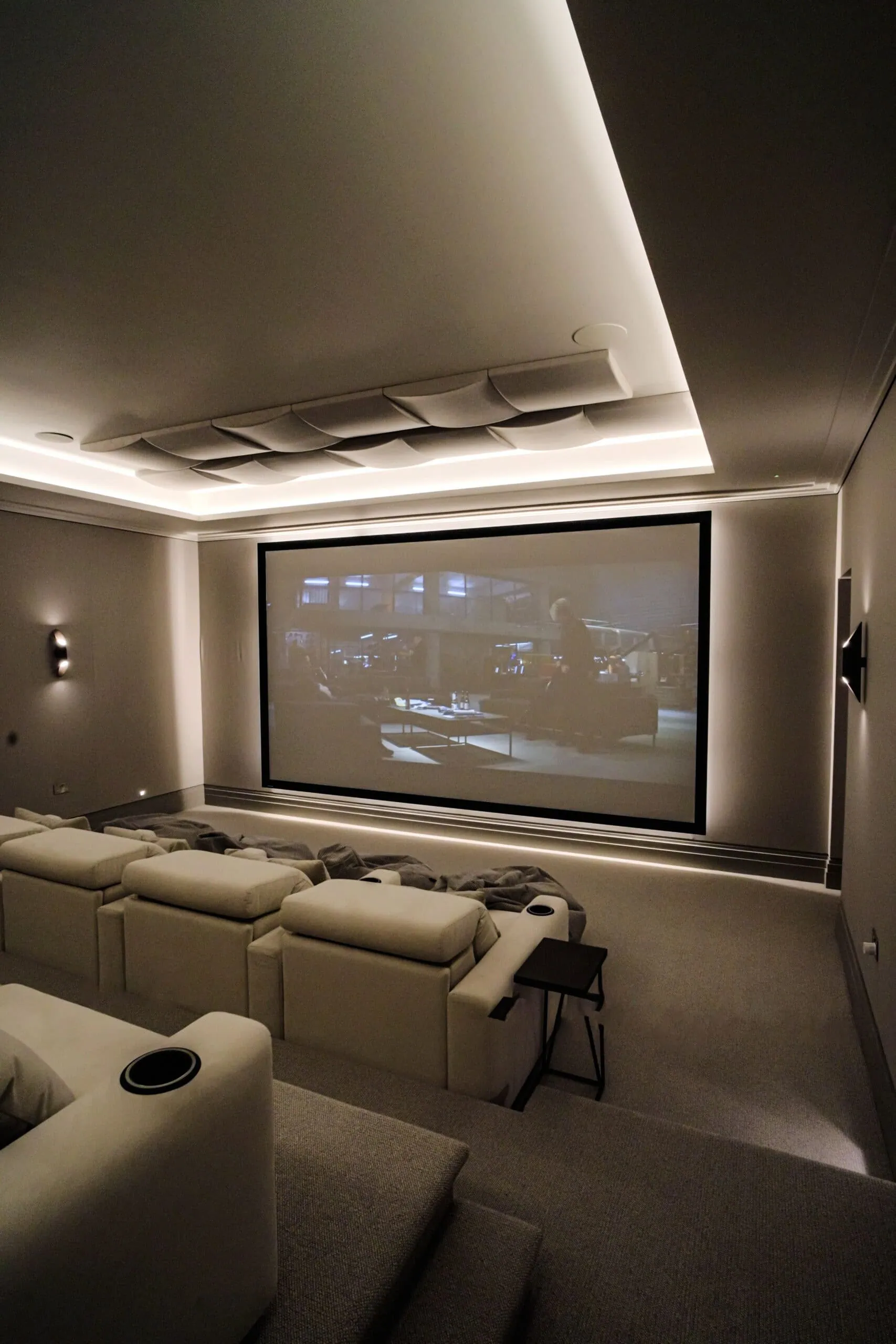
This is where cinema rooms and media rooms come alive. In our Oxshott cinema Control4 lighting lets the owner switch instantly between movie and sports modes, adjusting the AV, lighting and screen from one touch. In our Epsom media room and sports bar the family use one control pad to adjust the brightness and colour of the LED lighting, the AV and the blackout blinds.

Entertaining
Warmer lighting in the kitchen, dining room and garden, background music through the ground floor and the TV off. One press when the doorbell goes, one press to reset when everyone has left.
Which automations work without pressing anything?
The best automations are invisible. Control4’s own suggestions include these (Control4 When >> Then tips):
- Porch light on at dusk and off at dawn
- A notification on your phone when the door station detects motion
- A notification when the garage door has been left open
- A keypad LED that turns green when the front door is locked and red when it is not
- Kitchen blinds that open at dawn and close at dusk
X4 also includes a Safety Alarm routine in its gallery, which carries out recommended safety actions if a heat, smoke or carbon monoxide alarm triggers (Control4 X4 release notes). The Routine Gallery only shows routines that suit the devices in your home.

How do you decide what goes on a keypad?
A keypad is the one control everyone in the house will use, including guests, so we keep it simple. Our approach:
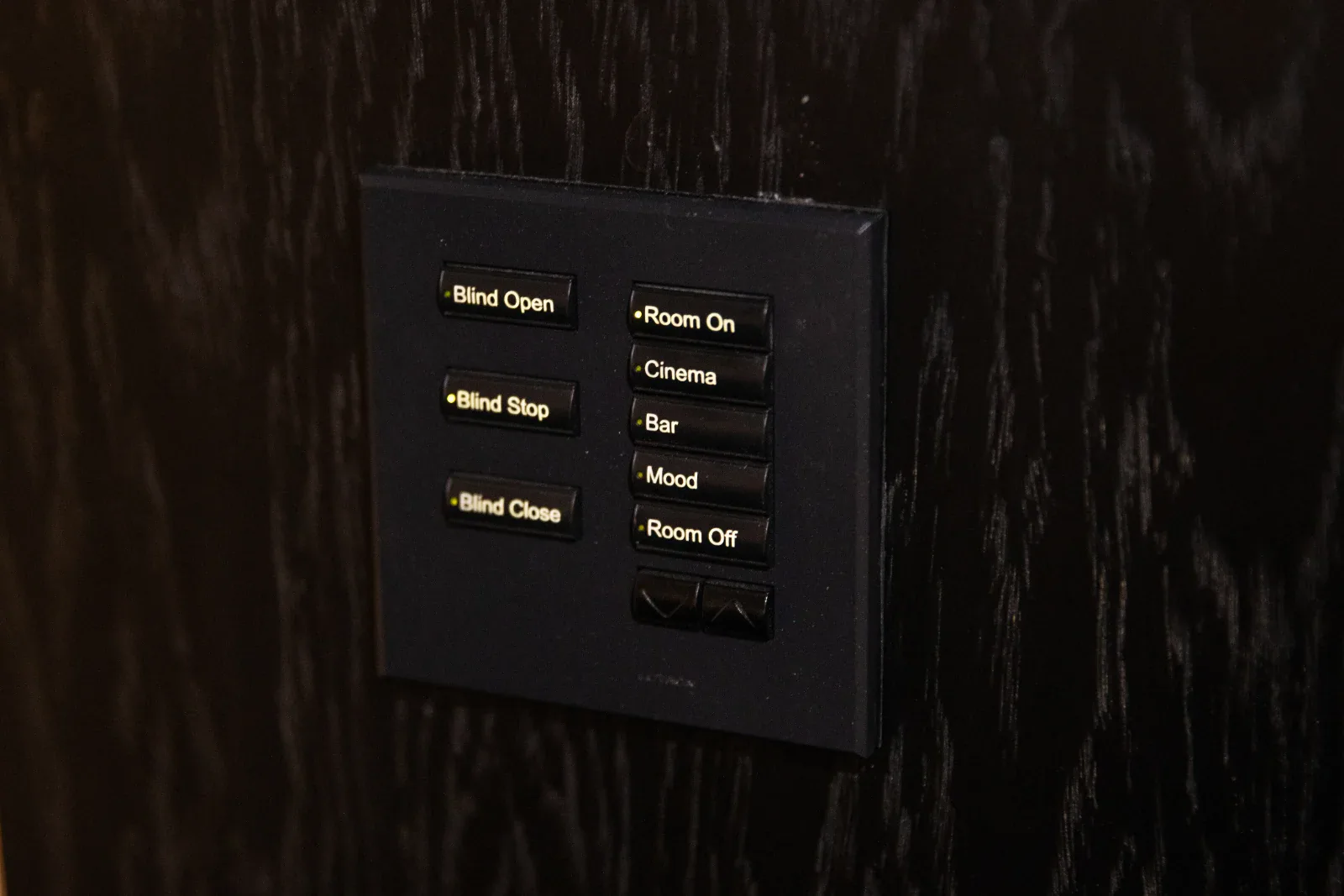
- Label buttons with what happens (“Cinema”, “Bar”, “Mood”, “Room off”), never with circuit names
- Put whole-house scenes by the front door and the bed, room scenes by each room’s door
- Keep a button for “all off” in every room
- Leave the rarely used settings to the app and touchscreens
The keypad pictured with this post shows the idea: blind open, stop and close, then Room on, Cinema, Bar, Mood and Room off. For more on planning the lighting side, see our guide on how to plan lighting scenes, room by room. Most of our projects pair Lutron lighting control with Control4, so the same scenes run the lighting, shading, audio and heating together.
Can you change your own Control4 scenes later?
Yes, within limits. Since OS 3, you have been able to create and edit lighting scenes in the Control4 app on iPhone and Android (Control4 OS 3 release notes). Control4 also says you can create basic automations by logging into your Control4 account, with no need to contact your dealer (Control4 automations). When >> Then personalisation is one of the features of the Control4 Connect subscription (Control4 services).
Bigger changes, such as a new room, new equipment or reworked programming, are best left to your dealer. When we install a system, our 12 month installation warranty covers any Control4 programming errors at no extra cost.
Scenes are where a Control4 system proves itself day to day. As the Guildford family who chose Control4 and Lutron with us put it: “The finished system is intuitive and easy to use, with lighting scenes and automation that work perfectly for family life.” (Turning Left For Less, Google review)
For the basics of the platform, read what Control4 is and how it works, and for voice control see Control4 vs Alexa, Google Home and Apple Home. Our Control4 smart home installation page covers how we design whole systems. Better still, press the buttons yourself: book a showroom visit.
Frequently asked questions
How many scenes should a Control4 system have?
Fewer than most people expect. A handful of whole-house scenes such as Goodnight, Leaving and Welcome home, plus two or three per main room, covers daily life, and anything used rarely can live in the app.
Can Alexa trigger a Control4 scene?
Yes. Control4’s user guide says Alexa can control lighting, comfort and smart home scenes throughout your home, and Control4 also works with Google Assistant and Siri.
Can a scene control blinds, heating and music as well as lights?
Yes. A Control4 scene can include lighting, blinds, heating, audio, video and security in one command, provided those systems are connected to your Control4 system.
Can I edit my own Control4 lighting scenes?
Yes. Since OS 3 you can create and edit lighting scenes in the Control4 app, and larger programming changes are handled by your dealer.
What is the difference between a scene and a routine in Control4 X4?
A scene is something you trigger yourself, while an X4 routine is a ready-made scheduled automation, such as lights that follow sunset, that runs on its own and appears on a Routine Timeline.